Quick Answer (15–30 Seconds)
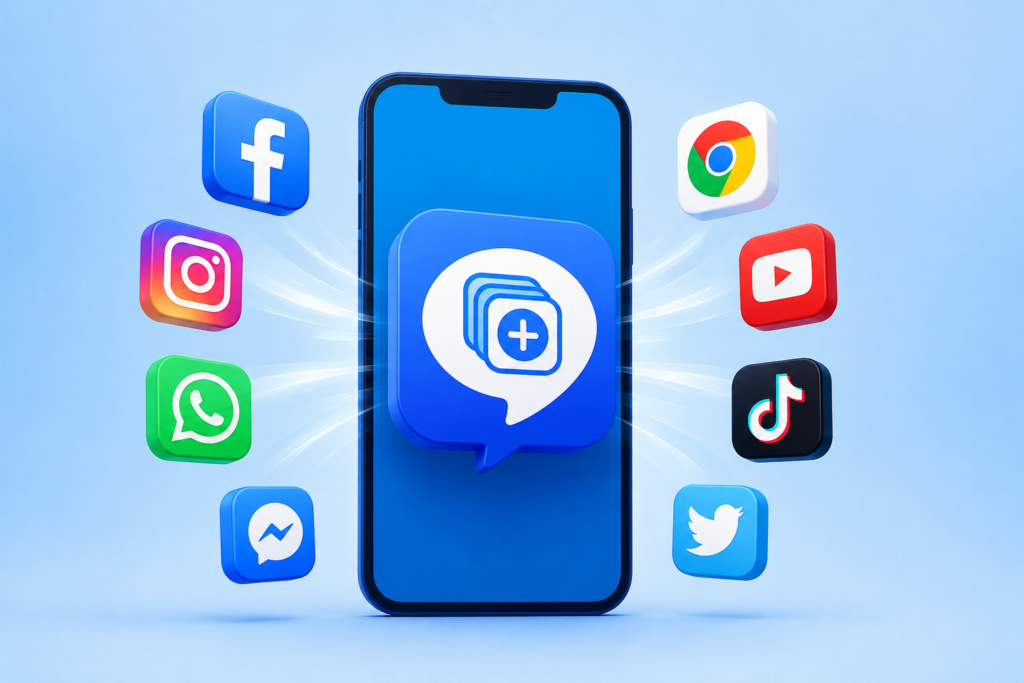
If you regularly switch between two WhatsApp accounts, multiple social media profiles, or separate work and personal apps, Dual Space: Multi App Clone offers a convenient way to keep them isolated without repeatedly logging in and out. Before installing, however, check whether your phone already includes a built-in app cloning feature, as that option may consume fewer resources and integrate better with your device.
Many Android users assume they need a second phone for a second account. In reality, app cloning tools create an isolated environment where another copy of a supported app can run independently.
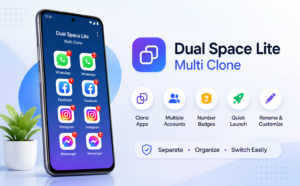
Dual Space belongs to this category. Rather than modifying the original application, it creates a separate workspace that allows another login for supported apps.
For users who juggle personal, business, gaming, or testing accounts, this can reduce constant account switching throughout the day.
Table of Contents
What Does Dual Space Actually Do?
Dual Space creates an independent virtual environment inside Android.
Instead of replacing your original app, it launches another instance that stores its own login information, settings, and local data.
This means you can have:
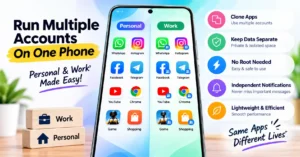
- Personal and work messaging accounts
- Two social media profiles
- Separate gaming accounts
- Different shopping accounts
- Independent productivity logins
The important point is that the cloned version behaves like a separate installation from the user’s perspective, even though both exist on the same device.
The Most Overlooked Benefit Isn’t Having Two Accounts
Most articles stop after saying “run two WhatsApp accounts.”
That is only one use.
A more valuable advantage is digital separation.
For example:
- Keep work notifications inside the cloned app and disable them after office hours.
- Use a separate shopping account to avoid mixing order history.
- Test app updates with another account before using your primary profile.
- Log into a client’s account temporarily without signing out of your own.
The result is less accidental mixing of personal and professional activities.
Why This Matters Today
Many online services no longer encourage frequent account switching.
Repeated sign-ins often trigger:
- Security verification
- OTP requests
- Captcha challenges
- Device verification
- Temporary login restrictions
Running two accounts simultaneously can reduce these interruptions because each account remains logged into its own environment.
Who Should Consider Using It?
Dual Space may be useful for:
- Small business owners managing customer accounts
- Freelancers handling client profiles
- Social media managers
- Mobile gamers using multiple game profiles
- Students separating college and personal accounts
- Users who carry both work and private messaging accounts
If you only use one account everywhere, you probably won’t benefit much from installing another app.
Before Installing, Check These Three Things First
Many users install cloning apps without realizing Android itself may already provide the same feature.
Before downloading:
1. Does Your Phone Already Support App Cloning?
Many manufacturers include built-in cloning.
Examples include:
- Samsung
- Xiaomi
- OnePlus
- OPPO
- vivo
- realme
- HONOR
The feature name varies by brand.
Using the built-in option often provides better battery optimization and system compatibility.
2. Does the App You Need Support Cloning?
Not every Android application behaves identically inside virtual environments.
Apps relying on:
- banking security
- enterprise authentication
- DRM
- hardware protection
may have restrictions or behave differently.
3. Do You Have Enough Storage?
Although the original application isn’t duplicated in the traditional sense, cloned environments still require additional storage for:
- account data
- cache
- downloaded media
- app databases
Large messaging apps can gradually consume significant storage over time.
Privacy Considerations Users Often Ignore
A cloned app creates another environment—not another phone.
This distinction matters.
Before storing sensitive information inside cloned apps, consider:
- what permissions the cloning app requests,
- whether the cloned app accesses contacts,
- notification behavior,
- storage access,
- backup policies.
Users should always review the Play Store permissions page and privacy policy before relying on any app for important personal or work data.
Performance Expectations
A common misconception is that cloned apps always perform exactly like normal apps.
Actual performance depends on:
- available RAM
- processor capability
- Android version
- battery optimization
- background process limits
Older phones with limited memory may experience slower switching or more aggressive background app closures.
One Practical Habit That Can Save Battery
Many people leave both copies of an app running continuously.
Instead:
- keep only the account you actively use running,
- close inactive cloned sessions when finished,
- disable unnecessary notifications for secondary accounts.
This simple habit often reduces background battery usage more than users expect.
Possible Limitations
Like most virtualization-based cloning solutions, users should be aware of potential drawbacks:
- Some apps may not function correctly.
- Background notifications may occasionally be delayed.
- Certain banking or security-sensitive apps may refuse to operate.
- Extra storage usage increases over time.
- Additional background processes can affect battery life on lower-end devices.
These issues are not unique to Dual Space—they are common considerations with many Android app cloning tools.
Is It Better Than Your Phone’s Built-In Clone Feature?
If your phone already includes an official cloning feature, that should generally be your first choice because it is optimized for your device.
Dual Space becomes more useful when:
- your phone lacks native cloning,
- you need broader compatibility,
- you require another isolated app environment beyond what your manufacturer provides.
Alternatives Worth Considering
Depending on your device, you may also look at:
- Android’s built-in App Clone or Dual Apps feature
- Shelter (for work-profile-based separation)
- Island
- Parallel Space
Each solution differs in compatibility, resource usage, and supported applications.
Is It Worth Installing?
For users managing multiple accounts every day, Dual Space can simplify routine tasks by reducing repeated logins and keeping accounts separate.
However, it is not essential for everyone.
If your Android phone already offers a reliable built-in app cloning feature, you may achieve similar results without installing another application.
The best choice depends on your device, the apps you use, and how important account separation is in your daily workflow.
Final Takeaway
Dual Space addresses a practical problem that many Android users encounter: managing multiple identities on a single device.
Its real value isn’t simply cloning apps—it helps organize digital life by separating work, personal, gaming, or testing environments. Before installing, compare it with your phone’s native cloning feature, review permissions carefully, and ensure your device has enough storage and memory for an additional app environment.
For users without built-in app cloning, it can be a useful productivity tool. For others, Android’s native solution may already be sufficient.
Frequently Asked Questions
Is Dual Space free to use?
The app offers a free version, though some features may require in-app purchases depending on the developer’s current offering.
Does it require root access?
No. According to the official Play Store information, it works without rooting supported Android devices.
Can I use two WhatsApp accounts with it?
If WhatsApp and your device support the setup, Dual Space can help run separate accounts. Users should also check whether their phone already provides an official dual-app feature.
Is my original app affected?
No. The cloned environment is intended to operate independently from the original app installation.
Will it work on every Android phone?
Compatibility varies depending on Android version, manufacturer restrictions, and the specific apps you want to clone.
Can banking apps be cloned?
Some banking and security-focused apps may not function properly inside virtual environments due to security protections.
Does using cloned apps consume more battery?
Running multiple instances of apps can increase RAM usage, background activity, and battery consumption, especially on entry-level devices.
Editorial Disclosure
IndShorts.com publishes independent app news, mobile technology guides, and informational content. We are not affiliated with Google Play, Apple, or the developers of apps discussed unless explicitly stated. App names, logos, trademarks, and related assets belong to their respective owners. Features, availability, pricing, permissions, and privacy policies may change over time. Readers should verify important details through the official Google Play listing and the developer’s published information before installing or using any application.
Related Apps & Guides
Calls Voice Changer: How Works and What to Check Before Paying
October 22, 2026 • Read MoreDevotional Wallpapers and Ringtones for Android
October 20, 2026 • Read MoreWhat Is a Mobile Vault App? How Photo & Video Vaults Really Work
October 15, 2026 • Read MoreNavratri Vibe: What to Check Before Installing
October 13, 2026 • Read MoreBattery Charging Animation: 7 Checks for Android Users
October 9, 2026 • Read MoreWhat Are VoIP and SMS Services?
October 8, 2026 • Read More✍️ About the Author – M Raj
Every website article I write is for the benefit of users (viewers). I focus on fully meeting the needs of article visitors and ensuring they are satisfied. All articles are created following Google’s article policy (Publisher Center guidelines). To get in touch, email M Raj at mraj@indshorts.com.
🧾 Editorial Standards
For corrections or clarifications, contact M Raj: keyboardtamil17@gmail.com