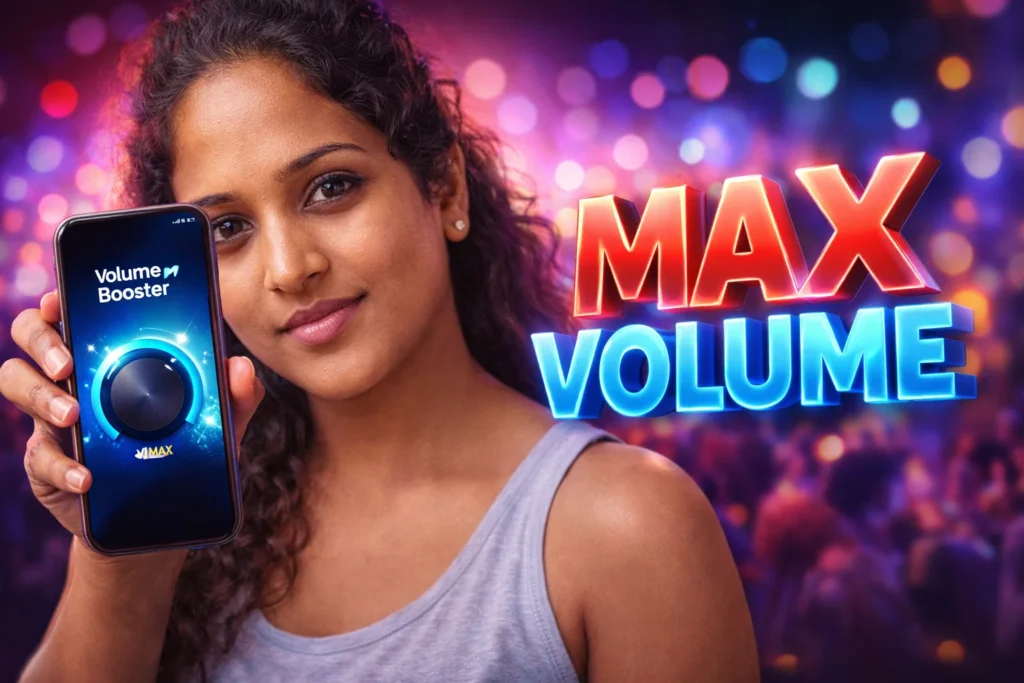
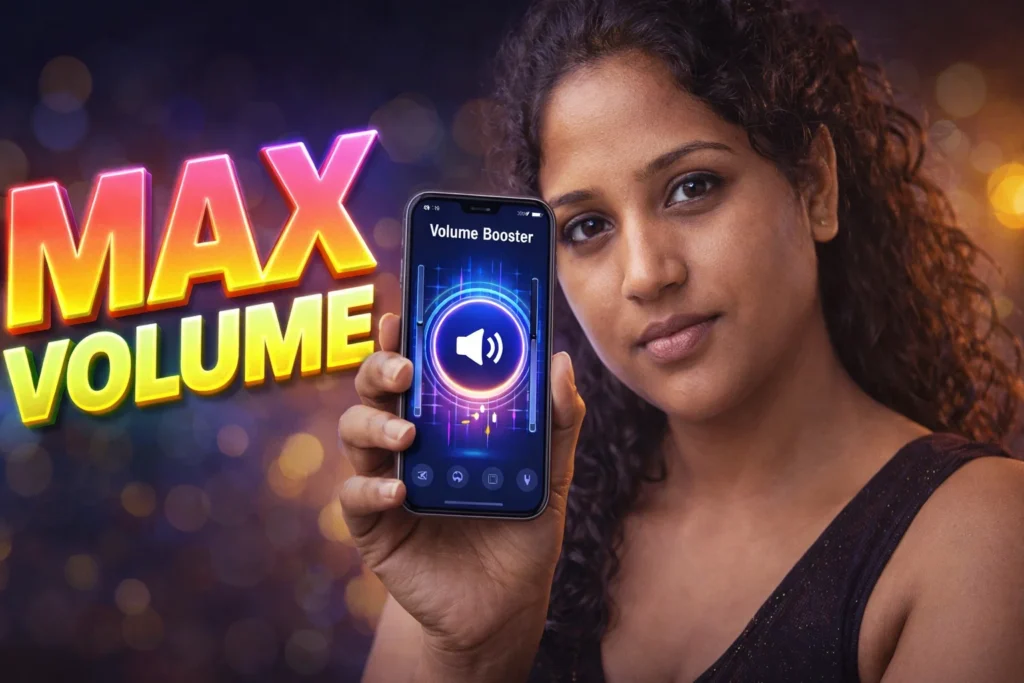
Many Android users feel that their phone speaker is not loud enough for music, videos, games, or calls. Because of this, volume booster apps remain popular in 2026. These apps try to make the phone sound louder by adjusting the audio levels beyond the normal Android setting.
A Volume Booster app can sometimes make music, speaker sound, or headphones seem louder. However, these apps do not create new speaker power. They only increase the audio signal already being sent to the speaker or headphones.
Quick Overview
| Feature | Details |
|---|---|
| Main Purpose | Increase audio volume on Android |
| Works With | Speaker, headphones, Bluetooth |
| Common Use | Music, videos, games, calls |
| Extra Features | Bass boost, equalizer, presets |
| Internet Needed | No |
| Main Limitation | Cannot increase hardware power |
| Suitable For | Users who want slightly louder sound |
What a Volume Booster App Is Used For
These apps are mainly used when the phone sounds too quiet.
Users often install them to:
- make music louder
- improve movie volume
- increase game sound
- boost Bluetooth speaker sound
- make voice calls easier to hear
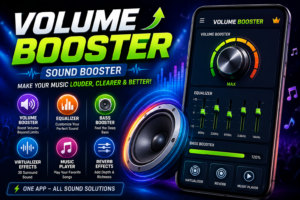
Many volume booster apps also include:
- bass boost
- equalizer
- sound presets
- speaker cleaner mode
This allows users to adjust the sound differently for music, headphones, or speakers.
How Volume Booster Apps Work
Step 1: Open the App
When the app starts, it usually shows:
- volume slider
- boost percentage
- bass control
- equalizer settings
Step 2: Increase the Volume
Most apps allow you to raise the sound level above the normal Android setting.
For example:
- 110%
- 150%
- 200%
However, these numbers do not mean the speaker becomes twice as powerful. They only increase the audio signal.
Step 3: Use With Speaker, Headphones, or Bluetooth
Volume booster apps can work with:
- built-in phone speaker
- wired headphones
- Bluetooth speaker
- Bluetooth earphones
Most users notice the biggest difference when using headphones or an external speaker.
The Reality: What Works and What Does Not
What Works Well
Volume booster apps may help if:
- your phone sounds slightly too quiet
- you use headphones
- your Bluetooth speaker has low volume
- you want stronger bass or clearer sound
They can make audio seem louder and more powerful, especially with headphones.
What Does Not Work Well
These apps cannot:
- repair a damaged speaker
- make a weak phone speaker become extremely loud
- permanently improve hardware
If your phone speaker is blocked by water, dust, or damage, a volume booster app may not help at all.
Apps claiming “300% louder” or “500% louder” usually exaggerate. In reality, the difference is often small to moderate. Audio experts note that pushing sound too high can create distortion instead of better sound.
Why Users Install Volume Booster Apps in 2026
1. Phones Are Thinner
Modern phones are thinner, so some speakers do not sound as loud as users expect.
2. Streaming Apps Often Sound Quiet
Different music and video apps use different volume levels.
3. Bluetooth Devices Need More Control
Many users now listen through:
- Bluetooth speakers
- wireless earbuds
- car audio systems
A volume booster app gives extra control over these devices.
Important Limitations and Risks
Before using a volume booster app, users should know:
- very high volume may damage hearing
- long-term use at maximum level may damage speakers
- some apps show many ads
- some free apps ask for unnecessary permissions
If the sound becomes distorted, lower the boost immediately.
Experts recommend avoiding maximum volume for long periods, especially with earphones.
Who Should Use This App
Suitable for
- users with slightly low speaker volume
- people using headphones or Bluetooth speakers
- users wanting more bass and equalizer settings
Not suitable for
- users with broken speakers
- people expecting a major hardware upgrade
- users sensitive to distorted sound
Decision / Recommendation Table
| Situation | Recommended? | Reason |
|---|---|---|
| Music sounds slightly too quiet | Yes | Volume booster may help |
| Using headphones or Bluetooth speaker | Yes | Works better than phone speaker |
| Speaker is damaged or muffled | No | App cannot repair hardware |
| Want much louder sound forever | Not ideal | Too much boost causes distortion |
| Need stronger bass also | Yes | Many apps include bass boost |
Reader Recommendation (Simple Decision)
If your phone or headphones sound slightly too quiet, you can try Volume Booster.
Use moderate settings first, because very high boost can reduce sound quality.
How to Uninstall
If you no longer want the app:
- Open the app and turn off any active boost settings
- Go to Android Settings
- Open Apps
- Select the volume booster app
- Tap Uninstall
After uninstalling, your phone returns to the normal Android sound settings.
Final Thoughts
Volume Booster App for Android 2026 can help make music, videos, and calls sound a little louder, especially with headphones and Bluetooth devices. However, these apps do not increase the actual power of the speaker.
They are useful for small improvements, but they should be used carefully to avoid distortion, hearing problems, or speaker damage.
Related Apps & Guides
Calls Voice Changer: How Works and What to Check Before Paying
October 22, 2026 • Read MoreDevotional Wallpapers and Ringtones for Android
October 20, 2026 • Read MoreWhat Is a Mobile Vault App? How Photo & Video Vaults Really Work
October 15, 2026 • Read MoreNavratri Vibe: What to Check Before Installing
October 13, 2026 • Read MoreBattery Charging Animation: 7 Checks for Android Users
October 9, 2026 • Read MoreWhat Are VoIP and SMS Services?
October 8, 2026 • Read More✍️ About the Author – M Raj
Every website article I write is for the benefit of users (viewers). I focus on fully meeting the needs of article visitors and ensuring they are satisfied. All articles are created following Google’s article policy (Publisher Center guidelines). To get in touch, email M Raj at mraj@indshorts.com.
🧾 Editorial Standards
For corrections or clarifications, contact M Raj: keyboardtamil17@gmail.com