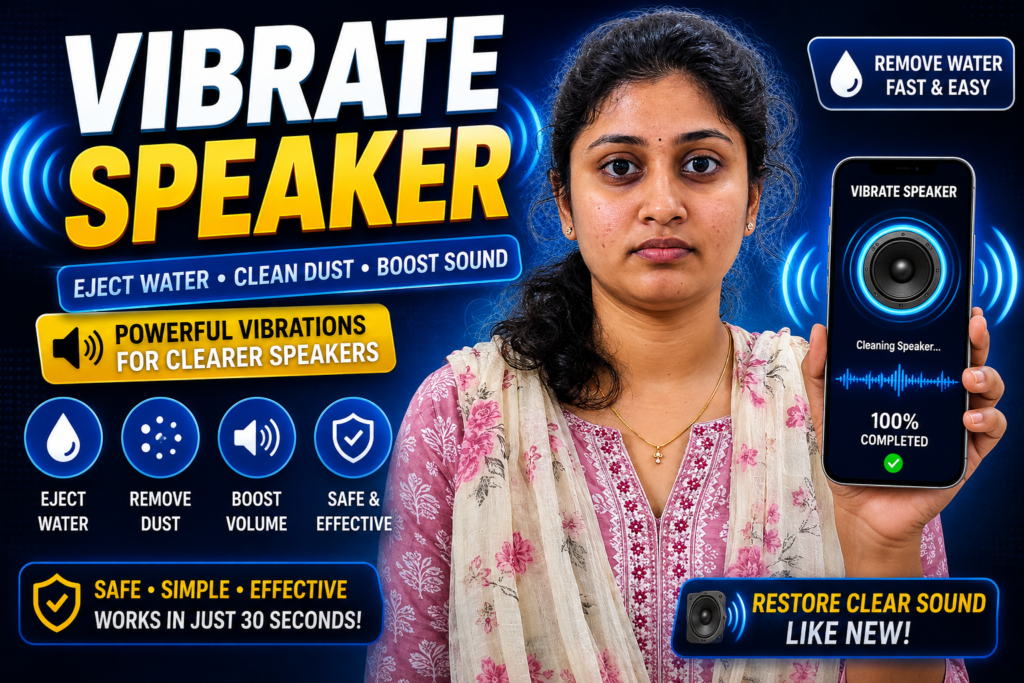
Water inside a phone speaker can create muffled sound, low volume, buzzing, or distorted audio. That is why many users search for Fix My Speakers – Eject Water From Your Phone’s Speakers 2026 after dropping a phone in water, using it in rain, or exposing it to moisture.
Apps and tools called “Fix My Speakers” use special sound frequencies designed to create vibrations that may help push trapped water droplets outward from the speaker area. Similar sound-based water ejection ideas are used in products like smartwatches and speaker cleaning tools.
This guide explains what it is, how it works, real expectations, and what many articles do not tell users.
What Is It?
Fix My Speakers is a speaker cleaning tool that plays carefully tuned sound frequencies and vibration patterns to help remove water and sometimes dust from phone speakers.
Its goal is simple:
- improve muffled sound
- push moisture outward
- restore clearer audio
- help remove tiny debris
It is a software-based method and does not physically open your phone.
Why People Use It
Users usually try it after:
- dropping a phone in water
- using a phone during rain
- hearing crackling speaker sound
- experiencing lower speaker volume
- noticing audio distortion
Even water-resistant phones can temporarily sound weaker after moisture enters speaker openings.
How It Works (Simple Explanation)
The app plays specific sound frequencies at strong vibration levels.
Those vibrations create air movement inside the speaker chamber that may shake loose small water droplets trapped behind the speaker grill.
Usually users:
- Increase phone volume
- Place phone on a flat surface
- Start cleaning sound
- Wait 15–30 seconds
- Test speaker again
Many tools allow repeating the cycle if needed.
Real Benefits
This type of tool may help:
✔ improve muffled sound
✔ remove light moisture
✔ avoid manual poking or unsafe cleaning
✔ work quickly
✔ require no hardware opening
Users often notice small improvements after one cycle.

Things Most Users Miss
This is important:
Speaker cleaning sounds are not magic repairs.
Tests and expert opinions suggest sound vibration can help eject some water droplets, but it cannot completely fix full water damage inside the phone.
Water inside:
- charging ports
- SIM areas
- internal hardware
may still remain.
Safety Notes
Install apps only from the official Google Play.
Avoid:
- unofficial APK files
- fake “100% repair” promises
- suspicious permissions
- modified app versions
Also avoid:
✘ inserting pins into speaker holes
✘ using hair dryers with heat
✘ shaking phones aggressively
Common Mistakes Users Make
Many users:
- run sounds at low volume
- immediately charge wet phones
- assume one attempt fixes everything
- rely only on rice methods
Helpful tip many websites miss:
Dry the phone exterior first and remove the phone case before running speaker cleaning sounds.
Who Should Use This
This may help:
- users with muffled sound after water exposure
- users noticing reduced volume
- people wanting quick software-based speaker cleaning
Who Should Avoid It
You may avoid depending only on this if:
- phone fell into deep water
- sound disappeared completely
- charging port shows moisture warnings
- device has physical damage
Professional repair may still be necessary.
Optional App
You can try the official Play Store app:
It is designed around speaker cleaning and water ejection features.
How to Uninstall
- Open Settings
- Go to Apps
- Select app
- Tap Uninstall
No special steps are usually required.
Quick Decision Summary
Use it if:
✔ speaker sounds muffled after moisture
✔ audio quality dropped suddenly
✔ you want a quick cleaning attempt
Do not expect:
✘ complete water damage repair
✘ hardware fixes
✘ guaranteed results on severe damage
Conclusion
Fix My Speakers tools in 2026 can help push out small amounts of trapped water using sound vibration technology. But realistic expectations matter.
They may improve speaker clarity, but serious water damage still requires proper troubleshooting or repair.
Related Apps & Guides
Battery Charging Animation: 7 Checks for Android Users
October 9, 2026 • Read MoreWhat Are VoIP and SMS Services?
October 8, 2026 • Read MoreAndroid Car Launcher: SuperCar Launcher Explained
September 30, 2026 • Read MoreWallpaper for Girls: Is a Dedicated Aesthetic Wallpaper App Actually Useful?
September 25, 2026 • Read MoreClock Vault Hide Photos, Video: What to Know Before Trusting It With Private Files
September 20, 2026 • Read MoreClone Space-Dual Space: What Android Users Should Know Before Running Two Accounts on One Phone
September 16, 2026 • Read More✍️ About the Author – M Raj
Every website article I write is for the benefit of users (viewers). I focus on fully meeting the needs of article visitors and ensuring they are satisfied. All articles are created following Google’s article policy (Publisher Center guidelines). To get in touch, email M Raj at mraj@indshorts.com.
🧾 Editorial Standards
For corrections or clarifications, contact M Raj: keyboardtamil17@gmail.com