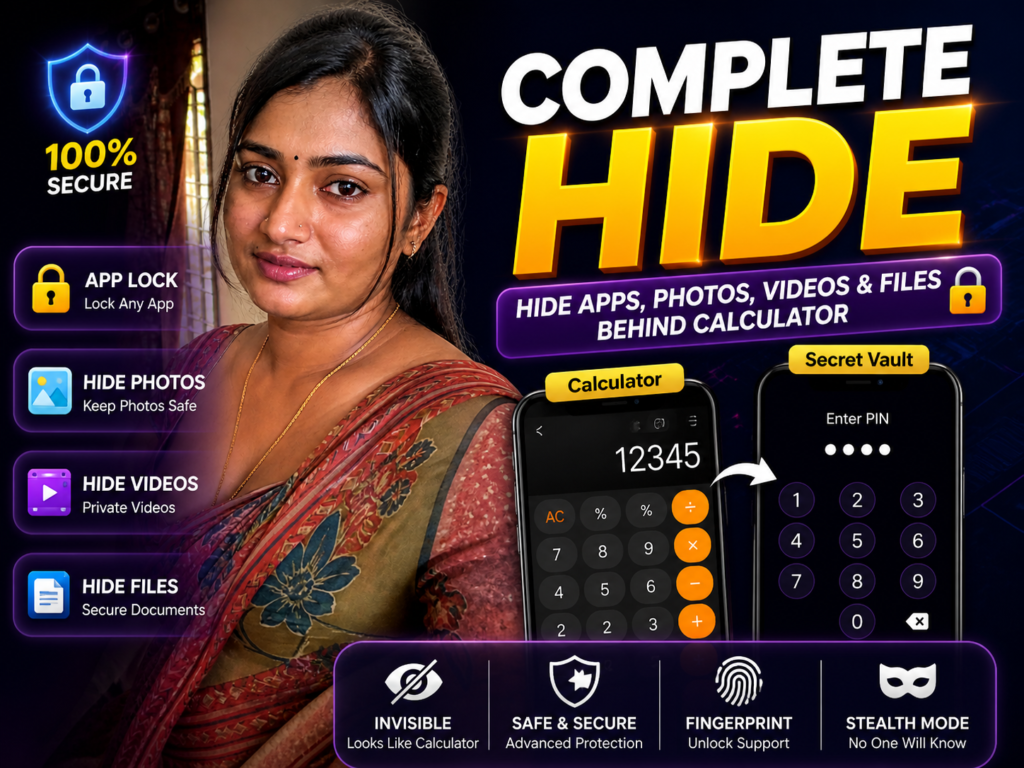
Many Android users want privacy but don’t want others to know they are hiding something. This is why calculator app lock apps are popular in 2026.
They look like a normal calculator—but inside, they work as a secret vault to hide apps, photos, videos, and files.
This guide explains how calculator lock apps really work, when they are useful, and what most users misunderstand.
What It Is
A calculator app lock is a privacy tool that looks like a normal calculator but hides a secret space behind a PIN.
Only when you enter the correct password, the hidden vault opens.
Inside, you can store:
- private photos and videos
- hidden apps
- documents and files
- notes and personal data
To others, it looks like a simple calculator app.
Why People Use It
Users install calculator lock apps mainly for privacy.
Common reasons include:
- hiding personal photos and videos
- locking WhatsApp, Instagram, or other apps
- protecting sensitive files
- keeping private data safe from others
- avoiding direct “app lock” visibility
These apps give a hidden layer of privacy.
How It Works (Simple Explanation)
After installing from the Google Play:
- the app appears as a normal calculator
- you enter a secret PIN
- it opens a hidden vault
Inside the vault, you can:
- move photos and videos
- hide apps
- lock selected apps
- store files securely
Most apps also use encryption to protect data and allow locking apps with PIN, pattern, or fingerprint.
Some apps even hide files completely so they don’t appear in the gallery or file manager.
Real Benefits
One major benefit is privacy without attention.

Unlike normal app lockers, this looks like a calculator, so others won’t suspect anything.
It also helps keep sensitive files safe by moving them into a hidden vault.
You can lock social media apps to prevent others from reading messages.
Some apps allow hiding multiple file types like photos, videos, and documents.
Limitations You Should Know
It cannot protect data if someone already knows your password.
If you uninstall the app without backup, hidden files may be lost.
Some apps may show ads or require premium features.
Heavy apps may slightly affect performance on low-end phones.
Also, these apps are not a replacement for full device security.
Safety and Privacy Notes
Always install from the official Google Play.
Avoid:
- unofficial APK downloads
- fake “100% secure” claims
- apps asking unnecessary permissions
Check:
- reviews
- developer details
- permissions
- update history
Privacy apps must be trustworthy.
Common Mistakes Users Make
Many users forget their vault password.
Some uninstall the app without exporting hidden files.
Others use too many vault apps at once, which creates confusion.
Some think this protects against hacking—it does not.
It is mainly for local privacy.
Who Should Use This
This is useful for:
- users who share phones with others
- people who want hidden privacy
- users storing personal photos/videos
- people locking social apps
- users needing simple private storage
Who Should Avoid It
You may avoid it if:
- you forget passwords easily
- you expect full device security
- your phone already has strong built-in app lock
Also note: newer Android versions may include built-in app lock features, reducing the need for third-party apps. (Android Central)
Optional App to Try
You can try Calculator Lock – App Lock & Photo Vault from the official Google Play.
Users use it for:
- hiding photos and videos
- locking apps
- creating a private vault
- protecting personal data
Official Play Store link:
Simple tip most users miss:
After hiding files, turn off auto-sync from gallery apps. This prevents hidden files from reappearing.
How to Uninstall
Before uninstalling:
- open the app
- restore all hidden files
Then:
- Go to Settings
- Open Apps
- Select the calculator lock app
- Tap Uninstall
Never uninstall without checking hidden files first.
Quick Decision Summary
Use it if:
✔ you want hidden privacy
✔ you share your phone
✔ you store personal files
✔ you want simple app locking
Avoid expecting:
✘ full security from hacking
✘ recovery if password is lost
✘ protection without setup
Conclusion
Calculator app lock apps in 2026 are useful for simple privacy—not for advanced security.
They help hide files and lock apps without drawing attention.
But real safety depends on how you use them.
Set a strong password, use trusted apps, and always keep backup.
That matters more than the app itself.
Related Apps & Guides
Clock Vault Hide Photos, Video: What to Know Before Trusting It With Private Files
September 20, 2026 • Read MoreClone Space-Dual Space: What Android Users Should Know Before Running Two Accounts on One Phone
September 16, 2026 • Read MoreTech Launcher for Android: What Hi-tech Circuit Launcher Actually Changes
September 6, 2026 • Read MoreCloud Free Storage: What Android Users Should Know Before Moving Their Photos
September 1, 2026 • Read MoreLists+ App: More Than a Phonebook, but Check Sync Limits and Data Access Before You Install
August 27, 2026 • Read MoreIncoming Screen Theme: Features, Privacy & What to Check
August 24, 2026 • Read More✍️ About the Author – M Raj
Every website article I write is for the benefit of users (viewers). I focus on fully meeting the needs of article visitors and ensuring they are satisfied. All articles are created following Google’s article policy (Publisher Center guidelines). To get in touch, email M Raj at mraj@indshorts.com.
🧾 Editorial Standards
For corrections or clarifications, contact M Raj: keyboardtamil17@gmail.com