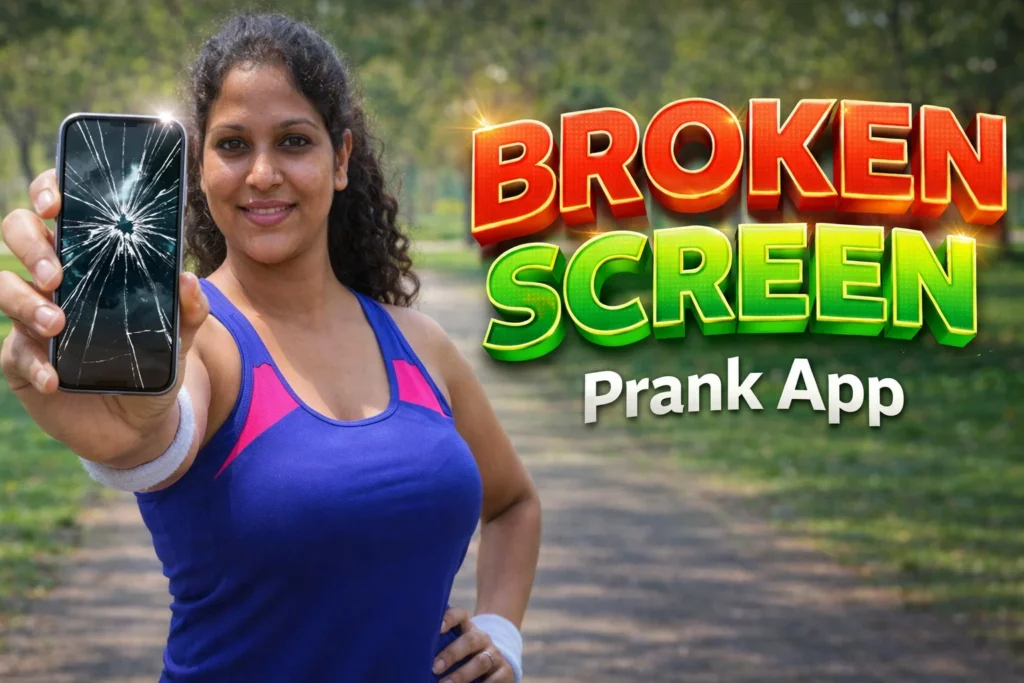
Many Android users install a Broken Screen Prank app to make the phone look cracked without causing any real damage. These apps are meant only for fun. They place a fake broken-glass effect on top of the screen so it appears as if the display is damaged.
In 2026, these apps remain popular because they are easy to use and can surprise friends or family for a few seconds. However, they do not repair or damage the phone. They only create an illusion. Broken screen prank apps simulate crack graphics, glass sounds, and sometimes fire or glitch effects when you touch or shake the phone.
Quick Overview
| Feature | Details |
|---|---|
| Main Purpose | Fake broken screen effect |
| Works By | Overlay on top of screen |
| Trigger Options | Touch, shake, timer |
| Internet Needed | No |
| Real Damage? | No |
| Extra Effects | Fire, glitch, electric sound |
| Suitable For | Harmless prank use |
What a Broken Screen Prank App Is Used For
These apps are mainly used to:
- make the screen appear cracked
- prank friends or family
- add fake breaking sounds
- create timer-based surprises
- show fake glitch or damaged screen effects
Some apps include multiple crack styles, fire effects, or green-line glitch effects to make the prank look more realistic.
How the App Works
Step 1: Choose a Crack Effect
After opening the app, you choose:
- cracked glass style
- broken LCD effect
- green lines or glitch effect
- fire or electric effect
Step 2: Select How the Prank Starts
Most apps allow different trigger methods:
- touch the screen
- shake the phone
- automatic timer
Some apps can crack the screen after 5, 10, or 15 seconds automatically.
Step 3: Overlay Appears on the Screen
The app places a fake crack image over everything else on the phone.
It may also play:
- glass breaking sound
- crack animation
- scary or glitch effect
The phone itself is still working normally.
Step 4: Remove the Fake Screen
Usually, you can remove the effect by:
- opening the app again
- tapping a notification
- shaking the phone a second time
Some users report that certain prank apps can become difficult to close until the phone is restarted.
The Real Truth
Broken screen prank apps do not damage the phone in any way. They only show a visual effect. Most apps clearly state that they are for entertainment only and cannot physically crack the display.
However, there are some things users should know:
- the effect may not look realistic on every phone
- some apps contain many ads
- older users or children may become upset by the prank
- some apps need “display over other apps” permission
Many apps require overlay permission so the fake crack can appear on top of other apps.


When This App Is Useful
These apps are useful when:
- you want a harmless joke
- you enjoy prank apps
- you want a temporary broken-screen effect
They are not useful if:
- your real screen is damaged
- you want to test the display
- you need actual phone repair
A broken screen prank app cannot fix or diagnose a real screen problem.
Who Should Use This App
Suitable for
- users who enjoy harmless pranks
- friends and family joke situations
- people wanting fake crack wallpaper
Not suitable for
- children who may become frightened
- users with already damaged phones
- people who dislike ads or popups
Decision / Recommendation Table
| Situation | Recommended? | Reason |
|---|---|---|
| Want a quick prank | Yes | Fake crack effect works |
| Need real screen repair | No | Only visual effect |
| Like touch or timer pranks | Yes | Multiple trigger options |
| Want an ad-free experience | Not ideal | Many apps include ads |
| Using an old phone | Maybe | Some effects may lag |
Reader Recommendation (Simple Decision)
If you want a simple fake cracked-screen effect for fun, you can try Broken Screen Prank.
Use it only as a harmless joke, because it does not damage or repair the phone.
Final Thoughts
Broken Screen Prank App for Android 2026 is mainly an entertainment app. It creates the illusion of a cracked screen by placing graphics and sound effects over the display. The real truth is that these apps are only for fun and do not affect the actual phone screen.
For most users, they are useful only as a quick prank and should not be confused with a real screen issue or repair tool.
Related Apps & Guides
Android Car Launcher: SuperCar Launcher Explained
September 30, 2026 • Read MoreWallpaper for Girls: Is a Dedicated Aesthetic Wallpaper App Actually Useful?
September 25, 2026 • Read MoreClock Vault Hide Photos, Video: What to Know Before Trusting It With Private Files
September 20, 2026 • Read MoreClone Space-Dual Space: What Android Users Should Know Before Running Two Accounts on One Phone
September 16, 2026 • Read MoreTech Launcher for Android: What Hi-tech Circuit Launcher Actually Changes
September 6, 2026 • Read MoreCloud Free Storage: What Android Users Should Know Before Moving Their Photos
September 1, 2026 • Read More✍️ About the Author – M Raj
Every website article I write is for the benefit of users (viewers). I focus on fully meeting the needs of article visitors and ensuring they are satisfied. All articles are created following Google’s article policy (Publisher Center guidelines). To get in touch, email M Raj at mraj@indshorts.com.
🧾 Editorial Standards
For corrections or clarifications, contact M Raj: keyboardtamil17@gmail.com