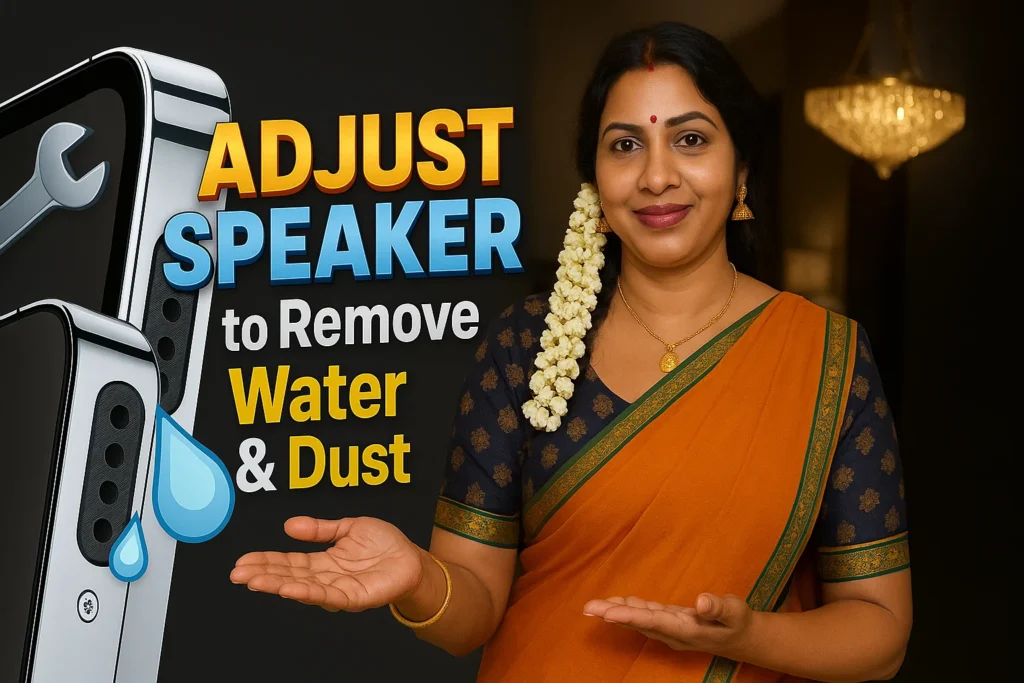
Ever dropped your phone in water or noticed your speaker sounds muffled?
Whether it’s water damage or dust buildup, the Fix My Speakers: Eject Water app helps you restore original sound quality by using sound frequencies and vibration cleaning.
🚨 Why Your Phone Speaker Sounds Muffled
If your phone:
- Fell into water
- Got wet in the rain
- Was exposed to dust or dirt
- Has low or distorted sound during calls
Then it’s time to clean your speakers safely using the Fix My Speakers app. No tools, no shop visit — just your phone.
📱 App Overview
| Feature | Details |
|---|---|
| App Name | Fix My Speakers: Eject Water |
| Offered By | Pen Ringtones |
| Downloads | 10,000+ |
| Release Date | July 1, 2024 |
| Support Email | pentone1999@gmail.com |
| Privacy Policy | View Here |
| Play Store Link | Open App |
⚙️ Features Designed for Sound Recovery
🔄 Auto Speaker Cleaning Mode
- Uses sound frequency waves to eject water
- Best for quick cleanups
- Safe for all Android devices
- Just turn the phone upside down and start
✋ Manual Cleaning Modes
- 3 Cleaning Levels for targeted results:
- ✅ Normal Mode – Light frequency for quick cleanup
- ✅ Gold Mode – Balanced cleanup for wet speakers
- ✅ Diamond Mode – Deep cleaning after water exposure
All use low, non-harmful frequencies to remove water effectively.
📳 Vibration Mode for Dust Cleaning
- Removes dirt from mic and speaker grills
- Boosts clarity in calls and voice recordings
- Especially helpful for users in dusty environments
🔊 Test & Verify Your Results
- Speaker Sound Test
- Mic Test
- Includes step-by-step User Guide for proper cleaning
🛠️ How to Use
- Download the app
- Choose Auto or Manual Mode
- Follow instructions to hold phone upside down
- Let the sound frequency work
- Test the speaker after cleaning
🔐 100% Safe & Google Policy Compliant
The app performs non-invasive, software-based cleaning and doesn’t require permissions that harm your privacy. Built following Google Play Developer Policies for user trust and device safety.
📈 Who Should Use This App?
- If your phone speaker is muffled or low after water damage
- If you’re a swimmer, diver, or outdoor worker
- If you want to boost speaker volume and remove dust buildup
- If you experience low call volume due to mic dust
This app is ideal for daily phone users who need clear sound, fast.
✅ FAQs – Fix My Speakers App
Q1: Can this app fix muffled sound after dropping the phone in water?
Yes. It uses sound-based cleaning to eject trapped water safely.
Q2: Does it work for all Android devices?
Yes. It’s compatible with most Android phones.
Q3: Is vibration mode safe for speakers?
Yes, it uses controlled vibration to remove dry dust and debris.
Q4: Can I damage my speaker using this app?
No. All frequencies used are tested to be non-damaging and safe for regular use.
📣 Final Thoughts – Fix Sound, Fast & Safely
With over 10,000+ downloads, this trusted speaker cleaner app helps you:
- 🧼 Remove water
- 💨 Clear dust
- 🔊 Boost audio
- 🛡️ Protect your speaker
Don’t risk permanent speaker damage. Download the app now and fix your phone sound in minutes.
👉 Get Fix My Speakers on Google Play

Related Apps & Guides
Voice Changer With Effects: Should You Try This Real-Time Voice Changer App?
July 6, 2026 • Read MoreHow to Hide a Folder on Android? A Practical Guide Using Piano Vault Hide Apps, Videos
July 6, 2026 • Read MoreVolume Booster: Sound Booster Support Guide – Help, FAQs & Troubleshooting
June 22, 2026 • Read MoreZipper Lock Screen & Themes in 2026
June 15, 2026 • Read MoreParallax 3D Live Wallpapers for Android: Features, Benefits, 3D Effects & Complete Guide 2026
June 9, 2026 • Read MoreTouch Fingerprint Live & Static 4K for Android: What It Is, Features, Benefits, and How It Works in 2026
May 30, 2026 • Read More✍️ About the Author – M Raj
Every website article I write is for the benefit of users (viewers). I focus on fully meeting the needs of article visitors and ensuring they are satisfied. All articles are created following Google’s article policy (Publisher Center guidelines). To get in touch, email M Raj at mraj@indshorts.com.
🧾 Editorial Standards
For corrections or clarifications, contact M Raj: keyboardtamil17@gmail.com