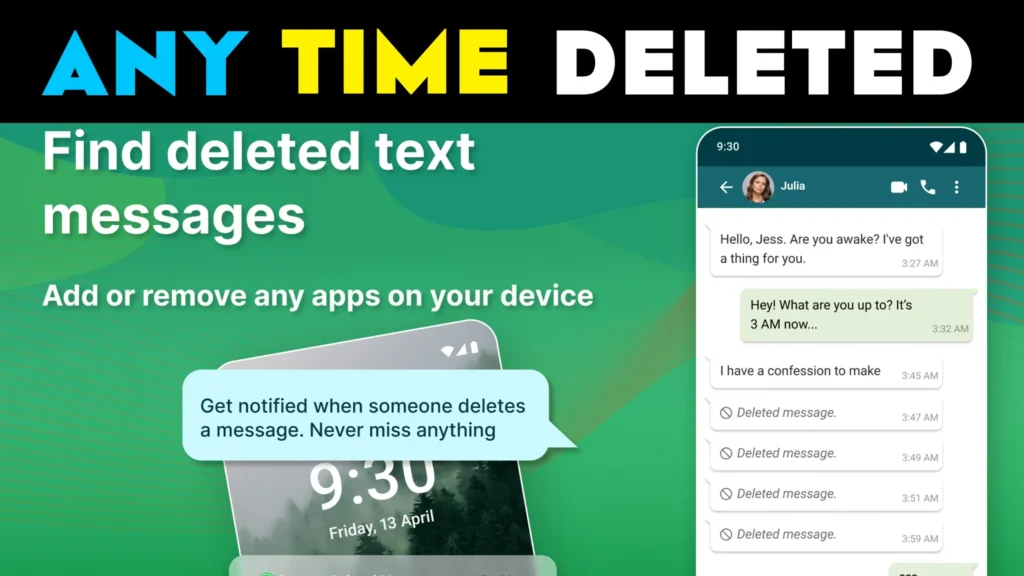
The Antidelete app, developed by isunny, is designed for Android users who want the ability to read deleted or edited WhatsApp messages, ensuring they don’t miss important information even after a message has been modified or removed by the sender. With a sleek, user-friendly interface, Antidelete provides essential features for monitoring changes in chats. Available exclusively on the Google Play Store, the app follows Google’s developer recommendations to ensure privacy and secure data handling.
Key Features of the Antidelete App
The Antidelete app offers several functionalities designed to enhance the WhatsApp experience by allowing users to access deleted or edited messages seamlessly. Here are the app’s core features:
| Feature | Description |
|---|---|
| Deleted and Edited Messages | Access messages that have been deleted or edited by the sender in WhatsApp or WhatsApp Business. |
| Read Without Blue Ticks | View messages without showing the “blue tick” read receipt, last seen, or online status to the sender. |
| Instant Notifications | Receive a real-time alert whenever a message is deleted or edited. |
| Simple and Intuitive Interface | Easily access all deleted and edited messages in one place. |
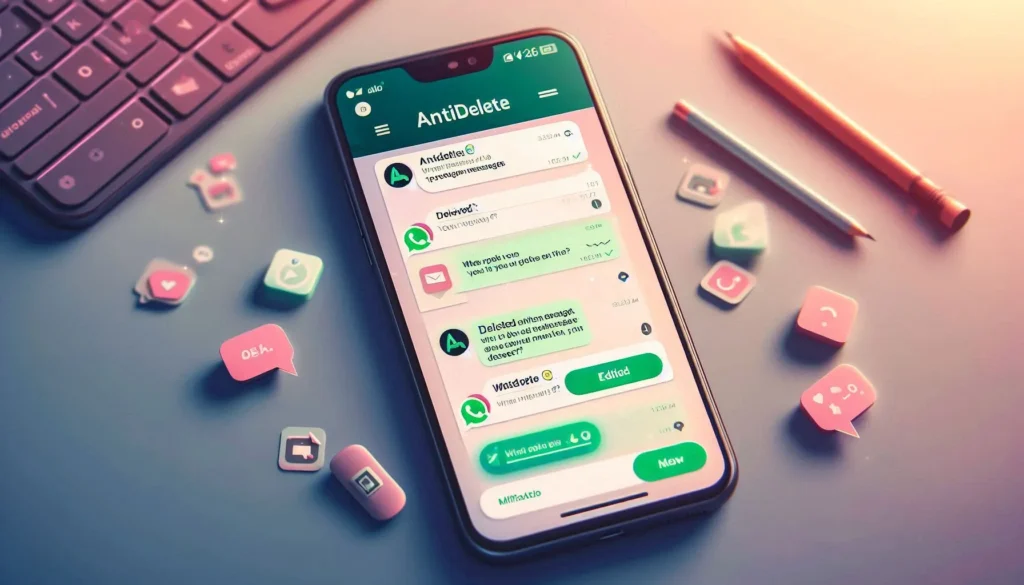
How It (Deleted Edited Msg) Works?
To get started with the Antidelete app and view deleted or edited messages, follow these steps:
- Install the Antidelete app from the Google Play Store.
- Open the app, then toggle the switch at the top right to start the service.
- Enable notification listener permissions, which are required for the app to track changes in notifications and store message history.
- After setup, the app will display “SERVICE RUNNING” to confirm it’s active.
- You’ll receive a notification each time a message is deleted or edited. Click on the notification to view the modified or removed message.
| Steps | Action |
|---|---|
| Download & Install | Get the app from Google Play Store and install it on your Android device. |
| Start the Service | Open the app and toggle the service switch to enable tracking. |
| Grant Permissions | Allow notification listener access to enable message monitoring. |
| View Messages | Access notifications to view deleted or edited WhatsApp messages. |
Supported Applications
The Antidelete app works seamlessly with the following applications:
- WhatsApp Messenger
- WhatsApp Business
Notes and Limitations
While Antidelete offers convenient access to deleted and edited messages, there are a few limitations to keep in mind:
- If a conversation is muted or notifications are entirely disabled, the app cannot track deleted or edited messages from that chat.
- Certain devices, especially Xiaomi, Oppo, Vivo, and Huawei, may restrict app activity in the background. To ensure consistent performance, users may need to whitelist Antidelete in their device’s battery optimization settings.
- Antidelete only saves messages after installation. It cannot recover previously deleted messages from before the app’s installation.
| Limitation | Explanation |
|---|---|
| Muted Conversations | Muted or entirely silenced notifications cannot be tracked. |
| Battery Optimization | For consistent performance, users may need to whitelist Antidelete on certain devices. |
| No Old Message Recovery | Messages deleted before installation cannot be recovered. |
| Media & Files | The app does not store or recover media, voice notes, audio files, videos, or documents. |
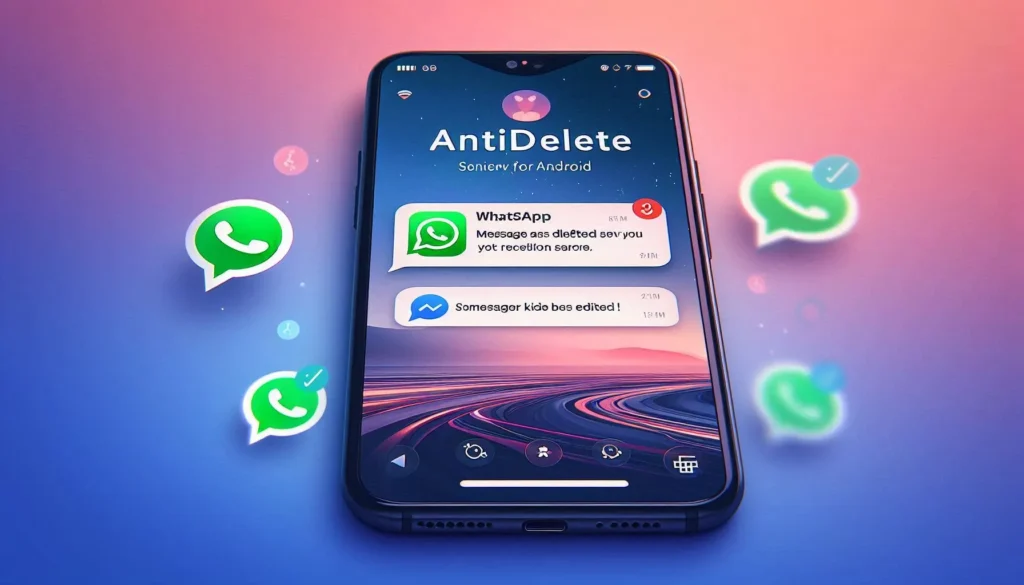
App Specifications & Installs
| Attribute | Details |
|---|---|
| App Name | Antidelete – Deleted Edited Msg App |
| Available On | Google Play Store |
| App Link | Download on Play Store |
| App Size | 18 MB |
| Downloads | 10M+ |
| Rating | Based on 18.2K reviews |
| Offered By | isunny |
| Release Date | January 1, 2018 |
| Last Update | July 17, 2024 |
FAQs: Common Questions about the Antidelete App
Q1: Can I use Antidelete without rooting my device?
A: Yes, the app works without root access, though notification permissions are required for full functionality.
Q2: Will the app track messages if I’m actively viewing the chat?
A: No, if you are actively viewing a conversation, Antidelete cannot detect deleted messages.
Q3: Is Antidelete compatible with all Android devices?
A: The app is designed to work across most Android devices; however, certain device models may require battery optimization adjustments for uninterrupted performance.
Q4: Does the app recover deleted media files?
A: No, the app only stores deleted and edited text messages. Media files such as photos, videos, or audio files cannot be recovered.
Q5: How do I restore my settings after reinstalling the app?
A: Users may need to set up the app permissions again after reinstallation, but the app does not currently support saving settings across installations.
Why Choose Antidelete?
The Antidelete app offers a straightforward solution for reading deleted and edited messages on WhatsApp. Key benefits include:
| Feature | Benefit |
|---|---|
| Easy Access | View deleted and edited messages in one convenient location. |
| User-Friendly Interface | Simple, intuitive setup for easy use and quick access. |
| Privacy and Security | Developed with secure data handling in compliance with Google’s developer policies. |
| One-Handed Accessibility | Designed for quick access to deleted and edited messages without additional effort. |
Antidelete is an ideal tool for users seeking a hassle-free way to read modified messages on WhatsApp without any extra technical requirements. Available on Android, the app’s ease of use and security features make it a top choice for millions of users globally.
Privacy and Compliance
The Antidelete app adheres to Google’s developer policies to ensure user privacy and secure data handling. This ensures that user data is protected while using the app. Users can review the app’s Privacy Policy for more details. For support inquiries, contact the developer at support@isunny.in.
Related Apps & Guides
Dual Space Lite: Multi Clone Explained – A Practical Guide to Managing Multiple App Accounts on Android
August 3, 2026 • Read MoreGlitter Wallpapers For Girls App: Should You Install It? A Practical Look at Features, Personalization, and What to Check First
August 3, 2026 • Read MoreSnappy Launcher 2 Explained: Should You Use This Futuristic Android Launcher?
July 21, 2026 • Read MoreDual Space: Multi App Clone Explained – Should You Use It on Android?
July 21, 2026 • Read MoreHow to View Deleted Messages on WhatsApp: What Actually Works (and Why Most Advice Online Is Incomplete)
July 16, 2026 • Read MoreVoice Changer With Effects: Should You Try This Real-Time Voice Changer App?
July 6, 2026 • Read More✍️ About the Author – M Raj
Every website article I write is for the benefit of users (viewers). I focus on fully meeting the needs of article visitors and ensuring they are satisfied. All articles are created following Google’s article policy (Publisher Center guidelines). To get in touch, email M Raj at mraj@indshorts.com.
🧾 Editorial Standards
For corrections or clarifications, contact M Raj: keyboardtamil17@gmail.com