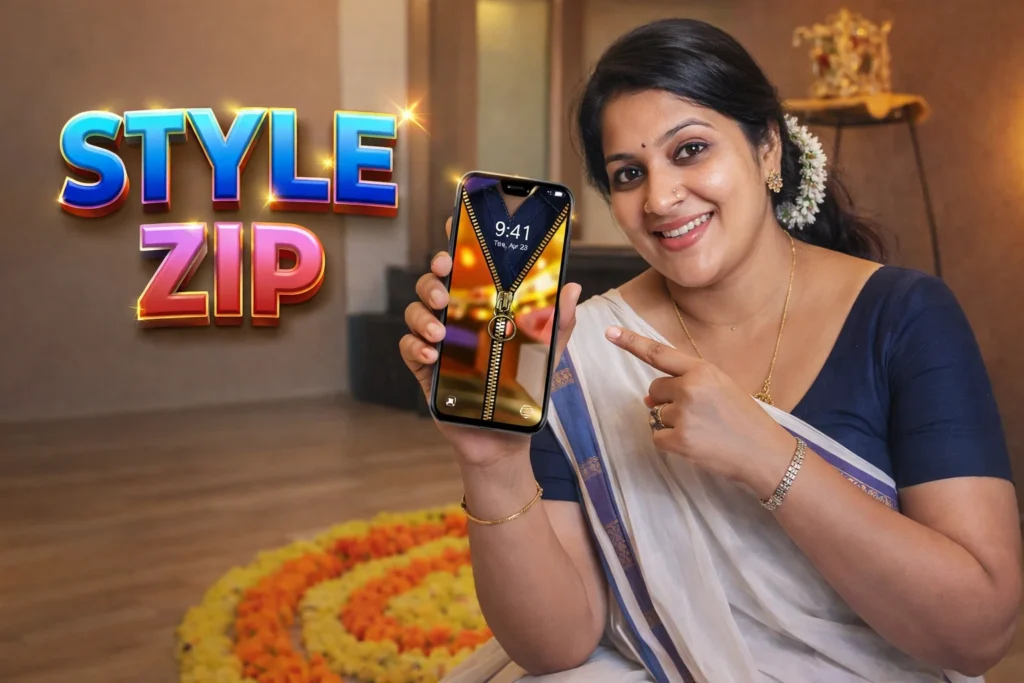
In the early days of smartphones, lock screens were simple barriers to protect your phone. Over the years, Android has added PIN codes, patterns, fingerprints, and facial recognition — but many users still want a fun or personalized lock experience. Zipper Lock Screen apps bring a nostalgic, visual twist: instead of swiping up or entering a PIN, you “unzip” your phone like opening a jacket. But how do these apps actually work on Android in 2026, and what should users realistically expect? This article breaks it down clearly and objectively.
Quick Overview
| Feature | Real Function |
|---|---|
| What it is | A themed lock screen with zipper animation |
| User interaction | Swipe unzip to unlock |
| Works with | Android lock screen (overlay) |
| Benefit | Personalized, fun unlock experience |
| Limitation | Does not replace secure system lock |
| Best for | Aesthetic customization |
What zipper lock screen apps are actually used for
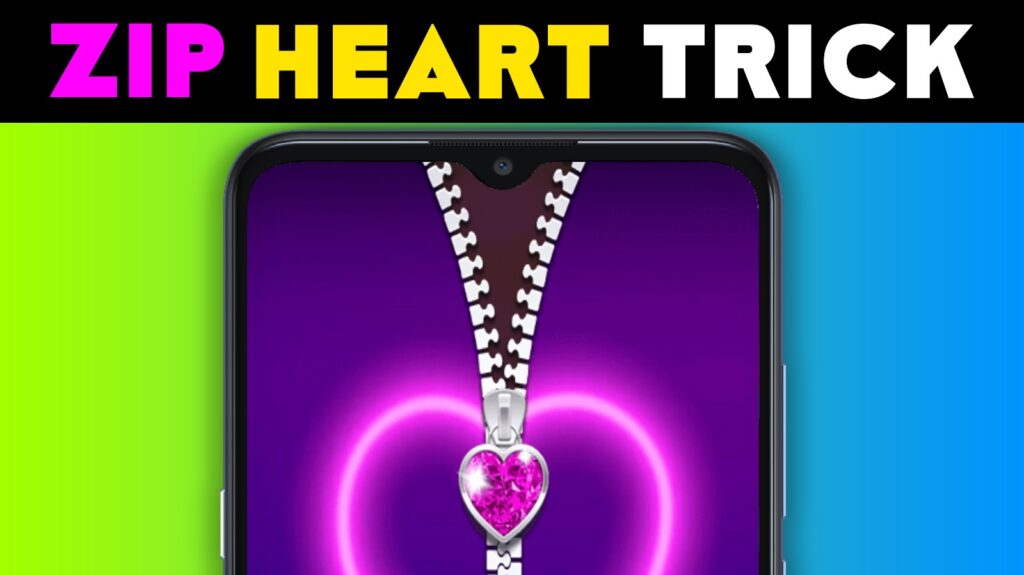
Zipper Lock Screen apps provide a decorative way to unlock your Android phone. Instead of the default swipe, PIN, or biometric unlock, these apps present a zipper graphic. You drag the zipper down (or in a specified direction) to reveal your home screen. Some versions offer:
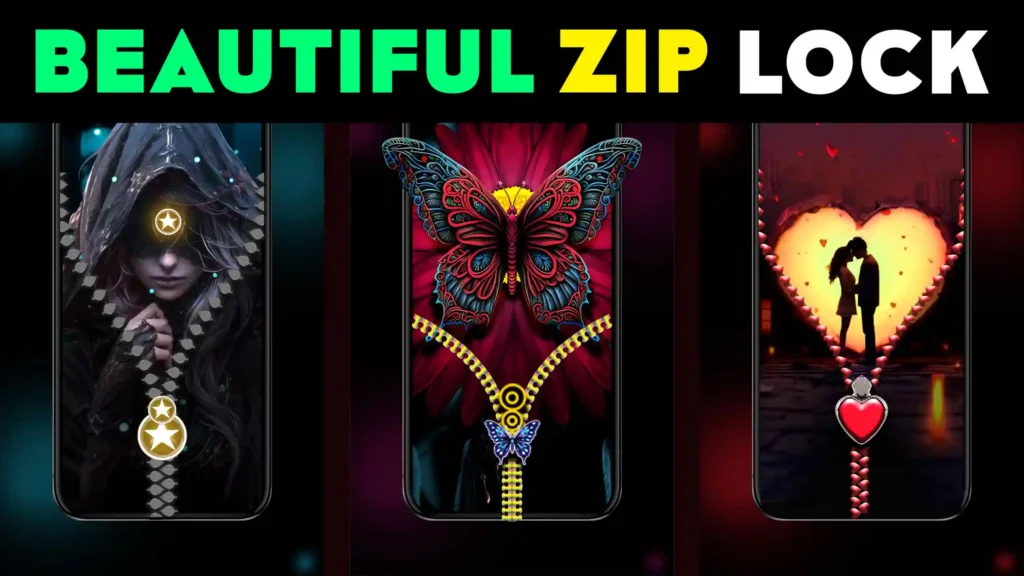
- Custom zipper graphics and animations
- Personalized wallpaper behind the zipper
- Sound effects when pulling the zipper
- Theme packs (cute, neon, realistic, minimal)
In 2026, most zipper lock screens are purely visual overlays — not strong security features.
How zipper lock screen apps work (step-by-step)
1. Installation and permission setup
After installing the app, Android may ask for:
- Display over other apps
- Optional notification access (for preview on lock screen)
- Wallpaper access (if offered)
No sensitive system permissions like contacts or SMS are required.
2. Enabling lock screen overlay
The app adds a screen overlay that appears before your default lock screen. It does not replace device security; it runs in front of it so you see the zipper first.
3. Choosing theme and settings
Users select:
- Zipper style
- Background wallpaper
- Unlock direction (down, left, right)
- Sound toggles
Some versions offer seasonal or animated backgrounds.
4. Interacting with zipper
When a notification arrives or you wake the phone:
- The zipper graphic appears
- You drag the zipper to open
- After dragging, the system’s actual lock (PIN/biometric) appears if set
If no secure lock is set, the zipper directly leads to the home screen.
Security: what zipper lock screens actually protect
Zipper lock screens are visual — not security mechanisms.
What they do:
✔ Add a custom unlock animation
✔ Provide basic deterrence for casual access
✔ Enhance personalization
What they do not do:
✘ Replace system PIN or biometric locks
✘ Prevent access if someone bypasses the overlay
✘ Improve encryption or security policies
In other words: zipper lock screens are aesthetic, not protective.
Safety, privacy, and permission considerations
Since zipper lock apps interact with your interface, permissions matter.
Typical permissions
- Display over other apps
- Optional notifications
- Optional storage (for wallpapers)
Privacy notes
- No access to personal files required
- Good zipper lock apps do not collect contacts, SMS, or sensitive data
- Avoid apps begging for unrelated access (camera, microphone, location)
Android 2026 clearly shows “overlay” permission so you know what the app can do.
Pros and cons (realistic)
Advantages
✔ Unique, playful lock screen effect
✔ Easy to use and customize
✔ Works on most Android devices
✔ Adds fun without complex setup
Disadvantages
✘ Not a security lock — only visual
✘ Some overlay locks may interfere with notifications
✘ Free versions often show ads
✘ May slightly delay unlocking sequence
Zipper lock screens excel in look and feel, not in actual lock security.
When you should avoid using zipper lock screens
Consider skipping these apps if:
- You prefer strong device security
- You want minimal, distraction-free UI
- Your device already has effective native lock options
- You dislike overlays interfering with notifications
In these cases, the default Android lock screen is a safer choice.
Who zipper lock screen apps are suitable for / not suitable for
Suitable for
- Users looking for creative customization
- People who like playful UI themes
- Devices shared casually (family phones)
- Users who already use strong native security
Not suitable for
- People relying solely on them for security
- Work phones or corporate devices
- Users intolerant of ads or overlays
Practical daily-use tips (Android 2026)
- Always pair zipper lock with system lock (PIN/fingerprint)
- Enable notifications inside the app carefully
- Avoid opaque backgrounds that hide notification content
- Revoke overlay access if you uninstall the app
- Use wallpapers that match your visual theme
Android 2026 gives strong native lock options — zipper screens should complement, not replace them.
FAQ
Does zipper lock screen replace my PIN or fingerprint?
No — it only adds a visual overlay before the actual lock.
Will it slow my phone down?
Not significantly — most zipper lock screens are lightweight.
Can someone bypass it easily?
Yes — overlay locks can be dismissed if the underlying system lock isn’t set.
Are these apps safe?
Yes, as long as they request only overlay and optional notification permissions.
Decision / Recommendation Table
| Situation | Recommendation |
|---|---|
| Want enhanced visuals | Great choice |
| Need strong security | Use with system lock |
| Prefer minimal UI | Stick with default |
| Shared family phone | Suitable |
| Reader Recommendation (simple decision) | play.google.com |
Conclusion: fun visuals, not serious security
Zipper Lock Screen apps for Android in 2026 offer a fun, nostalgic, and customizable way to personalize your device. They work as overlays, showing zipper graphics that you drag to unlock — but they are not replacements for robust Android security methods like PINs or biometrics. Used responsibly with your system lock in place, they can brighten your unlock experience without compromising safety or performance.
More Articles You May Like



✍️ About the Author – M Raj
Every website article I write is for the benefit of users (viewers). I focus on fully meeting the needs of article visitors and ensuring they are satisfied. All articles are created following Google’s article policy (Publisher Center guidelines). To get in touch, email M Raj at mraj@indshorts.com.
🧾 Editorial Standards
For corrections or clarifications, contact M Raj: keyboardtamil17@gmail.com