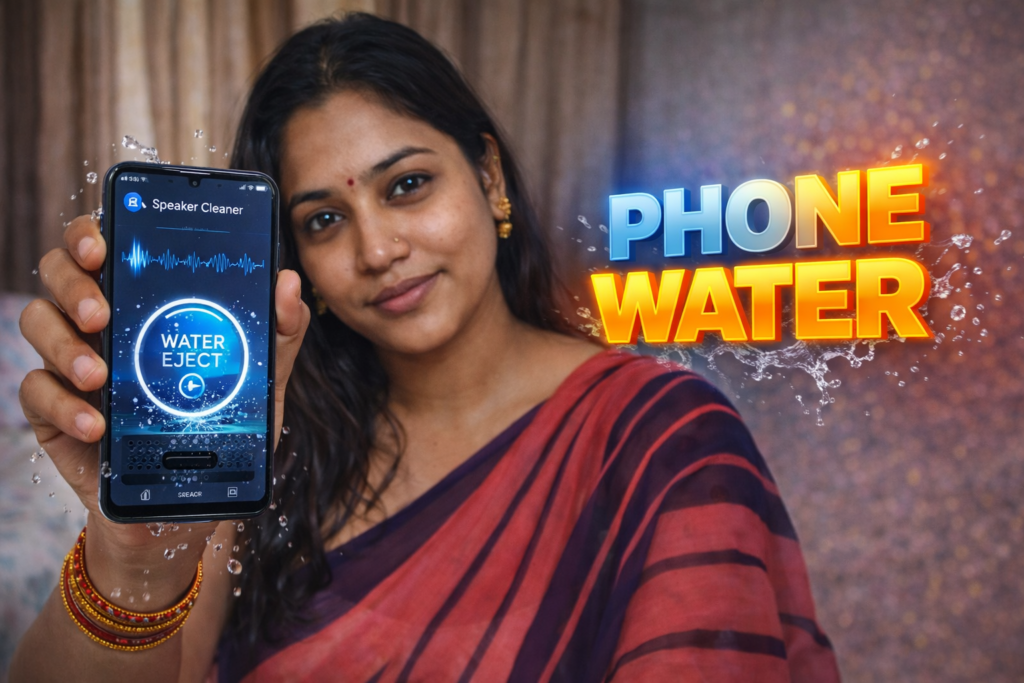
Smartphones today are water-resistant, but water trapped inside the speaker grill is still a common problem. After rain, washing hands, or accidental splashes, many users notice low volume, muffled sound, or crackling audio.
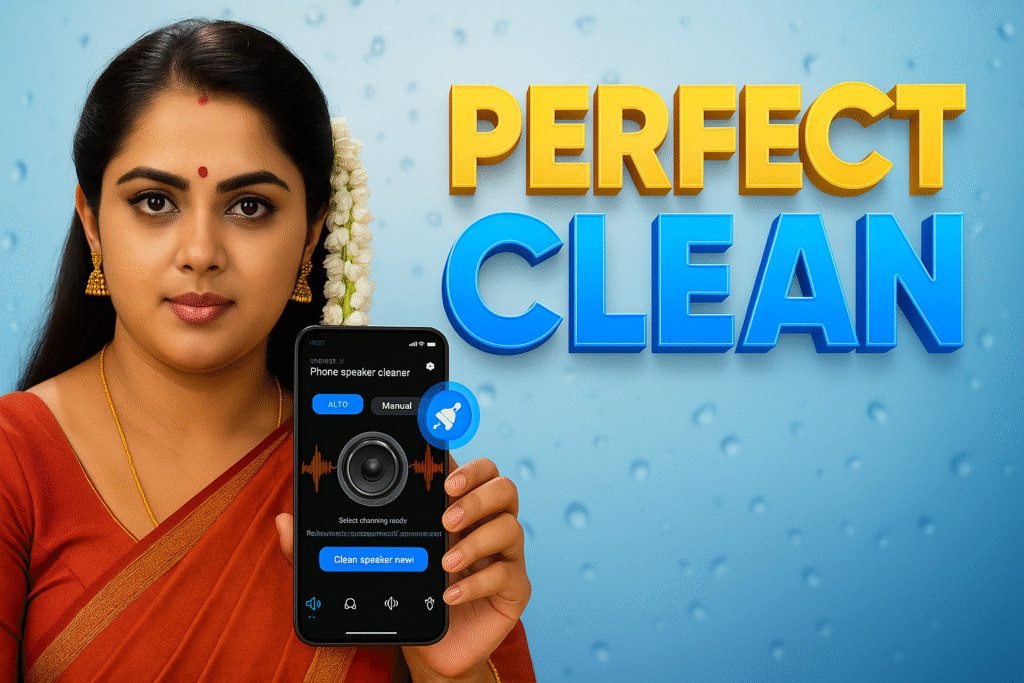
This is where Phone Speaker Cleaner – Water Eject apps come in.
In 2026, these apps have become one of the safest non-hardware ways to remove water from phone speakers using sound waves.
What does a Speaker Cleaner Water Eject app do?
A Speaker Cleaner Water Eject app plays specially tuned high-frequency and low-frequency sound waves through your phone’s speaker.
These vibrations:
- Push trapped water droplets outward
- Clear dust + moisture
- Restore normal speaker volume
The process is physical vibration, not software tricks.
How does Water Eject technology work?
Speaker water eject works using acoustic vibration principles.
Step-by-step:
- App generates a specific tone (Hz range)
- Speaker cone vibrates rapidly
- Water droplets shake loose
- Moisture exits through speaker grill
✔ No opening phone
✔ No heating
✔ No rooting required
When should you use a Speaker Water Remover app?
Use it when you notice:
- Speaker sound suddenly low
- Audio feels muddy or blocked
- Crackling noise after water exposure
- Phone fell into water briefly
- After rain, bathroom steam, or washing
When it may NOT work
Speaker cleaner apps cannot fix hardware damage.
❌ If speaker is already rusted
❌ If water stayed inside for many days
❌ If speaker membrane is torn
❌ If phone was submerged deeply for long time
In those cases, service center cleaning is required.
Is it safe to use Speaker Cleaner apps?
Yes — when used correctly.
Safe usage rules:
- Keep phone upright
- Do not cover speaker grill
- Use at medium volume
- Stop if phone heats abnormally
Avoid running tones continuously for long periods.
Note for Readers (Official App Reference)
| Item | Details |
|---|---|
| App Purpose | Speaker Cleaner & Water Eject |
| Platform | Android |
| Core Feature | Remove water from speakers using sound |
| Recommended App | Phone Speaker Cleaner – Water Remover |
| Official Play Store Link | Play Store |
⚠️ This is not an official Google or phone-brand tool. Always download apps only from the Play Store.
Do these apps damage speakers?
No.
Speaker cleaner apps use safe frequency ranges that your phone speaker already handles during normal audio playback.
Damage usually occurs only if:
- Maximum volume is forced repeatedly
- App is run for very long sessions
Moderate use is safe.
Speaker Cleaner vs Service Center – which is better?
| Situation | Best Option |
|---|---|
| Light water exposure | Speaker Cleaner App |
| Muffled sound after rain | Speaker Cleaner App |
| Phone submerged fully | Service Center |
| Sound distortion for weeks | Service Center |
Privacy & Permissions (Important in 2026)
A genuine speaker cleaner app:
- ❌ Does NOT need contacts access
- ❌ Does NOT need media file access
- ❌ Does NOT record audio
- ✅ Only needs speaker output
Avoid apps asking unnecessary permissions.
FAQs
What is water eject on Android phones?
Water eject is a sound-based process that removes moisture from phone speakers using vibration.
Can a speaker cleaner app remove water completely?
It can remove light to moderate water, but not heavy internal damage.
Is water eject safe for all Android phones?
Yes, it works on most Android phones with external speakers.
How long should I run a speaker cleaner app?
Usually 30 seconds to 2 minutes per session is enough.
Does speaker cleaner increase volume?
It restores original volume by clearing blockages, not boosting sound.
Final Recommendation (2026)
If your phone speaker sounds low or unclear after water exposure, a Speaker Cleaner Water Eject app is the first and safest step before visiting a service center.
More Articles You May Like


✍️ About the Author – M Raj
Every website article I write is for the benefit of users (viewers). I focus on fully meeting the needs of article visitors and ensuring they are satisfied. All articles are created following Google’s article policy (Publisher Center guidelines). To get in touch, email M Raj at mraj@indshorts.com.
🧾 Editorial Standards
For corrections or clarifications, contact M Raj: keyboardtamil17@gmail.com