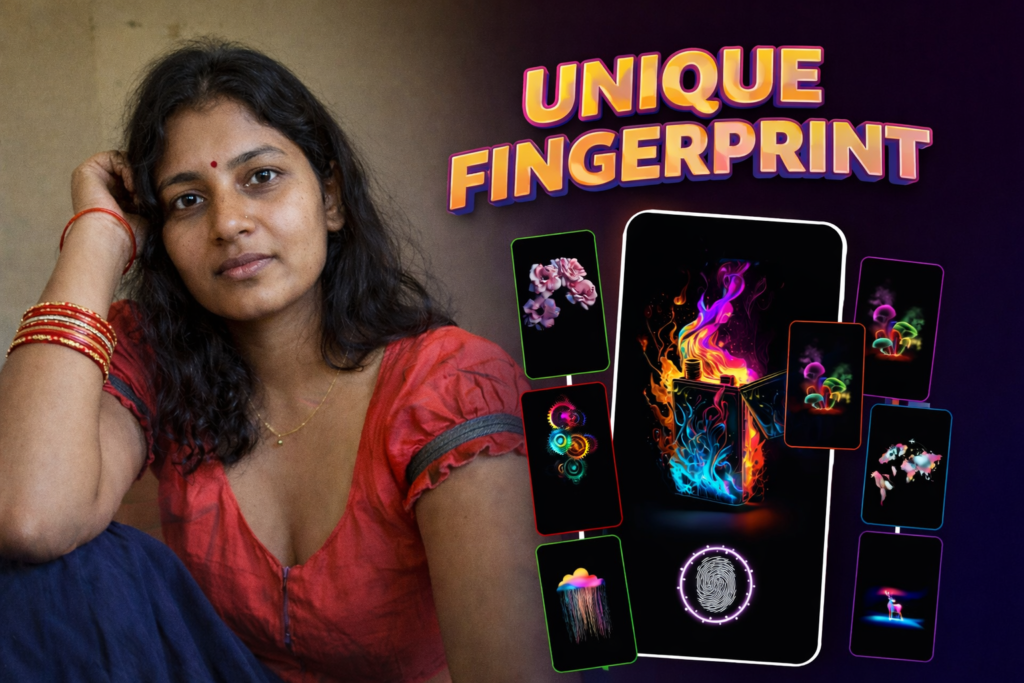
In the ever-evolving world of smartphone personalization, standing out means more than just a wallpaper or ringtone. Enter the In Display Fingerprint Animation app by Sayyara Apps & Games—a creative and engaging way to bring life to your fingerprint area with animated wallpapers. If you want to give your phone a unique, trendy, and eye-catching look, this app is a must-try.
🚀 What is the In Display Fingerprint Animation App?
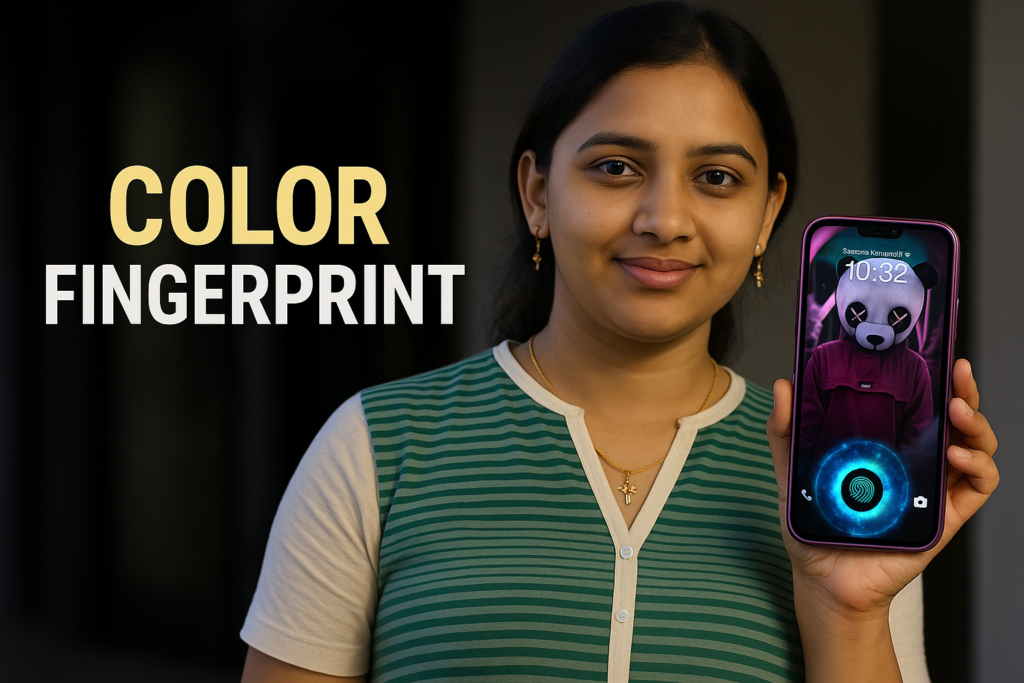
The In Display Fingerprint Animation app lets users apply animated fingerprint effects to their lock and home screens. These animations appear over your phone’s fingerprint sensor area, offering a stylish visual cue every time you unlock your phone. With just one tap, you can change the look and feel of your fingerprint zone, making it fun, fast, and futuristic.

✨ Key Features
✔ Choose from a Variety of Fingerprint Animations
Select from a wide range of animation styles—from tech-inspired glows to colorful spirals and soft pulses. Whether you want something subtle or bold, there’s something for everyone.
✔ Customize Position and Size
Adjust the animation’s placement to match your device’s fingerprint sensor. Resize it to perfectly fit your screen’s unlock area.
✔ Live Fingerprint Wallpapers
Apply animated fingerprint wallpapers that move and react with every unlock gesture, giving your screen a dynamic feel.
✔ One-Tap Setup
The app is designed for simplicity. Apply, resize, and enjoy your animation—all in one tap.
✔ No Actual Scanning (Visual Only)
The fingerprint animations are purely visual. They do not read or store fingerprint data.
📅 How to Use the App (Step-by-Step Guide)
- Download the app from the Play Store
- Open the App and browse animation options
- Select an Animation that suits your mood
- Adjust the Position to match your fingerprint scanner area
- Resize if Needed for perfect alignment
- Apply the Animation and enjoy your new stylish screen
📈 App Snapshot
| Feature | Details |
|---|---|
| 📅 Released | November 16, 2024 |
| ⏰ Updated | November 23, 2024 |
| 📈 Downloads | 5,000+ |
| ⭐ Rating | 4.5 stars (based on 19 reviews) |
| 📧 Support Email | sayyaragames@gmail.com |
| 📄 Privacy Policy | View Policy |
| 🔗 Play Store Link | Install Now |
📝 Real-World Use Cases
- Make Your Lock Screen More Stylish: Add flair without compromising usability
- Match Your Mood or Theme: Change your animation whenever you like
- Surprise Your Friends: Impress others with your animated unlock screen
- No Root Needed: Works on non-rooted Android devices easily
⚠️ Disclaimer: Is This App Secure?
This app does not scan or verify fingerprints. It is purely for entertainment and visual customization. Your phone’s actual fingerprint security remains intact and untouched.
💡 Benefits Over Static Lock Screens
| Feature | Static Lock Screen | Fingerprint Animation App |
|---|---|---|
| Animation Effects | ❌ | ✅ |
| Adjustable Fingerprint Area | ❌ | ✅ |
| Visual Customization | ✅ | ✅ |
| Real Scanning | ✅ (via device) | ❌ (visual only) |
| Daily Personalization | ❌ | ✅ |
🔹 FAQs: Common Questions
❓ Does this app actually unlock my phone?
No, it only provides fingerprint animations. It does not control your phone’s biometric security.
❓ Can I use it on any Android phone?
Yes, it works on most Android phones with or without a physical fingerprint sensor.
❓ Does it use battery?
The animations are optimized for minimal battery use.
❓ Is it safe to use?
Absolutely. It doesn’t access or store fingerprint data. It’s for visual purposes only.
🌐 Final Thoughts: Should You Try It?
If you’re tired of static screens and want a more fun, lively, and personal lock screen experience, In Display Fingerprint Animation is a must-have. It’s easy to use, doesn’t require root access, and gives your phone a futuristic edge.
Download it today and turn your fingerprint zone into a visual masterpiece!
More Articles You May Like

✍️ About the Author – M Raj
Every website article I write is for the benefit of users (viewers). I focus on fully meeting the needs of article visitors and ensuring they are satisfied. All articles are created following Google’s article policy (Publisher Center guidelines). To get in touch, email M Raj at mraj@indshorts.com.
🧾 Editorial Standards
For corrections or clarifications, contact M Raj: keyboardtamil17@gmail.com