
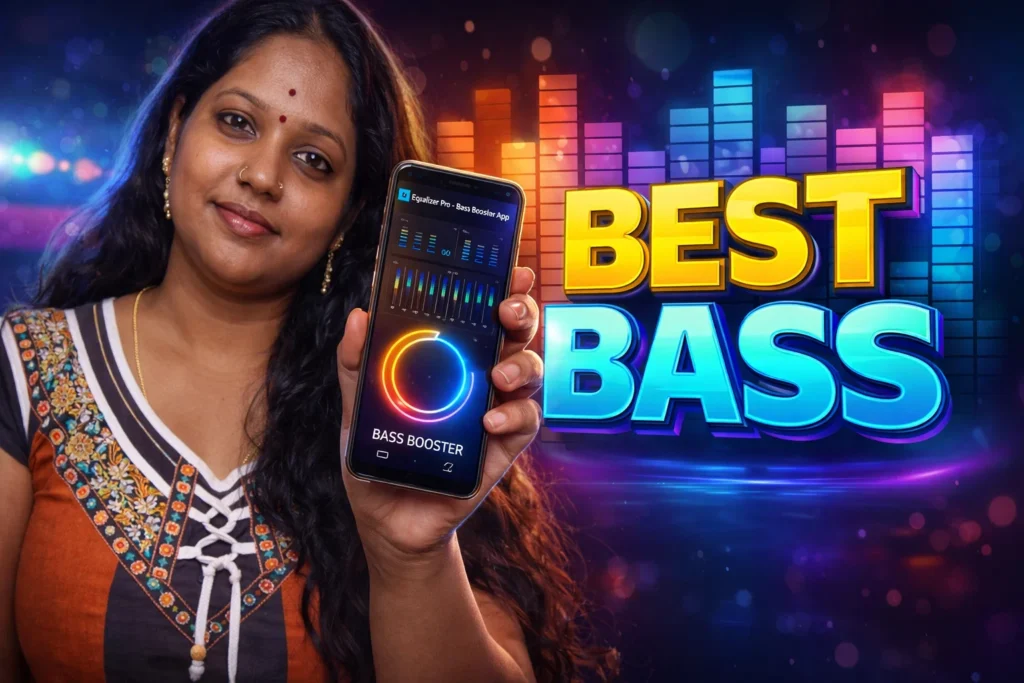
If music on your phone sounds flat, weak, or too quiet, an equalizer app can help improve it. Equalizer Pro – Bass Booster apps are popular in 2026 because they let Android users adjust bass, treble, volume, and sound effects without needing extra hardware.
These apps are mainly used with headphones, Bluetooth speakers, music apps, and videos. They allow users to change how music sounds by boosting low frequencies, making vocals clearer, or adding stronger bass. Many also include a volume booster and 3D sound effect.
Quick Overview
| Feature | Details |
|---|---|
| Main Purpose | Improve music and audio quality |
| Main Tools | Equalizer, bass boost, volume boost |
| Common Use | Music, videos, headphones, Bluetooth |
| Typical EQ Bands | 5-band or 10-band |
| Extra Features | Presets, virtualizer, custom profiles |
| Internet Needed | No, after installation |
| Suitable For | Users who want better sound |
What Equalizer Pro – Bass Booster Apps Are Used For
These apps are used to adjust the sound coming from your phone.
Most users install them to:
- make bass stronger
- increase music volume
- improve sound with headphones
- create custom sound settings
- make movies and games sound clearer
Many apps include preset modes such as:
- Rock
- Pop
- Bass Boost
- Classical
- Jazz
- Dance
Instead of changing every sound level manually, users can select one preset and apply it immediately. Many equalizer apps include 5-band or 10-band controls along with bass boost and virtualizer effects.
How Equalizer Apps Work
Step 1: Open the App
When the app starts, it usually shows:
- equalizer sliders
- bass boost control
- volume boost option
- preset sound modes
Step 2: Choose a Preset or Adjust Manually
You can either:
- select a ready-made preset
- move each frequency slider yourself
For example:
- increase low frequencies for stronger bass
- increase high frequencies for clearer vocals
- lower sharp sounds if music feels too harsh
Step 3: Turn On Bass Booster or Virtualizer
Most apps include extra sound effects such as:
- Bass Booster
- 3D Virtualizer
- Surround Sound
Bass booster increases low-frequency sound, while virtualizer tries to create a wider sound effect, especially with headphones.
Step 4: Use With Music or Video Apps
Equalizer apps usually work with:
- music player apps
- streaming apps
- YouTube videos
- Bluetooth speakers
- wired headphones
Some apps work better with headphones than phone speakers because small phone speakers cannot produce deep bass properly. Experts also note that virtualizer effects are easier to notice while using headphones.
When Equalizer Pro – Bass Booster Apps Help
These apps can be useful if:
- your headphones sound weak
- music has too little bass
- you want louder sound without changing speakers
- you want different sound profiles for different songs
For example, users often prefer:
- Bass Boost for dance or hip-hop
- Classical preset for movies or soft music
- Custom settings for Bluetooth speakers
Important Limitations
Equalizer apps can improve sound, but they cannot create real hardware power.
They do not:
- repair broken speakers
- make low-quality headphones sound premium
- safely double the speaker volume forever
Using very high bass or volume for a long time may reduce speaker quality or damage hearing. Several audio experts recommend using moderate settings, especially with headphones.
Some apps may also:
- show many ads
- require background permission
- work only with certain music apps
Who Should Use This App
Suitable for
- users who listen with headphones
- people who want more bass
- users with Bluetooth speakers
- people who enjoy adjusting audio settings
Not suitable for
- users with damaged speakers
- people expecting a major hardware upgrade
- users who want the loudest possible volume all the time
Decision / Recommendation Table
| Situation | Recommended? | Reason |
|---|---|---|
| Music sounds flat or weak | Yes | Equalizer can improve audio |
| Want stronger bass in headphones | Yes | Bass boost works best with headphones |
| Speaker is physically damaged | No | App cannot repair hardware |
| Need louder sound only | Maybe | Volume boost may help slightly |
| Use Bluetooth speaker often | Yes | Custom EQ can improve speaker sound |
Reader Recommendation (Simple Decision)
If you want stronger bass, louder sound, and more control over your music, you can try Equalizer Pro – Bass Booster.
For the best result, use the app with headphones or a Bluetooth speaker instead of the phone’s built-in speaker.
How to Uninstall
If you no longer want to use the app:
- Open Android Settings
- Go to Apps
- Select the equalizer app
- Tap Uninstall
Before uninstalling, you may want to reset any custom sound settings inside the app.
Final Thoughts
Equalizer Pro – Bass Booster App for Android 2026 is useful for users who want more control over how music and videos sound. It can improve bass, make audio clearer, and provide custom sound settings for headphones and speakers.
However, these apps work best as sound enhancement tools. They cannot replace better headphones or repair damaged speakers.
More Articles You May Like








✍️ About the Author – M Raj
Every website article I write is for the benefit of users (viewers). I focus on fully meeting the needs of article visitors and ensuring they are satisfied. All articles are created following Google’s article policy (Publisher Center guidelines). To get in touch, email M Raj at mraj@indshorts.com.
🧾 Editorial Standards
For corrections or clarifications, contact M Raj: keyboardtamil17@gmail.com