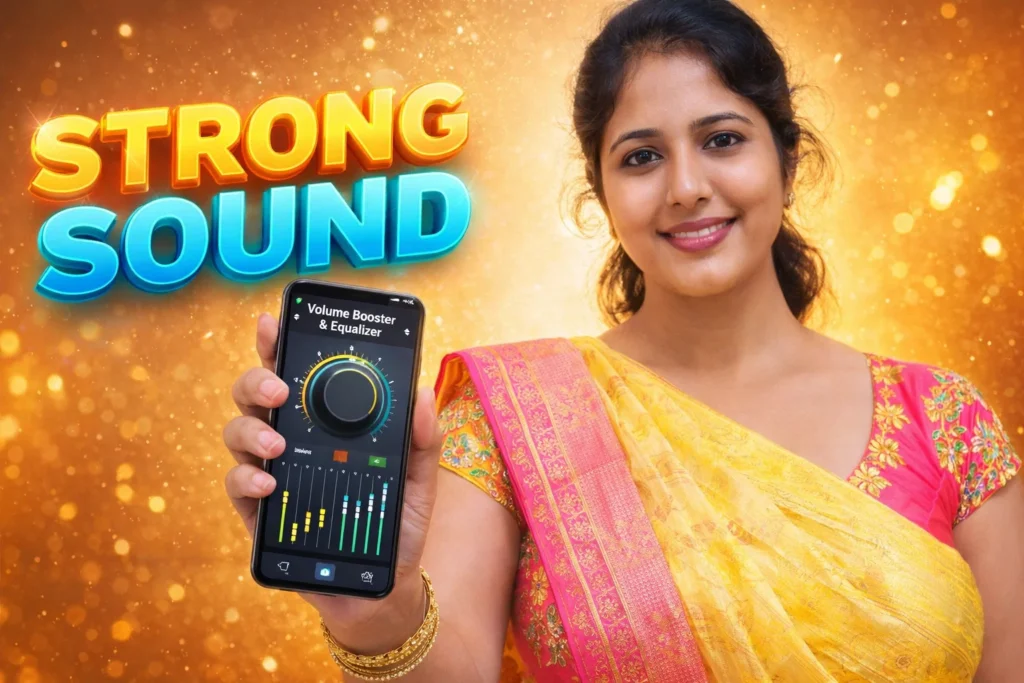
Many Android users feel that the default sound output of their phone is not loud or clear enough in certain situations. For example, when watching videos in a noisy place, listening to quiet recordings, or using small phone speakers, the sound may feel weak. Because of this, many people install Volume Booster & Equalizer Apps Android 2026 to improve audio loudness and sound quality.
These apps adjust how audio is processed before it reaches the phone’s speaker or headphones.
Quick Overview
| Feature | Details |
|---|---|
| Main Purpose | Improve loudness and sound quality |
| Technology | Audio gain control and equalizer |
| Works With | Music, videos, games, calls |
| Internet Needed | Usually not required |
| Works With | Speaker, headphones, Bluetooth |
| Customization | Bass, treble, sound balance |
| Risk | Too much boost may cause distortion |
Why Users Install Volume Booster & Equalizer Apps
There are several practical reasons why these apps are popular among Android users.
1. Phone Speakers Are Sometimes Quiet
Many smartphones prioritize compact design over large speakers.
This means audio volume may feel low, especially in:
- outdoor environments
- public transport
- busy rooms
Volume booster apps help increase the perceived loudness.
2. Improve Music Sound Quality
Equalizer features allow users to adjust sound frequencies such as:
- bass (low frequencies)
- mid tones (vocals)
- treble (high frequencies)
This helps music sound clearer and more balanced.
3. Better Audio for Videos and Games
Streaming videos or games sometimes have inconsistent audio levels.
Using a booster or equalizer can make:
- dialogue easier to hear
- game sounds clearer
- quiet recordings louder
4. Custom Sound Profiles
Many apps include preset sound modes such as:
- music
- movie
- gaming
- bass boost
These presets automatically adjust the audio profile.
How Volume Booster & Equalizer Apps Work
These apps work by modifying the audio signal before playback.
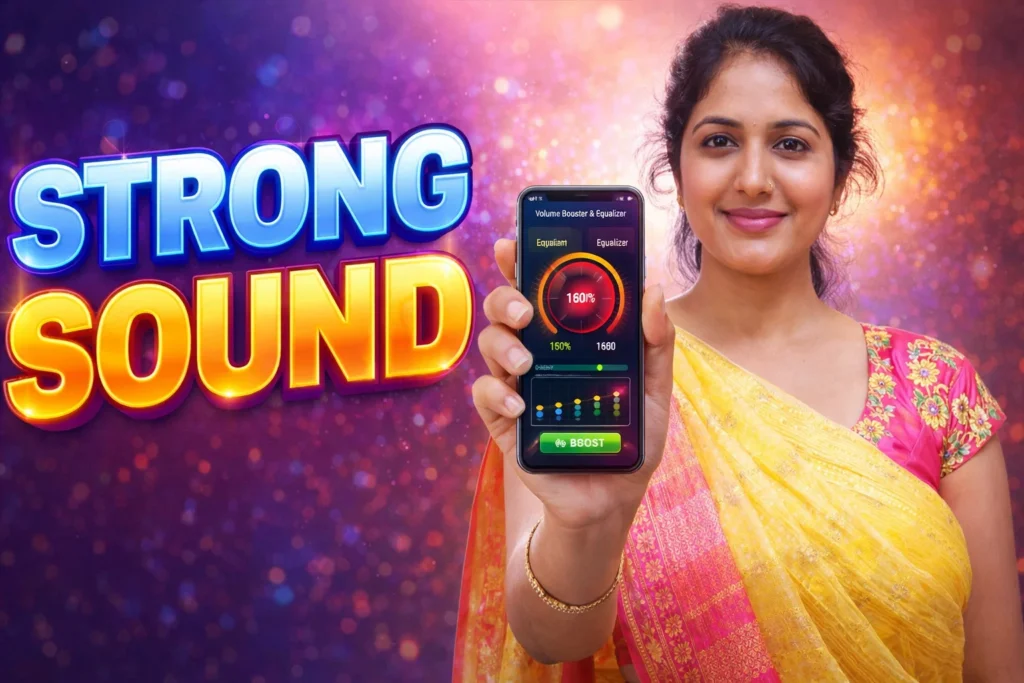
Step 1: Intercept Audio Output
The app connects to the Android audio processing system.
Step 2: Apply Audio Gain
Audio gain increases the signal level before it reaches the speaker.
This makes the sound louder than the default system level.
Step 3: Adjust Sound Frequencies
Equalizer controls allow users to adjust frequency bands.
For example:
- boosting bass makes music feel deeper
- increasing midrange makes voices clearer
Step 4: Send Modified Sound to Speaker
The processed audio is then played through:
- phone speakers
- wired headphones
- Bluetooth devices
This happens in real time during playback.
When These Apps Are Useful
Volume booster and equalizer apps are helpful when:
- audio recordings are too quiet
- speakers are weak
- music sounds flat or unbalanced
- watching videos in noisy places
In these situations, adjusting audio gain and equalizer settings can improve listening comfort.
Limitations to Know
These apps also have some limits.
- They cannot increase the physical power of the speaker
- Excessive boosting can cause distortion
- Very high volume may damage speakers or hearing
- Some apps include advertisements in free versions
For best results, moderate sound adjustments are recommended.
Who Should Use These Apps
Suitable for
- users who listen to music frequently
- people watching videos on phone speakers
- users wanting custom sound tuning
Not suitable for
- people already using maximum volume
- users concerned about hearing safety
- phones with already powerful speakers
Decision / Recommendation Table
| Situation | Recommended? | Reason |
|---|---|---|
| Watching videos in noisy places | Yes | Extra loudness helps |
| Music sounds flat | Yes | Equalizer improves sound |
| Already using maximum volume | Not ideal | Distortion possible |
| Long headphone listening sessions | No | Hearing safety risk |
| Need quick audio improvement | Yes | Simple sound adjustment |
Reader Recommendation (Simple Decision)
If you want to increase audio loudness and adjust sound quality on your Android phone, you can explore:
Always increase volume gradually and avoid extreme sound levels.
Final Thoughts
Volume Booster & Equalizer Apps Android 2026 are popular because they allow users to adjust how sound is processed on their phones. By modifying audio gain and frequency levels, these apps can make music, videos, and games sound louder or clearer.
However, they should be used responsibly. Excessive boosting may cause distortion or hearing discomfort. For most users, moderate adjustments provide the best balance between loudness and sound quality.
More Articles You May Like







✍️ About the Author – M Raj
Every website article I write is for the benefit of users (viewers). I focus on fully meeting the needs of article visitors and ensuring they are satisfied. All articles are created following Google’s article policy (Publisher Center guidelines). To get in touch, email M Raj at mraj@indshorts.com.
🧾 Editorial Standards
For corrections or clarifications, contact M Raj: keyboardtamil17@gmail.com