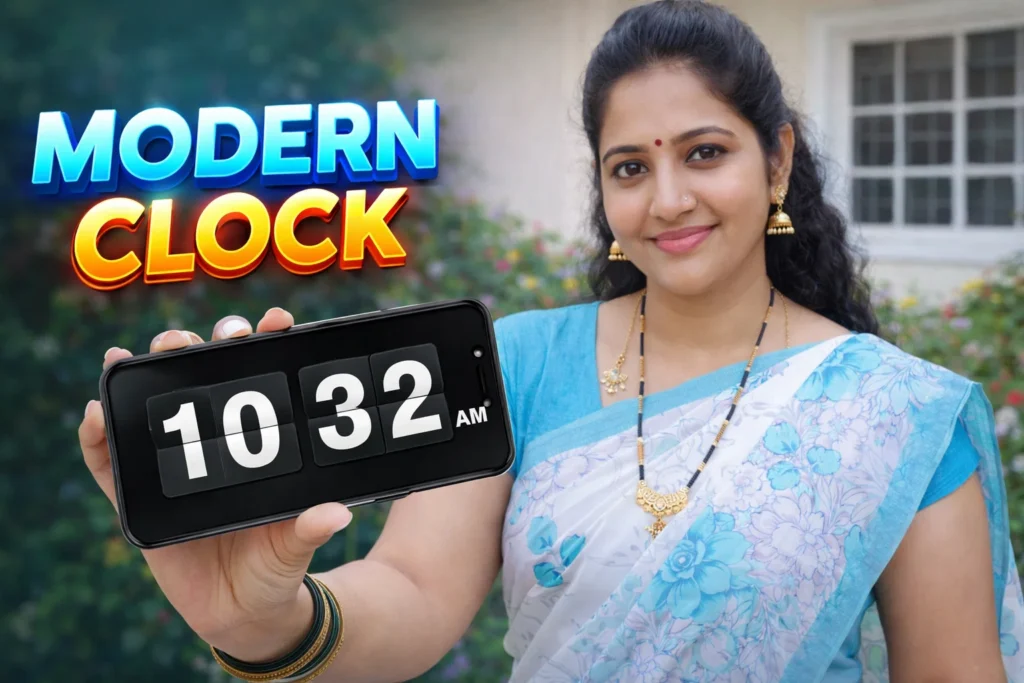
Clocks on Android screens have become more than just indicators of time. With widgets, always-on display features, and aesthetic home-screen layouts, users want clock styles that match their personality — not just the standard digital or analog options. Flip Clock apps are a popular style that brings a classic, retro motion aesthetic to time display. In 2026, these apps remain widely used not for technical necessity, but for design appeal, ease of reading, and personalization.
Quick Overview
| Feature | What It Means |
|---|---|
| Purpose | Display time in a flip-style analog/digital format |
| Typical usage | Home screen widgets, lock screens |
| Main benefit | Nostalgic design + readability |
| Limitation | Visual only (no alarm/music features) |
| Skill level | Very easy |
What flip clock apps are actually used for
Flip Clock apps mimic the rotating tile display once common on old digital clocks and travel alarm clocks. The animation gives time changes a mechanical feel — striking a balance between classic charm and modern UI.
People install these apps to:
- Add a stylish flip-effect clock widget to their home screen
- Enhance lock screen always-on displays with classic visuals
- Replace generic clock widgets with more distinctive designs
- Use clocks that match overall themes (dark mode, minimal, colorful, seasonal)
Unlike traditional clocks, flip clocks emphasize visual motion and design.
How flip clock apps work (simple explanation)
1. Clock widget setup
Most flip clock apps let you add a widget to the home screen. You choose size, style, and design.
2. Animation engine
When time changes (every minute or hour), the app displays a flip animation — the top half ‘flips’ down to reveal the next number.
3. Customization interface
Apps allow:
- Color themes
- Font style
- Background transparency
- Widget size & placement
4. System integration
Android launches the widget on the home screen — the flip clock runs as a widget service, not as a standalone overlay.
This means it doesn’t affect how your phone manages clocks internally; it simply displays time attractively.
Safety, privacy, and permission considerations
Flip clock apps are generally safe and require minimal permissions — which is part of why they remain popular.
Typical permissions
- None, if the app only displays time
- Optional storage access, if saving themes or backgrounds
Privacy reality
- Most flip clock apps do not access personal data
- Some may show ads
- Avoid apps requesting unnecessary access (contacts, SMS, phone state)
Android security in 2026 makes widget permissions visible and transparent.
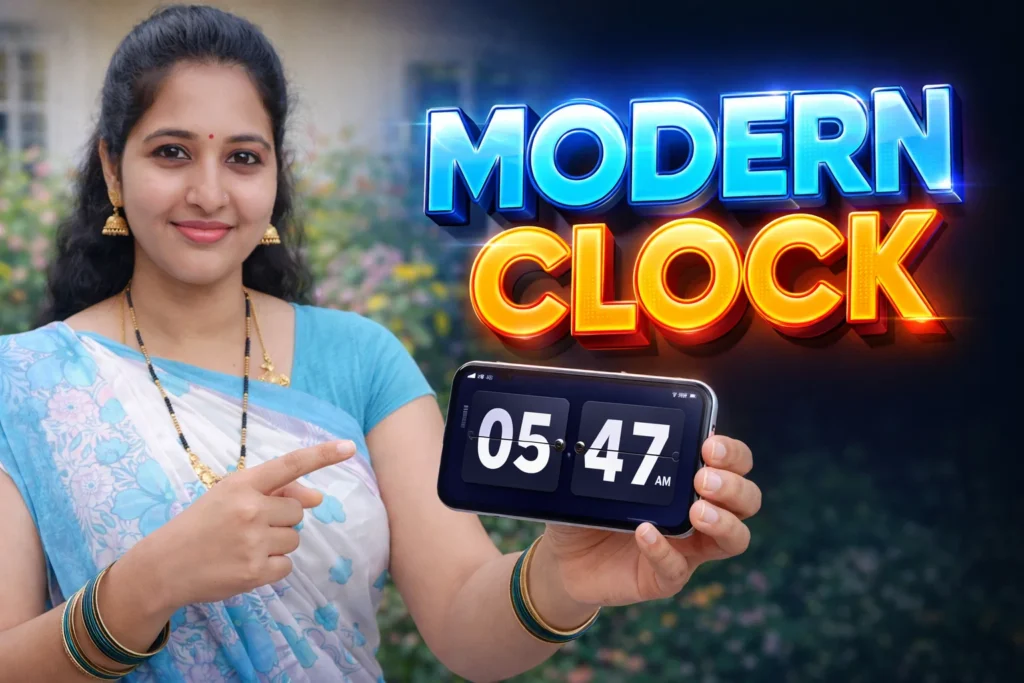
Why users still like flip clock apps
Flip clocks are about design and readability — not functionality beyond showing the time. They appeal to users who want:
✔ Retro or stylish time displays
✔ Fully customizable widgets
✔ Integration with dark mode or wallpapers
✔ Clock styles that match home screen aesthetics
In an era where customization is key, flip clocks give users visual choice without complexity.
Pros and cons (balanced)
Advantages
- Attractive and readable time display
- Retro or modern design options
- Customizable colors & fonts
- Works well with widgets and lock screens
- Minimal impact on performance
Disadvantages
- Not a productivity tool (no advanced features)
- Limited functional difference from default clocks
- Some apps have ads
- Battery use increases slightly if animated constantly
Flip clock apps serve a visual enhancement role, not a performance one.
When you should avoid using them
You may want to avoid flip clock apps if:
- You prefer minimal UIs without animation
- You want a static clock to save battery
- Ads bother you and you don’t want paid upgrades
- You prefer built-in system widgets
In these cases, default Android lock screen clocks or simple digital widgets are sufficient.
Who flip clock apps are suitable for / not suitable for
Suitable for
- Users who enjoy personalized home screens
- People who like retro or design-focused widgets
- Those who want decorative always-on clocks
- Users who like seasonal or themed clock styles
Not suitable for
- Users who want functionality over style
- People who prefer static or minimal UIs
- Devices with strict battery-saving settings
- Users who dislike ads
Practical daily-use tips (Android 2026)
- Choose static flip effects if battery life matters
- Place clocks at the top or center for easy readability
- Match widget color to your wallpaper or theme
- Avoid very large widget sizes on smaller screens
- Update after Android version changes to ensure compatibility
Android 2026’s widget system is highly optimized, but animation still uses modest resources.
FAQ
Do flip clock apps consume battery?
Slightly — especially animated ones, but not dramatically on modern hardware.
Can I set alarms with flip clock apps?
Generally no — most only display time; alarms remain separate.
Will flip clocks work on the lock screen?
Many support always-on or lock screen widgets, depending on Android build.
Are these apps safe?
Yes — they are mostly visual, with minimal permissions.
Decision / Recommendation Table
| User goal | Recommendation |
|---|---|
| Personal aesthetic clocks | Great choice |
| Minimal battery use | Use static widgets |
| Just need accurate time | Default widgets suffice |
| Seasonal screen themes | Very suitable |
| Reader Recommendation (simple decision) | play.google.com |
Conclusion: aesthetic enhancement with practical simplicity
Flip Clock apps for Android in 2026 play an aesthetic and personalization role. Phones already show time reliably, but these apps offer users a chance to match their clock to their visual preferences — blending nostalgia, design, and readability. They do not improve clock accuracy or phone functions, but they do enhance the visual experience of everyday time checks.
Used wisely, with minimal permissions and thoughtful widget placement, flip clock apps make your phone feel more personal and visually engaging.
More Articles You May Like



✍️ About the Author – M Raj
Every website article I write is for the benefit of users (viewers). I focus on fully meeting the needs of article visitors and ensuring they are satisfied. All articles are created following Google’s article policy (Publisher Center guidelines). To get in touch, email M Raj at mraj@indshorts.com.
🧾 Editorial Standards
For corrections or clarifications, contact M Raj: keyboardtamil17@gmail.com