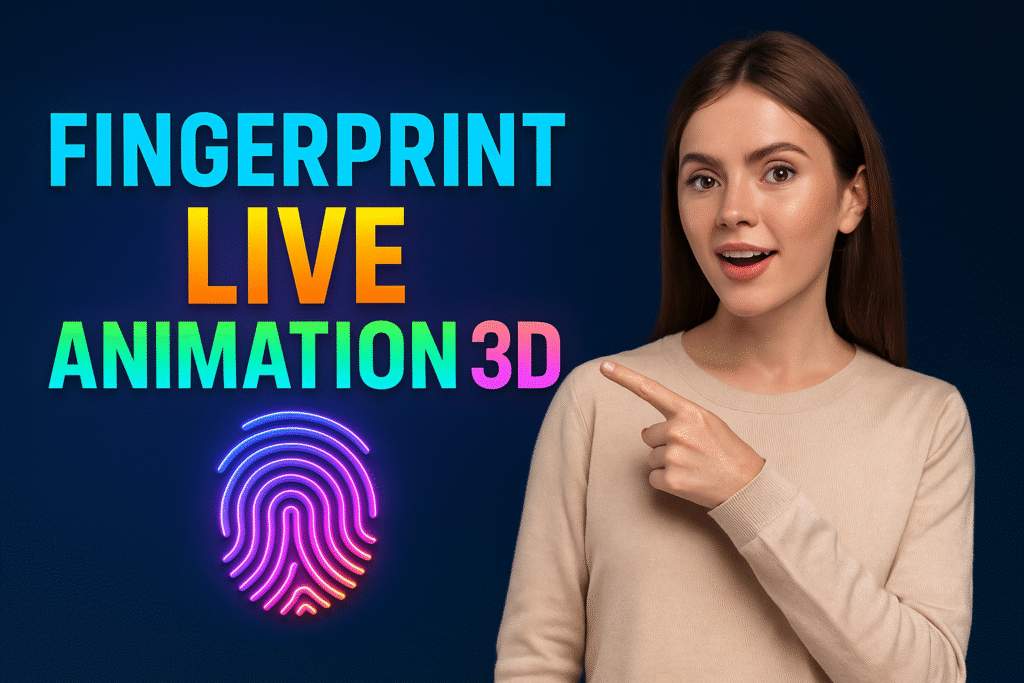
In a world where smartphone personalization is as important as functionality, Fingerprint Live Animation 3D by Innovista Apps delivers an immersive and stylish solution. Released on November 22, 2023, this app transforms your standard lock screen into an animated masterpiece, enhancing both the look and feel of unlocking your device.
If you’re searching for the perfect blend of fingerprint lock animations, live AI wallpapers, and 3D animation customization, this app is your go-to solution.
What is Fingerprint Live Animation 3D?
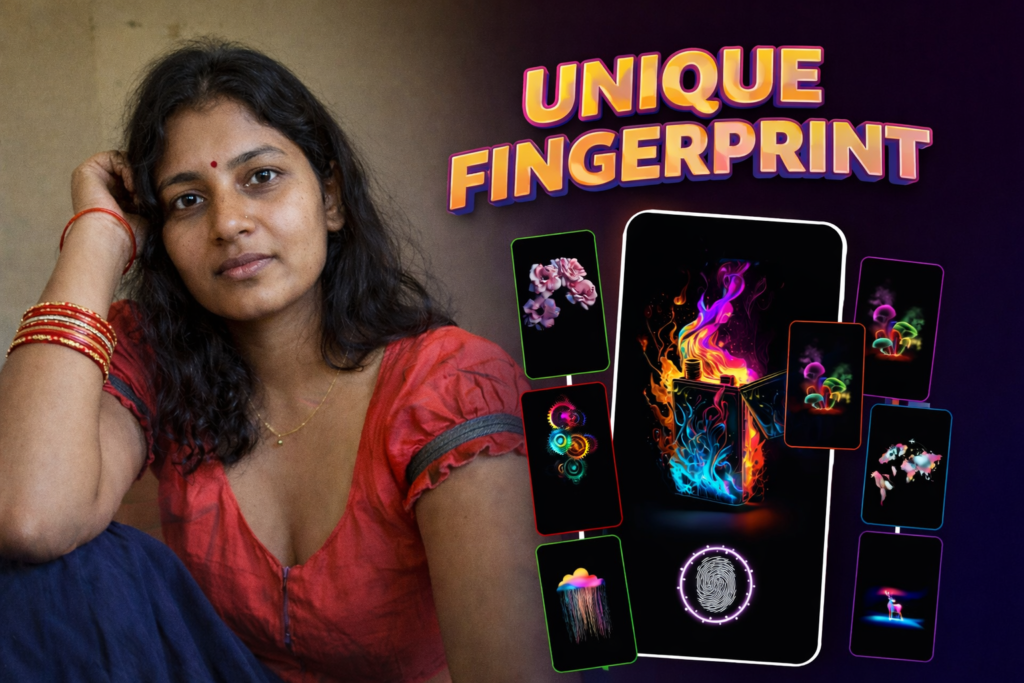
Fingerprint Live Animation 3D is a cutting-edge Android app that gives your lock screen a visually stunning upgrade. By using interactive fingerprint animations and vibrant live wallpapers, it delivers a completely new way to personalize and enjoy your phone.
Whether you want cool fingerprint effects, animated theme wallpapers, or AI-generated visuals, this app provides endless options to make your lock screen truly unique.
🔥 Top Features of Fingerprint Animation 3D
✅ Fingerprint Animation Personalization
- Choose from a wide collection of 3D fingerprint animations.
- Adjust the size and position of the animation.
- See a live preview before setting the fingerprint lock effect.
🎨 Live AI Wallpapers
- Explore AI-powered animated wallpapers to pair with fingerprint animations.
- Use dynamic backgrounds to enhance the aesthetic of your device.
- Update both the lock screen and home screen backgrounds.
🖼️ Theme & Custom Wallpapers
- Select theme-based animated lock screens.
- Combine fingerprint lock effects with anime-style wallpapers or choose images from your gallery.
- Customize every detail of your lock screen look.
🧩 User-Friendly Experience
- Minimal UI with easy navigation.
- Lightweight and compatible with most Android devices.
- Customize and apply in just a few taps.
📲 How to Use Fingerprint Lock Animation App
- Install the app from the Play Store.
- Open the app and explore themes & animation previews.
- Choose your animation style and wallpaper.
- Adjust size and position of fingerprint effect.
- Tap Apply to transform your lock screen instantly.
🎯 Ideal For:
- 🔒 Users who want a futuristic lock screen look.
- 🎨 Creative users who love anime or stylish customization.
- 📱 Android enthusiasts who personalize every aspect of their phone.
📋 App Info Table (2025 Edition)
| Feature | Details |
|---|---|
| 📅 Released | November 22, 2023 |
| ♻️ Updated | See Latest Version on Play Store |
| 📂 Category | Personalization / Utilities |
| 📱 Supported OS | Android |
| ✉ Developer Contact | innovistaapps@gmail.com |
| 🔗 Install Now | Click Here |
❓ Frequently Asked Questions (FAQs)
Q1: Does this app work on all Android phones?
Yes, it supports most Android devices with standard lock screen access.
Q2: Is this a real fingerprint scanner?
No. It is a visual and animated customization for aesthetic purposes, not a biometric scanner.
Q3: Can I use my own photos for the wallpaper?
Yes! You can choose any image from your gallery to use with fingerprint animations.
Q4: Is there a preview option?
Yes. The app allows you to see a live preview before applying any animation.
Q5: Does it slow down the phone or affect performance?
No. The app is optimized to be lightweight and efficient.
Q6: Is the app free to use?
Yes, it is free with optional in-app features and themes.
🏁 Final Thoughts
Fingerprint Live Animation 3D isn’t just another wallpaper app. It’s a dynamic tool for expressing your personal style right from your lock screen. With full customization, live previews, and AI-powered themes, it provides a rich, futuristic mobile experience that sets your device apart.
Ready to turn every unlock into a visual experience?
🎯 Download the app now and personalize your touch screen like never before!
Disclaimer: This app does not perform real biometric scanning. It is purely for visual customization.
More Articles You May Like


✍️ About the Author – M Raj
Every website article I write is for the benefit of users (viewers). I focus on fully meeting the needs of article visitors and ensuring they are satisfied. All articles are created following Google’s article policy (Publisher Center guidelines). To get in touch, email M Raj at mraj@indshorts.com.
🧾 Editorial Standards
For corrections or clarifications, contact M Raj: keyboardtamil17@gmail.com