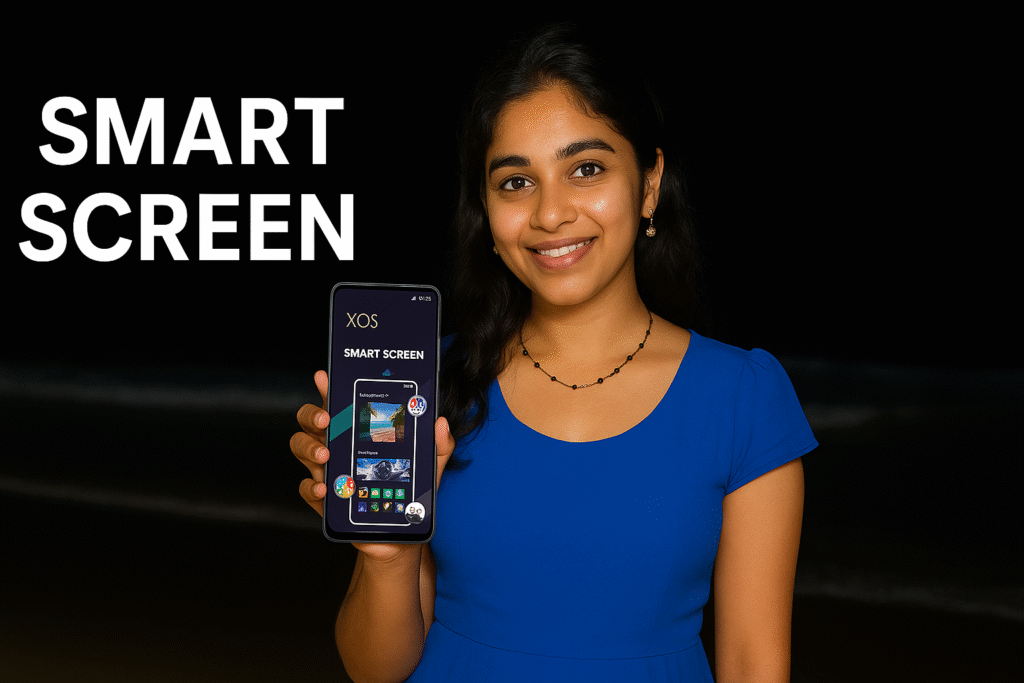
If you are bored with the default look of your Android phone and want something more cool, stylish, and modern, a launcher is the easiest way to upgrade your home screen. In 2026, users expect more than just icons and widgets — they want a launcher that feels smart, smooth, beautiful, and practical for daily use.
XOS Launcher – Cool Stylish, developed by Transsion Holdings, is one of the most widely used launchers in this category, powered mainly on Infinix phones but also available for other Android devices. With over 500M+ downloads and more than 1.11 million reviews, it is clearly not a small experimental app — it’s a mature, mass-used launcher.
This review explains what makes XOS Launcher a strong option in 2026, what features it offers, where it shines, and what you should know before using it as your daily launcher.
XOS Launcher – Cool Stylish (2026) – Quick Overview
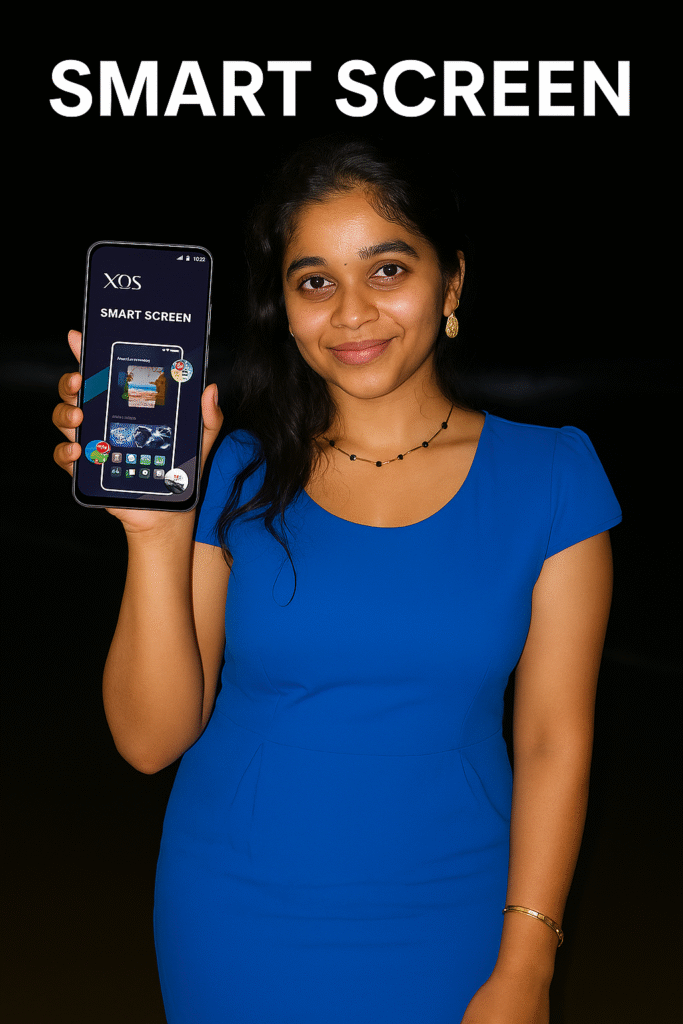
🌈 What Makes a “Cool Stylish Launcher” in 2026?
By 2026, users are not satisfied with plain grids of icons. A modern launcher should:
- Look visually attractive with smooth animations and polished layouts
- Offer smart content like news, music, and app suggestions
- Stay fast and stable on mid-range and budget phones
- Provide deep customization (themes, icon packs, wallpapers)
- Balance features vs. ads reasonably
XOS Launcher tries to hit all of these points. Let’s see how it performs.
🎨 Design, Themes & Customization
XOS Launcher focuses heavily on style. Right after you set it as your default launcher, you’ll notice:
- Rounded, modern icons
- Clean home screen layouts
- Smooth page transitions
- A theme system that allows you to quickly change the overall look
You can customize:
- Home screen grid (number of rows and columns)
- Icon size & labels
- App drawer style
- Gestures & shortcuts
- Wallpaper combinations (via Discovery section)
For users searching for “Cool Stylish Launcher 2026”, XOS clearly matches the intent: it feels colorful, modern, and trendy, especially on Infinix and Tecno devices where it often comes pre-loaded or deeply integrated.
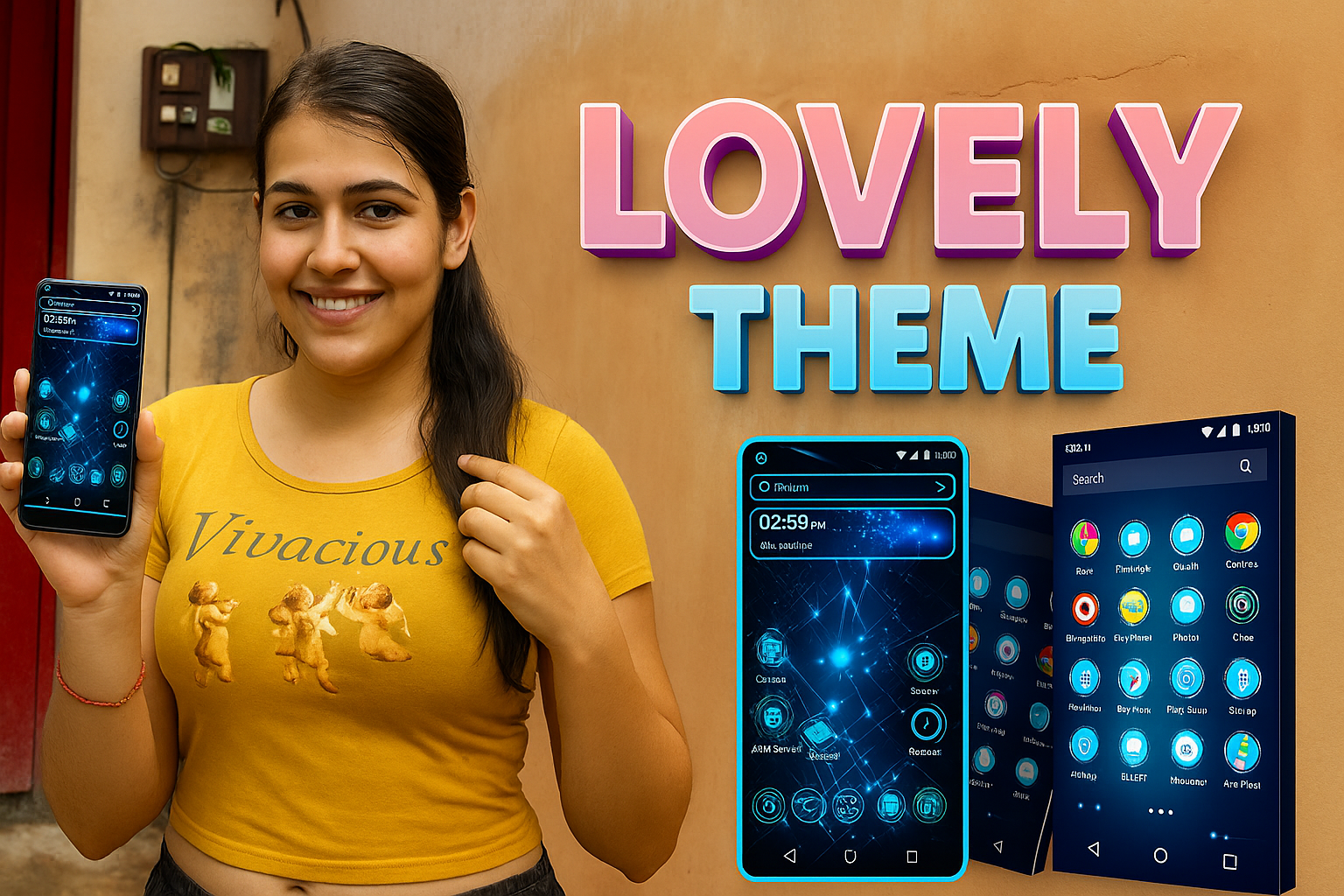
📰 Feed on Zero Screen – News, Games & More
One of the main features is the Feed on Zero Screen, activated when you swipe to the leftmost home screen.
This section shows:
- Trending news
- Game suggestions
- Content cards
It acts like a dynamic dashboard, similar to Google Discover, but inside the launcher. If you enjoy having quick content at a glance, this can be useful. If you prefer a minimal phone, you may want to disable it (if your build allows), to keep the home experience clean.
🎧 Smart Scene – Music & Content Discovery
Smart Scene is another feature that tries to make the launcher feel intelligent. It can:
- Suggest hit songs
- Recommend content based on usage patterns
- Push these suggestions regularly
This makes sense for users who like discovering new songs or trending content without installing a separate music discovery app.

🖼️ Discovery – Wallpapers, Themes & Games
The Discovery section works like a mini hub for:
- Featured wallpapers
- Recommended themes
- Top games
Users who love refreshing their wallpaper frequently will find this section handy. Instead of going to multiple apps, you can pick fresh looks directly from the launcher.
🧰 Extra Tools: One-Click Font Preview, Freezer & More
XOS Launcher also focuses on convenience tools that power users appreciate:
- One-Click Font Preview – helps you preview fonts before applying
- Freezer – lets you “freeze” rarely used apps so they don’t crowd your home screen or app drawer (implementation may vary by device)
- Other small utilities like theme management, icon layout control, and quick settings shortcuts
These features make the launcher feel like a control center for your entire phone’s interface.
⚙️ Performance, Ads & Daily Use
With 500M+ installs and years of updates (since 2016), XOS Launcher is mature in terms of stability and performance. On supported devices (especially Transsion-branded phones like Infinix), it generally runs smoothly.
However, there are a few points to be aware of:
- The app contains ads – some users may find recommendations and promotional cards inside the feed or discovery area.
- On lower-end devices, adding too many animations, widgets, and live wallpapers can slightly slow down the phone.
For best performance:
- Use a simple, clean theme
- Avoid too many widgets on home screens
- Disable unnecessary feed sections (if options are available)

👍 Who Will Like XOS Launcher – Cool Stylish?
XOS Launcher is a good match if you:
- Want a cool, stylish launcher look in 2026
- Like built-in news, music suggestions, and wallpapers
- Enjoy changing themes and visual styles often
- Use an Infinix/Tecno/Transsion device where it is well integrated
- Don’t mind occasional ads in exchange for more features
👎 Who May Not Like It?
You might want a different launcher if:
- You prefer an ultra-minimal, no-feed, no-suggestion experience
- You are very sensitive to ads or suggested content
- You only want a light launcher with zero extra tools
In that case, a pure minimal launcher or stock launcher might suit you more.
📝 Final Verdict – Is XOS a Good “Cool Stylish Launcher 2026”?
Looking at its:
- 500M+ downloads
- 4.1★ rating from 1.11M+ reviews
- Strong focus on themes, discovery, and smart feeds
…it’s clear that XOS Launcher – Cool Stylish delivers what most users today expect from a “cool stylish launcher” in 2026: modern visuals, smart content, theme variety, and a feeling that the phone is active and alive.
It isn’t the most minimal or ad-free launcher, but for users who want a feature-rich, modern, stylish home screen experience (especially on supported devices), it is a solid and proven choice.
More Articles You May Like








✍️ About the Author – M Raj
Every website article I write is for the benefit of users (viewers). I focus on fully meeting the needs of article visitors and ensuring they are satisfied. All articles are created following Google’s article policy (Publisher Center guidelines). To get in touch, email M Raj at mraj@indshorts.com.
🧾 Editorial Standards
For corrections or clarifications, contact M Raj: keyboardtamil17@gmail.com