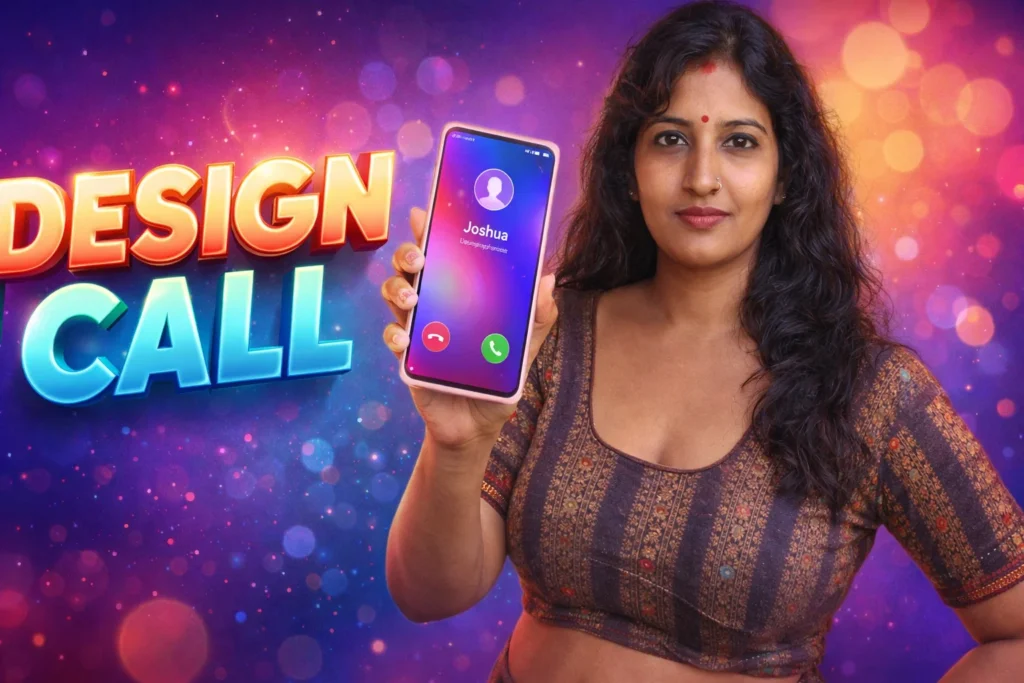
Your Android phone rings dozens of times a day — but most users still see the same default screen and hear the same basic ringtone. In 2026, personalization has become a major part of smartphone use. People want their devices to reflect their style and personality. Color Call Screen & Themes apps let users customize incoming call visuals and sounds with bright themes, animations, wallpapers, and tones. But what do these apps actually do? How do they work with Android’s core systems? And are they worth using? Let’s unpack the real role they play on modern phones.
Quick Overview
| Feature | What It Really Does |
|---|---|
| Primary purpose | Customize incoming call screen visuals |
| Typical features | Themes, color backgrounds, animations |
| Works with | Android call system + notification sounds |
| Main benefit | Personalized call experience |
| Limitations | No impact on call reliability |
| Best use | Aesthetic enhancement |
What Color Call Screen & Themes apps are used for
These apps enhance the visual appearance and audio feedback of incoming phone calls by offering:
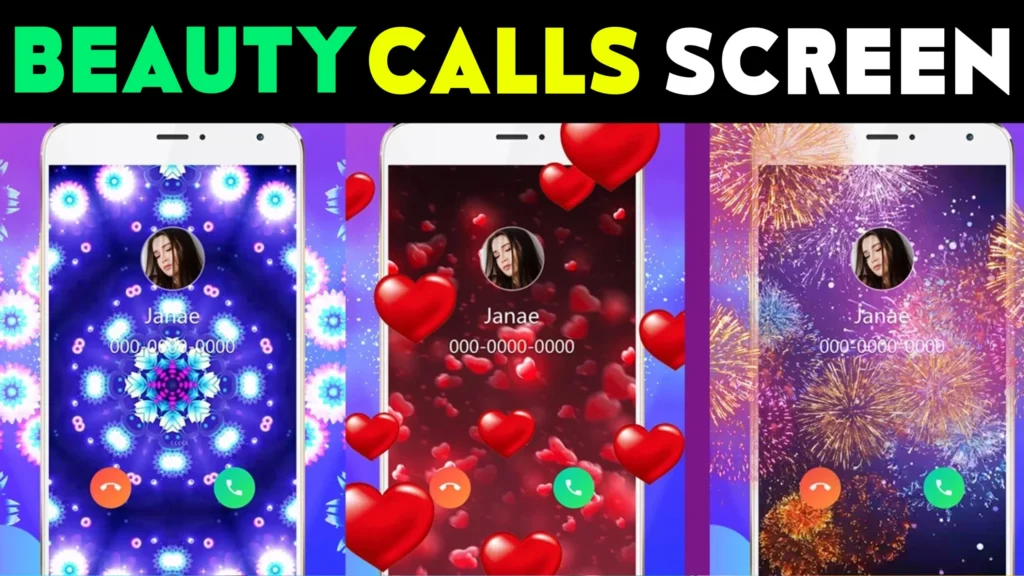
- Custom backgrounds or wallpapers for call screens
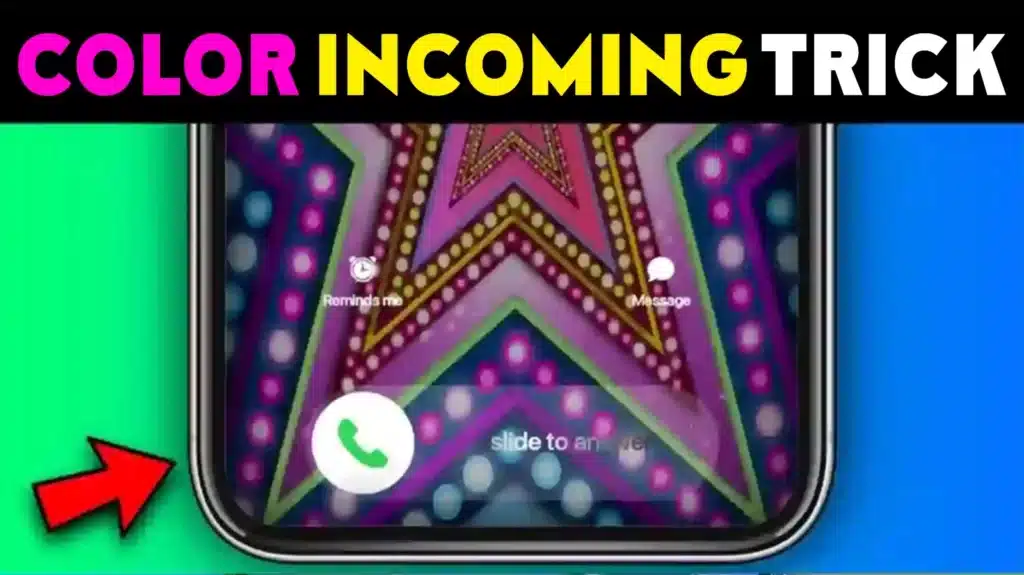
- Animated or color themed visuals
- Personalized ringtones tied to themes
- Contact-specific themes
- Popups and style selections for call UI
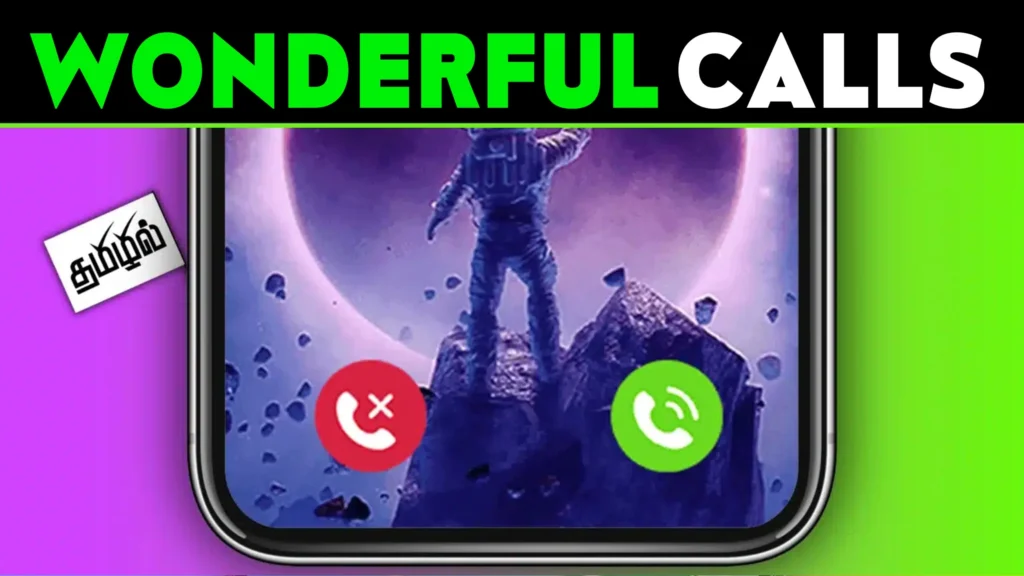
These apps allow users to replace or augment the default Android call screen with templates or themes that better reflect their taste — from neon art to minimalist styles.
How these apps work (simple explanation)
1. Theme selection
Once installed, you open the app and choose from categories of themes:
- Solid colors
- Animated backgrounds
- Gradient or pattern wallpapers
- Seasonal designs
- Contact-specific themes
2. Permission approval
To work properly, the app may ask for:
- Phone access (to detect incoming calls)
- Contacts access (to apply themes per contact)
- Storage access (for custom wallpapers)
- Notification access (optional, for tone override)
Android lists these permissions clearly so you know what’s being accessed.
3. Theme application
When a call comes in, the app overlays its themed visuals on top of the default Android call UI (or sometimes replaces it entirely, depending on settings).
4. Sound pairing
Many apps also link custom ringtones or message tones with themes — giving every call a unique sound and look.
Safety, privacy, and permission considerations
Although these apps are largely cosmetic, permissions must be reviewed carefully.
Core permissions required
- Phone state (detect incoming calls)
- Contacts (optional, to personalize per caller)
- Storage (optional, for custom themes)
Privacy insights
- Good apps store visuals locally
- Some apps may collect usage analytics
- Avoid apps requesting unrelated access (SMS, mic, location) unless clearly needed
Because Android in 2026 separates permissions cleanly, users can grant only what is needed and revoke anytime.
Why these apps remain popular
Color Call Screen & Themes apps do not improve network performance or call quality — rather, they enhance experience and aesthetics. People enjoy:
✔ Personalized incoming visuals
✔ Contact-specific backgrounds or tones
✔ Animated effects for calls
✔ Themes that match wallpapers or UI schemes
✔ Sound + visual combinations that feel unique
They are part of a broader trend toward visual customization on Android.
Pros and cons (balanced view)
Advantages
- Makes call screens visually appealing
- Helps identify contacts visually
- Often easy to setup and change
- Wide variety of themes available
- Works with most Android phones
Disadvantages
- Does not affect call quality or signal
- Some themes can distract or use battery
- Free versions often include ads
- May conflict with Android OEM skins (MIUI, One UI)
These tools enhance look and feel, not core calling mechanics.
When you should avoid using them
You might skip or remove these apps if:
- You prefer minimal or professional UI
- You want to conserve battery life
- Your device already has native theme support
- You dislike frequent ads or in-app purchases
In these cases, the native Android call interface remains the simplest option.
Who these apps are suitable for / not suitable for
Suitable for
- Users who enjoy personalization and visual flair
- People who change themes frequently
- Those with high-resolution displays
- Users who like colorful or animated screens
Not suitable for
- Users focused strictly on productivity
- Phones with limited battery or older hardware
- Users who want distraction-free UI
- People with privacy concerns about permissions
Practical daily-use tips (Android 2026)
- Choose static themes if battery life is a concern
- Limit large animations for less distraction
- Assign themes to favorite contacts for easy recognition
- Check permissions if the app requests extra access
- Update themes seasonally for fresh visuals
Android 2026 continues to improve widget and theme support, making these enhancements smoother and more efficient.
FAQ
Do these apps improve call quality?
No. They change visuals and sound only; call technology remains under Android and your carrier.
Do I need special permissions?
Yes — mainly phone access and optionally contacts or storage if you select per-contact visuals.
Are they safe?
Yes, when permissions are limited to what’s needed and from reputable developers.
Do they drain battery?
Animated or heavy visuals may use slightly more battery than default call UI.
Decision / Recommendation Table
| Feature | Recommendation |
|---|---|
| Personalizing calls | Highly suitable |
| Improving signal/call quality | Not applicable |
| Conserving battery | Use static visuals |
| Minimalist UI | Not recommended |
| Reader Recommendation (simple decision) | play.google.com |
Conclusion: visual joy, not technical upgrade
Color Call Screen & Themes apps for Android in 2026 play a visual and personalization role — making incoming calls more engaging with color, movement, and custom sounds. They do not alter how calls are made or improve signal, but they add aesthetic pleasure to everyday interactions. When used thoughtfully and with proper permissions, they give users a unique way to express personality through the look and sound of calls.
More Articles You May Like

✍️ About the Author – M Raj
Every website article I write is for the benefit of users (viewers). I focus on fully meeting the needs of article visitors and ensuring they are satisfied. All articles are created following Google’s article policy (Publisher Center guidelines). To get in touch, email M Raj at mraj@indshorts.com.
🧾 Editorial Standards
For corrections or clarifications, contact M Raj: keyboardtamil17@gmail.com