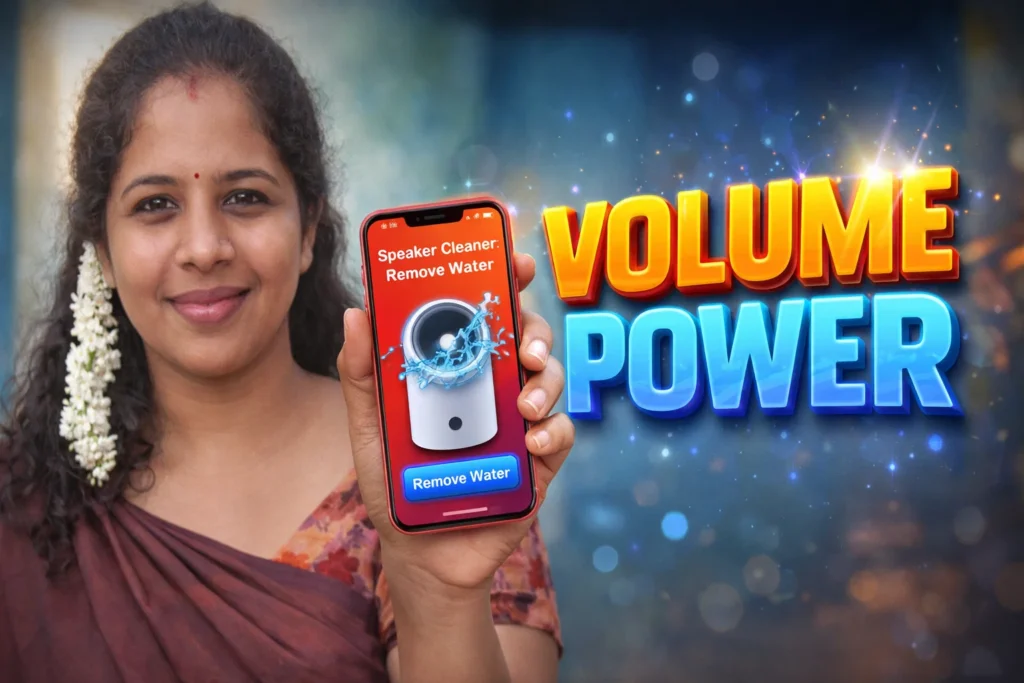
Dropping your Android phone into water, spilling drinks on it, or exposing it to heavy humidity can leave your speaker sounding dull, muffled, or quieter than normal. Many users instinctively worry about hardware damage, but often the problem is just water trapped in the speaker mesh or channels — and that’s where Bass Speaker Cleaner with Remove Water apps claim to help. In 2026, such apps use sound-based techniques to push moisture out of speakers. But do they really work? This article explains their real function, what they can and cannot do, and when they’re truly useful.
Quick Overview
| Aspect | What It Means |
|---|---|
| Primary purpose | Push moisture out of speaker ports |
| Method used | High-frequency or tempo sound playback |
| Works best for | Minor moisture or moisture near grills |
| Limitations | Cannot fix internal hardware damage |
| Best for | First-response attempts after light exposure |
What bass speaker cleaner with remove water apps are actually used for
These apps try to solve one specific problem: water or moisture trapped near or inside your phone’s speaker area. Instead of dismantling the device, these apps play audio tones designed to make the speaker diaphragm vibrate — with the goal of shaking out moisture. Many apps labeled as “Speaker Cleaner,” “Water Remove,” or “Eject Water” fall into this category.
Common real-world use cases include:
- Post-splash speaker muffled audio
- Temporary distortion after rain exposure
- Condensation trapped under speaker grills
- Quick attempt to improve clarity before professional repair
They are entry-level tools — not hardware repair solutions.
How these remove water apps work (simple explanation)
1. Audio output generation
The app plays specific audio tones through your phone’s speaker. These tones may include:
- Deep bass sequences
- Frequency sweeps
- Repeated oscillations
2. Vibration of speaker diaphragm
The theory is that particular sound vibrations can encourage water droplets to move out through tiny vents.
3. Repeated cycles
Most apps allow users to run multiple short “cleaning sessions” (30–60 seconds).
4. User checks results
After cycles, users test speaker clarity to see if muffling has improved.
This process is software-only. There is no hardware control or opening of the phone.
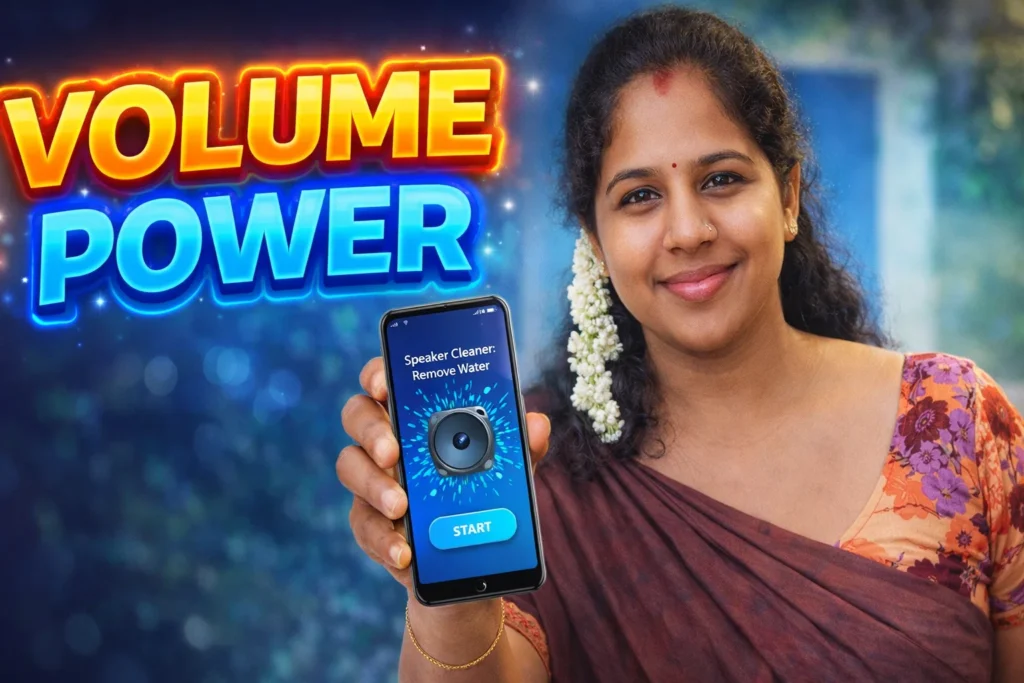
Do these apps really work? — The honest truth
In 2026, the answer is: Sometimes — for specific scenarios. But not always.
When they can help
✔ When water is only near the surface, like trapped in speaker grills
✔ After light splashes or humidity exposure
✔ When muffled sound is due to moisture, not hardware failure
✔ If you run short cycles with the correct tones
When they won’t help
✘ If water has penetrated deep inside the speaker assembly
✘ After prolonged immersion (minutes underwater)
✘ If there is internal corrosion or hardware issues
✘ When speaker components are broken
These apps can help move surface moisture, but they cannot repair actual speaker hardware damage.
Safety, privacy, and permission considerations
Since these apps play sound only, their privacy footprint is small — but user caution still matters.
Common permissions
- Audio output permission
- Foreground service (to run cleaning session)
No sensitive data is required
Good apps do not need:
- Contacts
- SMS
- Camera
- Location
Only apps that require unrelated permissions should be avoided.
Safety notes
- Do not use at extremely high volume (can cause distortion)
- Avoid holding phone near ear during cycles
- Stop if the phone overheats
Android 2026 prevents dangerously loud audio by design, but moderation is still wise.
Pros and cons (realistic)
Advantages
✔ Simple first attempt after moisture exposure
✔ Works without hardware disassembly
✔ Free or low-cost option
✔ Fast (seconds of processing)
Disadvantages
✘ Not a hardware water pump
✘ Limited effectiveness for deep internal moisture
✘ Results vary by phone model and speaker design
✘ Misleading marketing claims in some apps
These apps are helpful for temporary fixes, not guaranteed cures.
When you should avoid using them
You should not rely on these apps if:
- Your phone was fully submerged
- Speaker sound is completely gone
- There are other hardware symptoms (charging issues, screen flicker, no sound at all)
In such cases, power off the device and consider professional repair.
Who these apps are suitable for / not suitable for
Suitable for
- Users with minor moisture exposure
- Phones with temporary muffled sound
- People wanting quick, non-invasive attempts
- Casual home use (not professional repair)
Not suitable for
- Full submersion incidents
- Internal water damage
- Devices with hardware speaker failure
- Users expecting guaranteed results
Practical daily-use tips (Android usage in 2026)
- Turn off Bluetooth before cleaning
- Remove phone case to allow moisture escape
- Run multiple short sessions, not one long session
- After cleaning, let the phone air dry in a dry environment
- Don’t apply constant maximum volume — that can stress speakers
Modern Android devices may include improved sealing and moisture detection — enabling cautious use of these tools.
FAQ
Can these apps fix hardware-level water damage?
No. They help only with surface moisture near speaker vents.
Will my speaker be louder after using them?
Only if audio was muffled due to water; they do not increase speaker power.
Can I use these apps repeatedly?
Yes, in moderation — but avoid extreme volume.
Is it safe to use with Bluetooth audio?
Preferably make sure Bluetooth is disabled so the phone’s speaker is active.
Decision / Recommendation Table
| Situation | Recommendation |
|---|---|
| Minor moisture | Worth a try |
| Temporary muffled audio | Try first |
| Full immersion | Avoid |
| No sound at all | Professional repair |
| Reader Recommendation (simple decision) | play.google.com |
helpful but limited
Bass Speaker Cleaner with Remove Water apps for Android in 2026 can be helpful tools for dealing with slight moisture stuck near the speaker area. Their role is to encourage trapped water to exit using sound vibrations — but they are not a substitute for proper drying techniques or hardware repair when true internal damage occurs.
Used with correct expectations and safe settings, these apps offer a non-invasive first step that may restore clarity after light water exposure, but they are not universal cures for all water-related speaker problems.
More Articles You May Like

✍️ About the Author – M Raj
Every website article I write is for the benefit of users (viewers). I focus on fully meeting the needs of article visitors and ensuring they are satisfied. All articles are created following Google’s article policy (Publisher Center guidelines). To get in touch, email M Raj at mraj@indshorts.com.
🧾 Editorial Standards
For corrections or clarifications, contact M Raj: keyboardtamil17@gmail.com