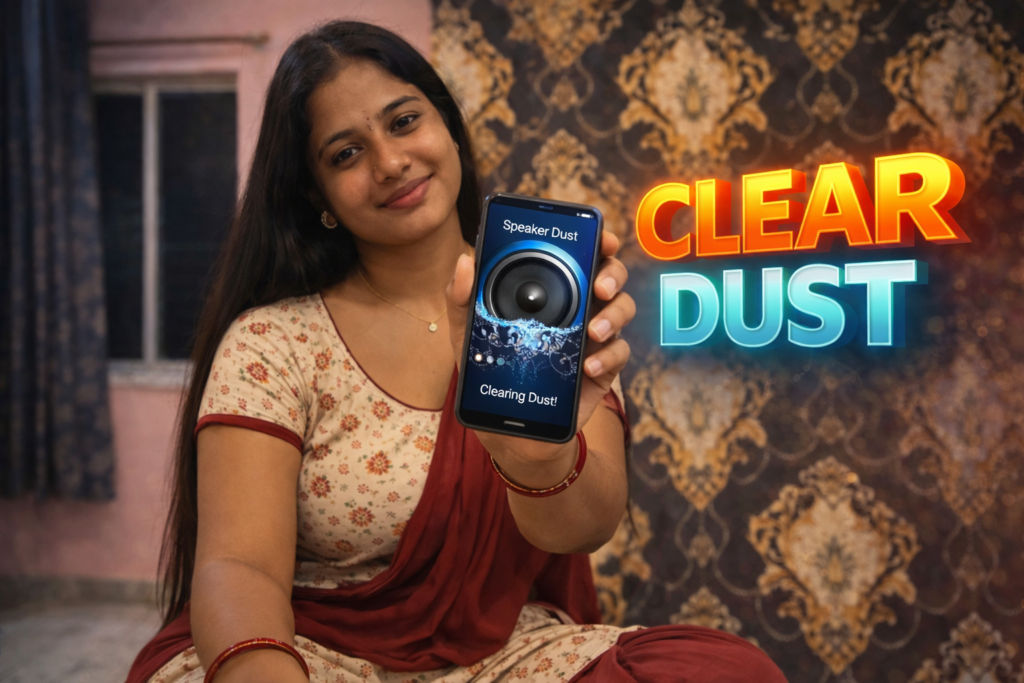
When phone speakers suddenly sound dull
Smartphones are used everywhere—during travel, workouts, cooking, and even in the rain. Because of this, accidental water exposure is common. A small splash, light rain, or moisture from sweat can enter the speaker grill and cause sound to become muffled or uneven. In these moments, users often search for quick solutions and discover Speaker Water Remover apps. In 2026, these apps are widely available, but many users still misunderstand how they work, what they can realistically fix, and when they should not be used.
Knowing the real purpose of these apps helps users avoid unnecessary risks and false expectations.
Quick Overview
| Aspect | Summary |
|---|---|
| App type | Speaker water removal utility |
| Primary purpose | Push out trapped water from speakers |
| Works on | Android devices |
| Cleaning method | Sound frequency and vibration |
| Hardware repair | Not possible |
| Risk level | Low when used correctly |
What Speaker Water Remover apps are actually used for
Speaker Water Remover apps are designed to help remove moisture trapped inside phone speakers using controlled sound vibrations. They do not open the phone or repair components. Instead, they rely on audio frequencies that make the speaker vibrate strongly enough to push water droplets outward.
Common situations where users rely on these apps:
- Phone exposed to rain or splashes
- Accidental water contact while washing hands
- Sweat entering the speaker during workouts
- Light moisture after cleaning the phone
These apps are most effective when used soon after water exposure.
How Speaker Water Remover apps work (step-by-step)
Step 1: Frequency generation
The app plays a specific sound tone, often at a low frequency, designed to create strong speaker vibration.
Step 2: Vibration effect
As the sound plays, the speaker vibrates more intensely than during normal audio playback.
Step 3: Water displacement
The vibration helps push small water droplets or moisture out of the speaker grill.
Step 4: Repeated cycles
Users can repeat the process multiple times if needed.
Step 5: Sound testing
After each cycle, users test speaker output to check improvement.
This method works best for fresh moisture, not dried residue.
What Speaker Water Remover apps cannot do
Clear limitations should be understood.
They cannot:
- Repair damaged speakers
- Remove hardened dirt or corrosion
- Restore sound after long-term water damage
- Improve speaker quality beyond original hardware limits
They can:
- Help clear trapped water
- Restore normal sound after minor exposure
- Reduce muffled audio caused by moisture
They are assistance tools, not repair solutions.
Safety, privacy, and permission considerations
Speaker Water Remover apps are generally low-risk, but users should still review permissions carefully.
Typical permissions
- Audio playback
- Basic app access
What to check before using
- No access to contacts, messages, or storage
- Clear explanation of sound-based cleaning
- No background activity when not in use
Red flags
- Claims of “fixing hardware damage”
- Continuous sound playback without control
- Aggressive ads during the cleaning process
Transparent apps are safer and more reliable.
Daily-life usage scenarios
These apps are useful in common, everyday situations such as:
- Light rain exposure during travel
- Water splashes in the kitchen or bathroom
- Moisture after outdoor exercise
- Minor spills around the device
They are far less effective if the phone was submerged or left wet for a long time.
Pros and cons
Advantages
- Quick and easy to use
- No physical tools required
- Helpful for minor water exposure
- Generally safe for occasional use
Disadvantages
- Limited effectiveness
- Not a permanent solution
- Results vary by device
- Overuse may cause unnecessary vibration
Using the app responsibly is important.
When you should avoid using Speaker Water Remover apps
Avoid relying on these apps if:
- The phone was submerged for an extended time
- Sound crackles or cuts out
- There are visible corrosion signs
- The phone heats up during use
In such cases, professional service is safer.
Who this is suitable for / not suitable for
Suitable for:
- Regular Android users
- Phones with recent water exposure
- Users noticing sudden muffled sound
- Non-technical users
Not suitable for:
- Devices with physical speaker damage
- Phones under warranty requiring inspection
- Users expecting full hardware repair
Reader Recommendation (simple decision)
| Situation | Recommendation |
|---|---|
| Minor water in speaker | A water remover app can help |
| Long-term water damage | App will not fix it |
| Privacy-conscious user | Review permissions carefully |
| Want to try a reference app | View example on Play Store |
Frequently Asked Questions
Do Speaker Water Remover apps really work?
They can help remove trapped water, but only in minor and recent exposure cases.
Can these apps damage speakers?
Occasional use is usually safe. Repeated or excessive use is not recommended.
How long should I run the water removal sound?
Short sessions of a few seconds to a minute are usually sufficient.
Do they improve sound quality permanently?
No. They only restore normal sound if water blockage was the cause.
Practical conclusion
Speaker Water Remover apps in 2026 are best understood as quick recovery tools for minor moisture problems, not repair solutions. When used shortly after water exposure, they can help restore normal speaker sound. However, they cannot fix long-term damage or replace professional servicing. Users should keep expectations realistic, use these apps sparingly, and seek expert help if sound problems persist.
More Articles You May Like




✍️ About the Author – M Raj
Every website article I write is for the benefit of users (viewers). I focus on fully meeting the needs of article visitors and ensuring they are satisfied. All articles are created following Google’s article policy (Publisher Center guidelines). To get in touch, email M Raj at mraj@indshorts.com.
🧾 Editorial Standards
For corrections or clarifications, contact M Raj: keyboardtamil17@gmail.com