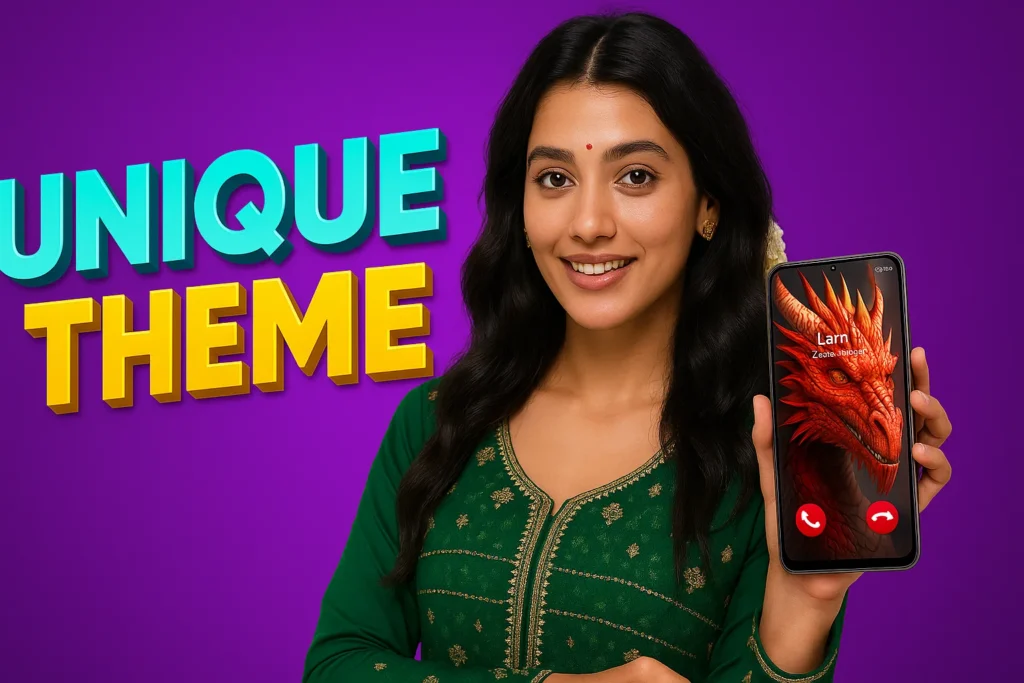
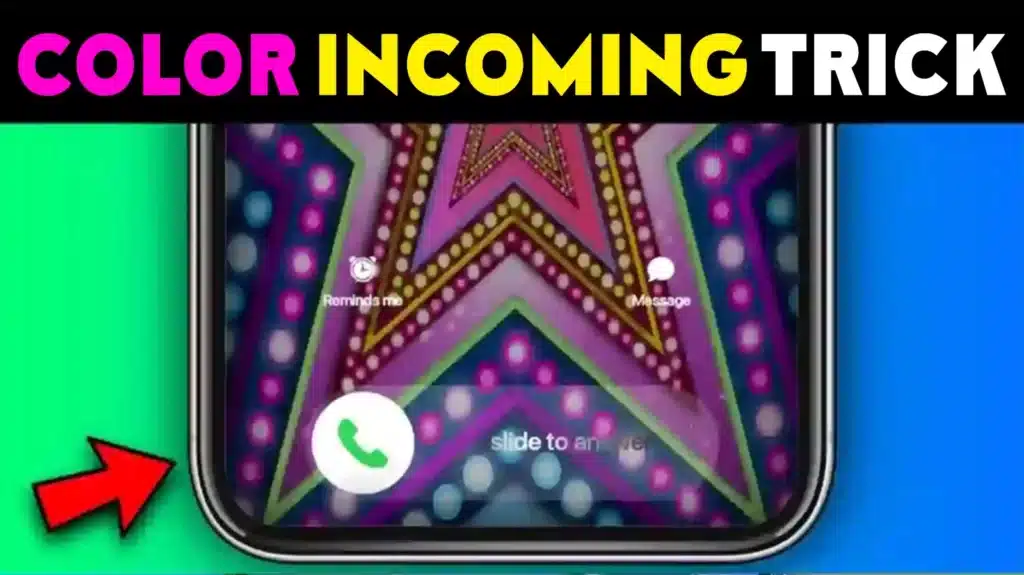
If you’re tired of boring call screens, the Color Phone: Call Screen Theme App is here to make your calling experience stylish, colorful, and fun. Released on September 6, 2023 and updated on September 13, 2024, this app by GeniusTools Labs has already reached 500K+ downloads with an impressive 4.5-star rating from 5.38K reviews.
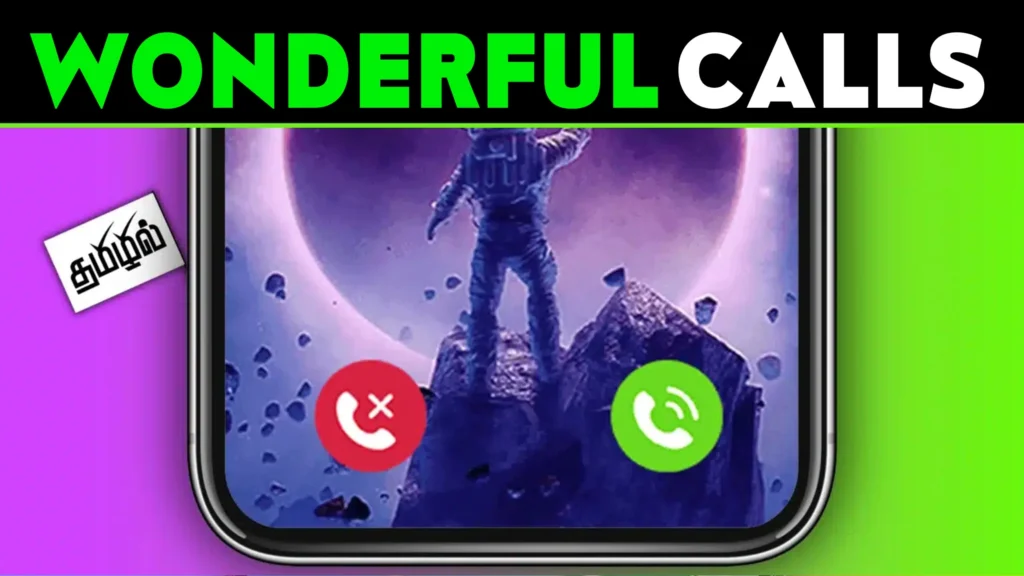
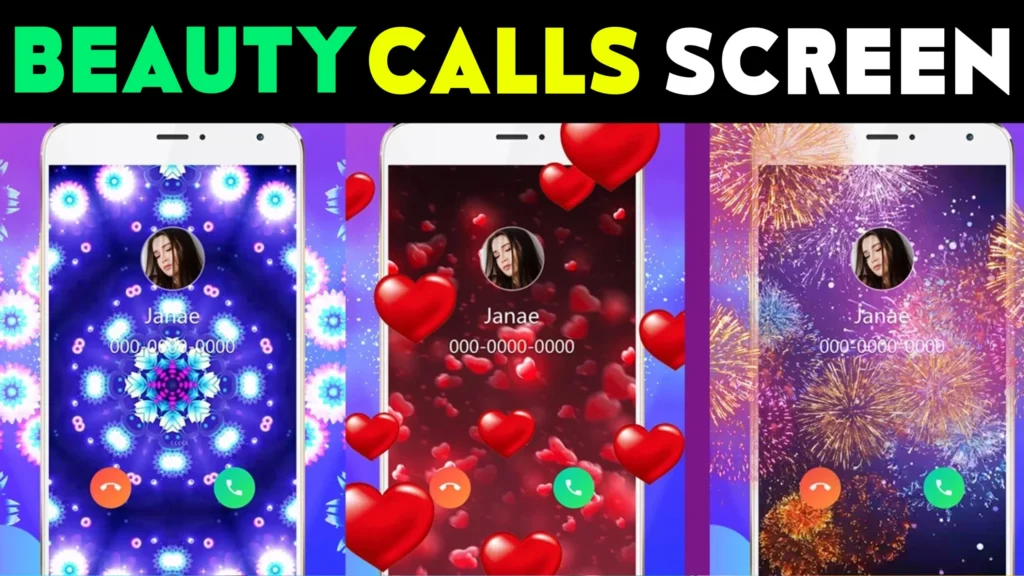
This app transforms your default calling screen into a vibrant, personalized space. With 10,000+ incoming call themes, 500+ call screen wallpapers, and 100+ unique answer/decline button styles, it ensures every call stands out. Whether you prefer anime, neon, 3D, vintage, or festive designs like Christmas or Halloween, this app gives you endless choices.
Beyond visuals, Color Phone also offers speed dial, calling history, saved templates, and monthly theme updates, ensuring you always have something fresh to try. Let’s explore why this app is becoming a favorite for Android users looking to customize their call screens.
📋 Table of Contents
| Category | Details |
|---|---|
| App Name | Color Phone: Call Screen Theme |
| App Link | Download Here |
| Offered By | GeniusTools Labs |
| Released On | Sep 6, 2023 |
| Updated On | Sep 13, 2024 |
| Rating & Reviews | 4.5 Stars ★ with 5.38K reviews |
| Installs | 500K+ Downloads |
| Policy | Privacy Policy |
| Support | support.colorphone@geniustoolslabs.com |
🌟 Key Features of Color Phone: Call Screen Theme
- 🎨 500+ Call Themes → A wide range of stylish themes for incoming calls.
- 🌈 10,000+ Colorful Templates → Customize your call screen with thousands of options.
- 🔘 100+ Call Buttons → Unique accept/decline button designs to match your themes.
- 📱 Customization → Create your own live call themes with custom wallpapers and buttons.
- ✨ Live Wallpapers → Add interactive, animated wallpapers to your call screen.
- 🗂 Categories → Anime, Neon, Cute, 3D Game, Vintage, Halloween, Christmas, and more.
- ⚡ Speed Dial & History Viewer → Call quickly and track your recent call history.
- 📌 Saved Templates → Auto-save your downloaded or created templates for reuse.
- 🔄 Monthly Updates → Fresh themes and wallpapers added regularly.

📥 How to Download and Use
- Download the App – Install from the Play Store.
- Set as Default Phone App – Allow it to replace your default dialer to customize calls.
- Use Tabs –
- Contact Tab → Search contacts.
- Dialer Tab → Make phone calls.
- Template Tab → Browse and select call screen wallpapers.
- Saved Tab → Manage your downloaded and created templates.
- Create Custom Themes – Tap the “+” button to design your own live call screen.
- Enjoy – Answer calls with vibrant live wallpapers and stylish buttons.
🧐 Why Choose Call Screen Theme App?
- Variety of Designs → From fun anime themes to elegant vintage looks.
- Easy Customization → Build your own live wallpapers and button styles.
- Regular Updates → Stay fresh with new templates added every month.
- All-in-One → Functions as both a call screen app and a dialer with speed dial support.
- User-Friendly → Simple interface makes it easy for anyone to use.
🌍 Where Can You Use It?
- Everyday Calls – Make routine calls fun with colorful visuals.
- Special Occasions – Use seasonal designs like Halloween or Christmas.
- Style Matching – Choose themes to match your mood, fashion, or phone wallpaper.
- Social Vibe – Show off unique call screens when friends call you.
🎯 Benefits of Using Color Phone: Call Screen Theme
- Personalized Experience – Every incoming call becomes exciting.
- Vast Choices – Thousands of templates ensure you never run out of options.
- Interactive Fun – Live wallpapers add motion and excitement.
- Functional Features – Built-in speed dial and history viewer.
- Safe & Secure – Doesn’t collect personal data; permissions are for call screen functions only.
❓ FAQs About Call Screen Theme App
What is Call Screen Theme App?
It’s an Android app that lets you customize your calling background with live wallpapers, colorful themes, and unique button styles.
How many themes are available?
Over 500 ready-to-use call themes and 10,000+ templates are included.
Can I create my own themes?
Yes! Use the “+” button to build custom live wallpapers and call button themes.
Does it work as a phone dialer?
Yes, it functions as your default phone app, with contacts, dialer, and history.
Is it safe to use?
Yes. The app does not collect or share personal information. Permissions are only for call screen functionality.
Who developed the app?
The app is developed by GeniusTools Labs.
🏁 Final Words
The Color Phone: Call Screen Theme App is the ultimate tool for anyone who wants to break free from dull default call screens. With thousands of templates, live wallpapers, and customization tools, it brings style, fun, and creativity to every incoming call. With 500K+ downloads and strong reviews, it’s clear that Android users love this app for making their calling experience exciting and unique. Download it today and let every ring be a colorful experience!
More Articles You May Like




✍️ About the Author – M Raj
Every website article I write is for the benefit of users (viewers). I focus on fully meeting the needs of article visitors and ensuring they are satisfied. All articles are created following Google’s article policy (Publisher Center guidelines). To get in touch, email M Raj at mraj@indshorts.com.
🧾 Editorial Standards
For corrections or clarifications, contact M Raj: keyboardtamil17@gmail.com