
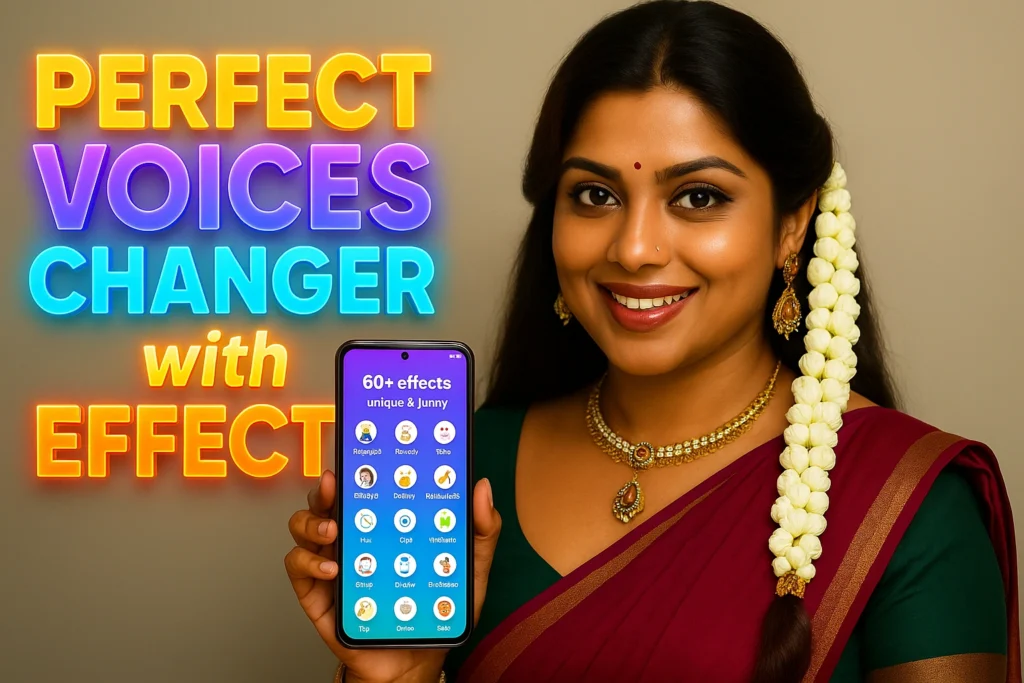
Artificial Intelligence is reshaping the way we create and share content, and one of the most exciting innovations is AI voice conversion. The Revoice app, developed by Balacoon.Revoice, is a powerful AI-based voice converter that allows you to change your voice into anyone’s voice or turn text into speech with any voice. Whether you want to make funny celebrity impressions, edit videos for Instagram or TikTok, or simply experiment with voice effects, Revoice offers everything in one lightweight app.
Released on March 28, 2023, and updated on August 30, 2024, the app has already crossed 500K+ downloads, with 2.95K reviews and a 3.8-star rating. Its popularity comes from its realistic neural network technology, which can mimic voices with impressive accuracy. From personalized audio messages to funny pranks, Revoice makes content creation easy and entertaining.
The app also supports text-to-speech synthesis, where you can write text and select from a huge list of voices. Imagine hearing your words spoken in the voice of a celebrity, friend, or relative—it’s possible with Revoice. For social media creators, pranksters, or anyone curious about AI voices, this app opens endless creative possibilities.
📌 App Overview
| Detail | Information |
|---|---|
| App Name | Revoice – AI Voice Converter |
| Developer | Balacoon.Revoice |
| Released On | March 28, 2023 |
| Last Updated | August 30, 2024 |
| Downloads | 500K+ |
| Rating | ⭐ 3.8 (2.95K reviews) |
| App Link | Download on Play Store |
| Privacy Policy | View Policy |
| Support Email | contact@balacoon.com |

🎯 Key Features of Revoice
- 🎙️ AI Voice Conversion – Convert your voice into any person’s voice with stunning accuracy.
- 📱 Social Media Ready – Edit Instagram stories, reels, or TikTok videos with unique voiceovers.
- 🎥 Video Voice Swap – Change the voice of any speaker in your videos.
- 😂 Prank Tool – Send funny messages or prank calls using celebrity or custom voices.
- 🎉 Personalized Greetings – Create birthday or holiday wishes in the voice of celebrities.
- 📝 Text-to-Speech (TTS) – Write text and generate audio in the voice of your choice.
- ⚡ Simple Usage – Record or upload → choose preset → convert → share.
- 🔐 Watermark Protection – Results include watermark sound unless you use custom presets.
📲 How to Use Revoice App
Step 1: Download the App
- Open the Google Play Store
- Search for “Revoice – AI Voice Converter”
- Tap Install and wait for the app to download.
Step 2: Convert Your Voice
- Record or upload up to 2 minutes of voice/video.
- Select from predefined AI voice presets or create your own.
- Convert and share the results instantly.
Step 3: Text-to-Speech Synthesis
- Type your text inside the app.
- Select a voice from the huge library of predefined voices.
- Generate AI audio and share it as a voice message or file.
🙋 FAQs on Revoice App
❓ What is Revoice App?
Revoice is an AI-powered voice converter and celebrity voice changer that allows users to convert their voice or text into realistic voices.
❓ Can I use it for Instagram/TikTok content?
Yes, Revoice is perfect for editing reels, stories, and short videos with unique AI-generated voiceovers.
❓ Is it free to use?
The app is free to download with limited features. Some advanced options may require in-app purchases.
❓ Does Revoice add a watermark?
Yes, all converted/synthesized results include a watermark sound, unless you use custom presets or voices.
❓ Is it safe to use celebrity voices?
The app is designed for fun and personal use only, not for impersonation or commercial misuse.
🏁 Final Words
The Revoice App is one of the most exciting AI voice changer tools available on Android. Whether you want to mimic celebrity voices, edit your social media content, or generate personalized audio messages, this app gives you endless possibilities. Its neural network accuracy, simple interface, and fun prank features make it a must-try for content creators and casual users alike.
If you want to explore the power of AI voice conversion, download Revoice – AI Voice Converter today and start creating amazing voice content.
More Articles You May Like





✍️ About the Author – M Raj
Every website article I write is for the benefit of users (viewers). I focus on fully meeting the needs of article visitors and ensuring they are satisfied. All articles are created following Google’s article policy (Publisher Center guidelines). To get in touch, email M Raj at mraj@indshorts.com.
🧾 Editorial Standards
For corrections or clarifications, contact M Raj: keyboardtamil17@gmail.com