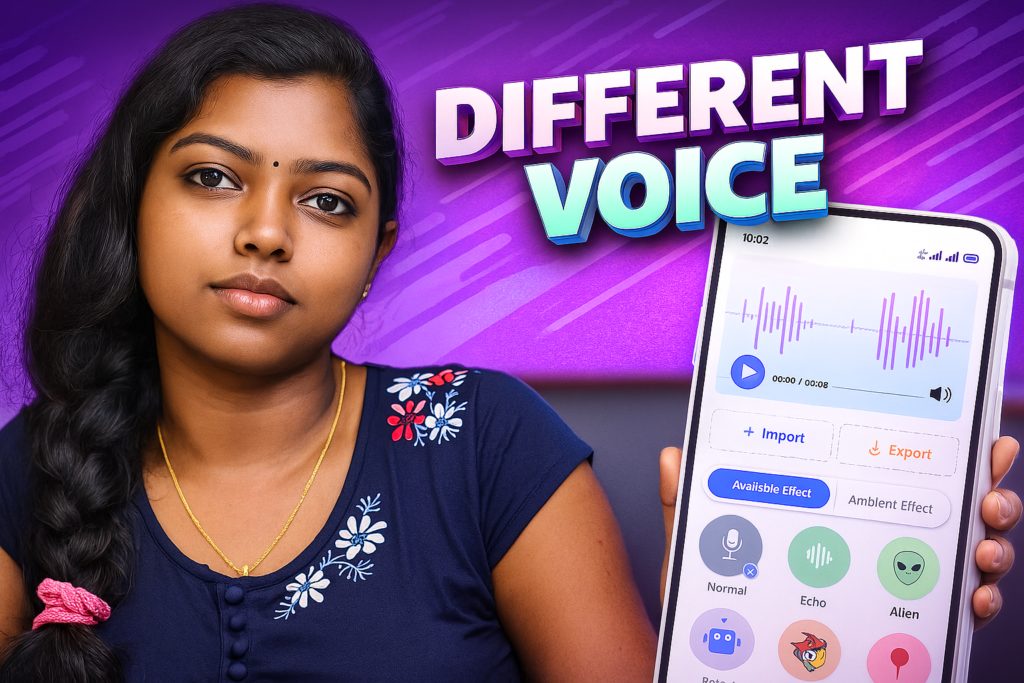
Voice-changing apps have become extremely popular as smartphones take on more creative and entertainment roles. Whether users want to modify their voice for fun, enhance audio for content creation, or add special effects for storytelling, voice changers offer a simple way to reshape sound without any technical expertise.
Voice Changer with Effects, developed by Concepft, is a lightweight but powerful audio editor designed for easy recording, importing, and transforming voices. With its 2026 update, the app provides improved audio processing, cleaner effects, and faster rendering — all inside a user-friendly interface.
This article explains how the app works, who it’s built for, what makes it unique, and how to use voice effects safely and responsibly.
Table of Contents
Why Voice Changers Are Popular in 2026
People use voice changers for many reasons:
- Fun entertainment with friends
- Creative videos on YouTube and Instagram
- Gaming or role-play voice modification
- Recording short stories with character effects
- Hiding identity for narration
- Producing comic or robotic voices for edits
Voice changers are no longer just novelty tools — they help enhance audio creativity on mobile devices.
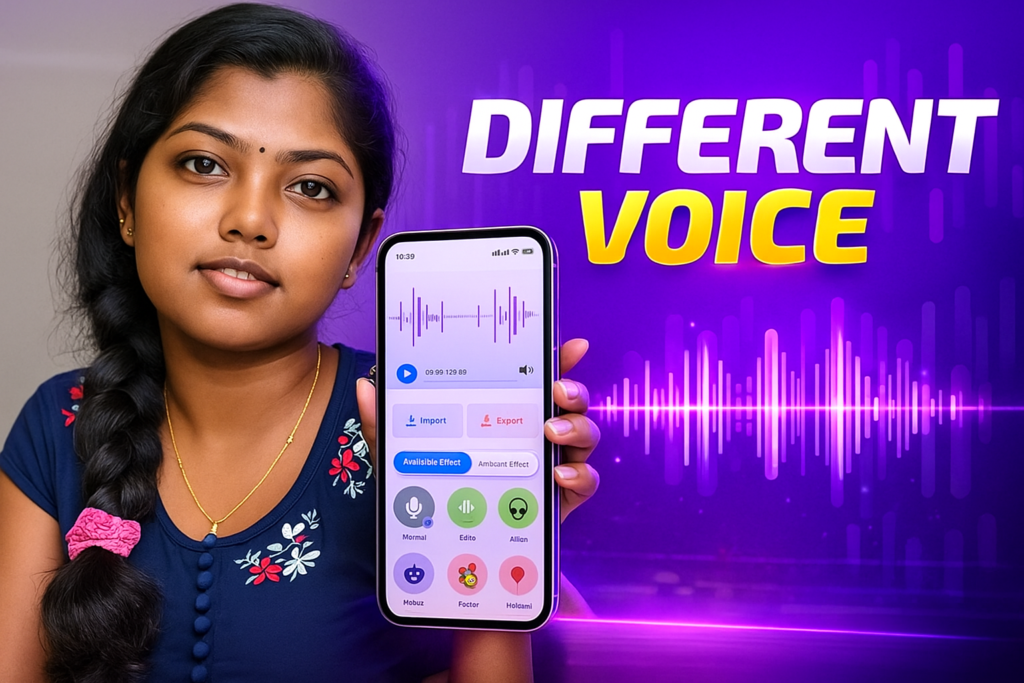
⭐ Discover-Style Quick Overview — Voice Changer with Effects (2026)
Voice Changer with Effects – Quick Overview (2026)
How Voice Changer with Effects Works (Simple + Technical Explanation)
The app performs three main operations:
1. Voice Recording
Users can record audio directly inside the app.
During recording, the app:
- Captures sound from the device microphone
- Normalizes the volume
- Reduces background noise (device-dependent)
- Saves the file for editing
The audio is kept offline for privacy.
2. Importing Audio Files
Users can import:
- Voice notes
- Music clips
- Speech recordings
- Dialogue from projects
The imported file is converted into a compatible format, allowing the app to apply effects smoothly.
3. Applying Effects
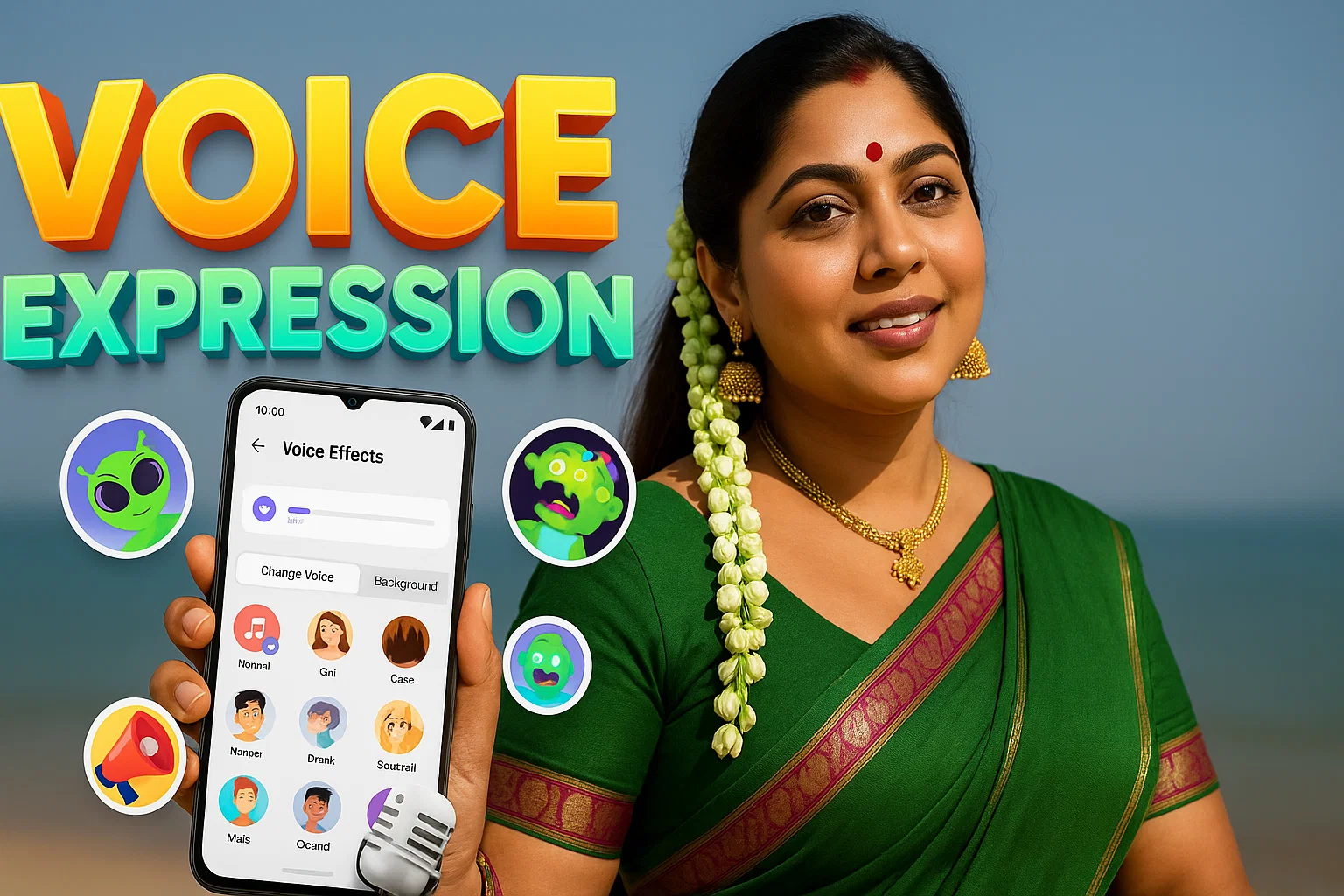
This is the heart of the app. Effects modify properties like:
- Pitch (high/low voice)
- Frequency curves
- Speed
- Echo and reverb
- Distortion
- Robot/vocoder layers
Each effect uses a real-time processing engine to transform the input audio without damaging clarity.
The result can be previewed instantly and exported as a shareable audio file.
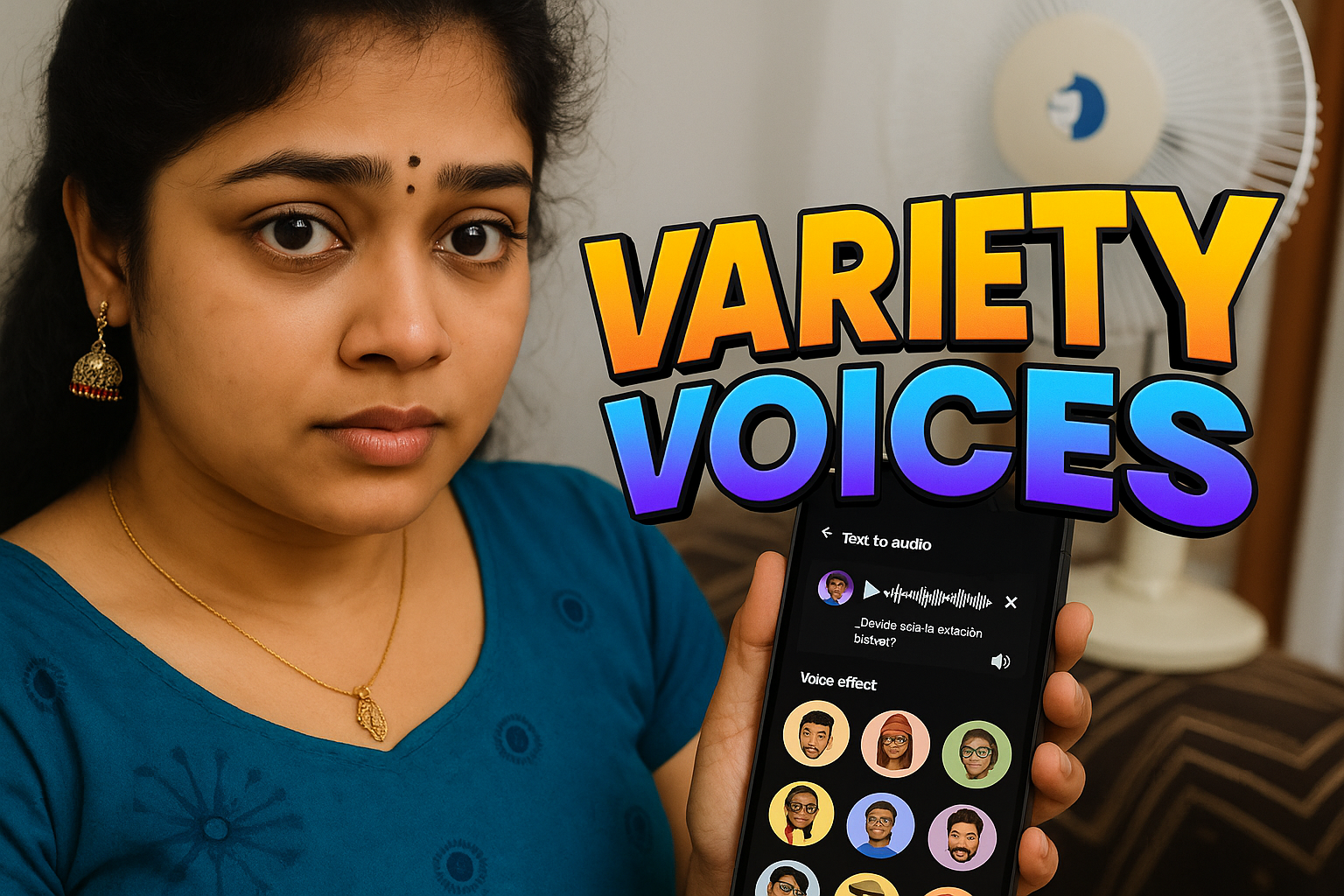
Popular Voice Effects in 2026
Although the app includes many options, most users enjoy:
✔ Chipmunk / Helium Voice
Pitch increased to create a funny, high-pitched sound.
✔ Deep Voice / Monster Voice
Lowers pitch for a heavy, dramatic effect.
✔ Robot / Transformer
Adds metallic vibration, synthetic harmonics, and modulation.
✔ Echo / Reverb
Creates a spacious, room-like sound.
✔ Old Radio
Simulates AM radio compression and static noise.
✔ Slow Motion or Fast Talk
Changes playback speed without affecting clarity.
These effects work well for jokes, narration, reels, and games.
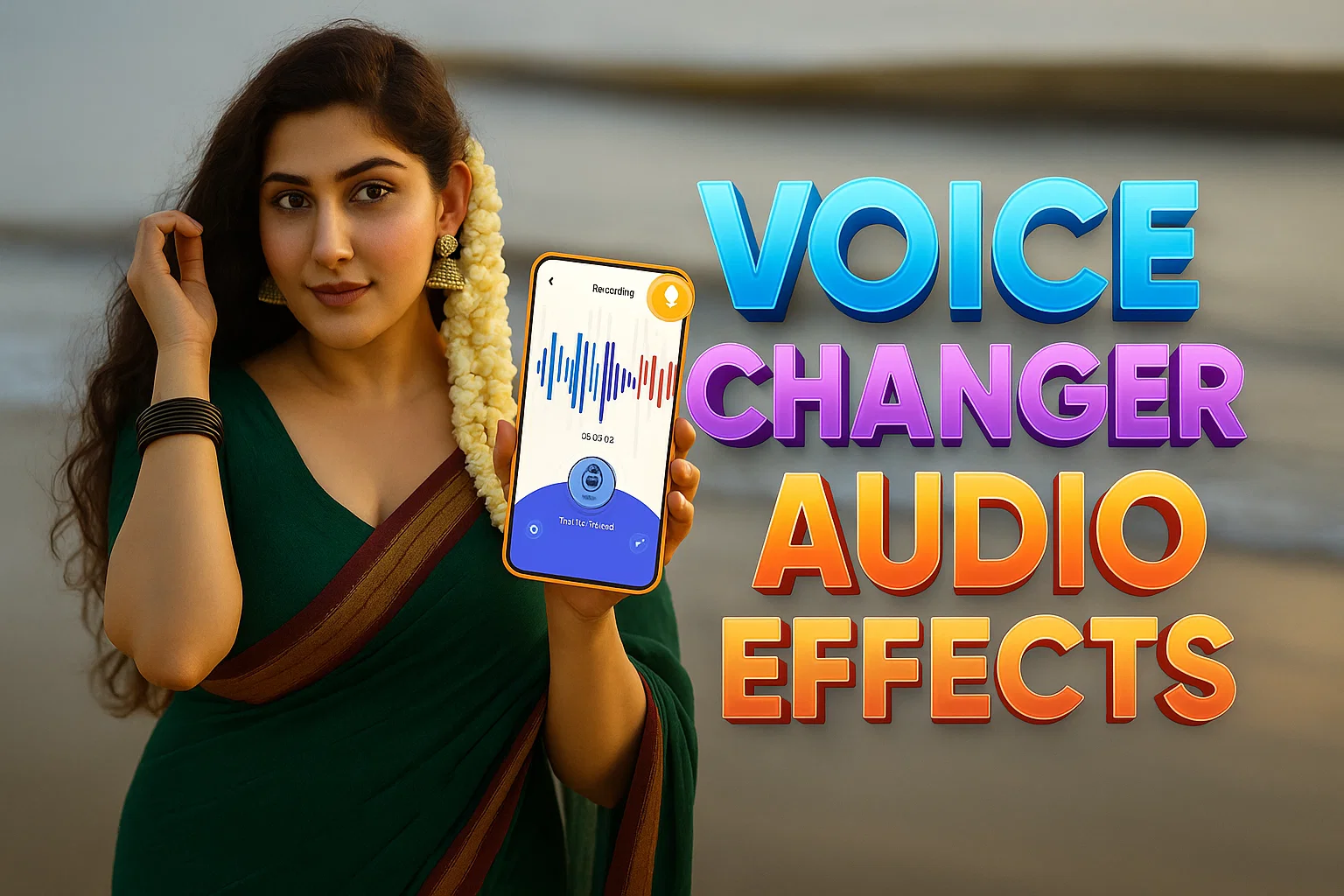
Technical Side: How Audio Effects Are Applied
While the app remains simple for users, its internal processing follows structured steps:
1. Digital Signal Processing (DSP)
Every effect modifies the waveform mathematically.
2. Pitch Shifting
The pitch-shifting algorithm alters frequency without stretching audio unnaturally.
3. Time Stretching
Used for fast/slow effects; preserves speech clarity.
4. Filters & Equalizers
Effects like “old radio” and “robot” use band-cut filters and noise layers.
5. Real-Time Rendering
The app processes audio quickly to keep export speeds high even on mid-range devices.
This makes the app suitable for both casual fun and professional-style edits.
Why Users Prefer This App in 2026
✔ Quick and Easy to Use
Record, apply effect, export — all in three steps.
✔ Good for Creators
Perfect for:
- YouTubers
- Instagram reels
- Short film editors
- Meme pages
- Voice actors practicing styles
✔ Works Completely Offline
None of the processing requires internet.
✔ Share Directly
Audio can be shared via messaging apps, social media, or files.
✔ Import Feature
Users can edit other audio clips instantly.
When to Use This App
Use Voice Changer with Effects for:
- Fun edits with friends
- Video dubbing content
- Gaming voice modifications
- Creative storytelling
- Character voices
- Short audio memes
When Not to Use It
Avoid using voice changers for:
- Misleading people
- Pranking in harmful ways
- Creating fraudulent recordings
The app is meant for entertainment and creativity only.
Tips to Get the Best Audio Output
To improve quality:
- Record in a quiet environment
- Keep the phone close to the mouth
- Avoid covering the microphone
- Try multiple effects to find the right tone
- Export in the highest available quality
These small steps make a big difference in audio clarity.
Final Thoughts
Voice Changer with Effects (2026) offers a balance between simplicity and advanced audio editing. It allows anyone to create interesting, funny, or dramatic voice clips without needing professional software. With its ability to record, import, edit, and share audio easily, it remains a helpful tool for entertainment, social media creation, and personal fun.
In 2026, voice creativity is becoming more mainstream, and this app makes it accessible for all users.
More Articles You May Like








✍️ About the Author – M Raj
Every website article I write is for the benefit of users (viewers). I focus on fully meeting the needs of article visitors and ensuring they are satisfied. All articles are created following Google’s article policy (Publisher Center guidelines). To get in touch, email M Raj at mraj@indshorts.com.
🧾 Editorial Standards
For corrections or clarifications, contact M Raj: keyboardtamil17@gmail.com