Voice changer apps have been popular for years, but in 2026 many Android users still ask the same question: do these apps really change your voice or just add fake effects? The answer is more practical than marketing claims suggest. Modern voice changer apps can definitely modify audio, but they work within technical limits imposed by Android, microphone access, and audio processing itself. This article explains the real truth — how these apps actually work, what they can realistically do, and where many expectations go wrong.
Quick Overview
| Aspect | Real Reality (2026) |
|---|---|
| Main purpose | Modify recorded or imported audio |
| Live call voice change | Usually limited |
| Technology used | Audio DSP (pitch, speed, effects) |
| Works offline? | Often yes |
| Main limitation | Cannot fully replace identity voice |
What voice changer apps are actually used for
Most voice changer apps are audio editors with sound effects, not professional voice-disguise systems. Typical features include:
- Recording your voice
- Importing existing audio files
- Applying effects like robot, alien, helium, monster, cave, etc.
- Adjusting pitch, tempo, and tone
- Exporting edited audio or videos
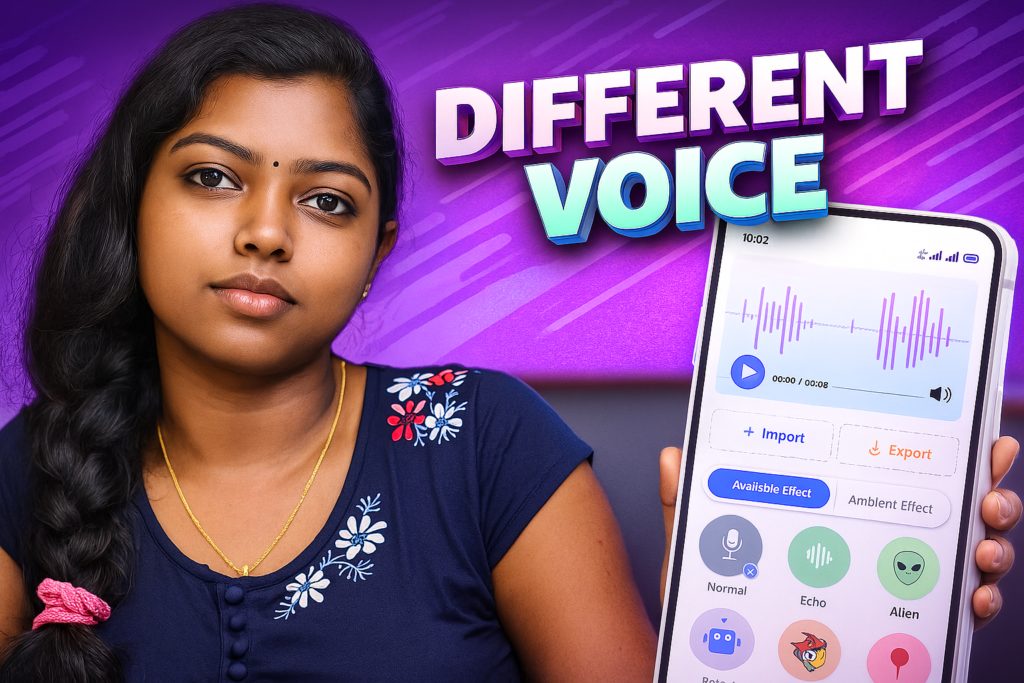
For example, the app listed in your recommendation — Voice Changer & Voice Effects — highlights recording, importing audio, text-to-speech processing, and applying effects such as robot or helium voices.
So the real purpose is fun, creativity, and content creation, not advanced voice identity replacement.
How voice changer apps actually work (simple explanation)
1️⃣ Audio recording
Apps record voice using Android’s microphone system. Android requires explicit microphone permission (RECORD_AUDIO) because audio capture is privacy-sensitive.
2️⃣ Digital audio processing (DSP)
After recording, the app modifies audio mathematically:
- Pitch shifting (higher or deeper voice)
- Speed / tempo adjustments
- Reverb and echo
- Frequency filtering (bass, treble changes)
These are classic sound-processing techniques — not AI cloning.
3️⃣ Export and sharing
The modified file is saved or exported for social media, videos, or messaging apps.
Important truth:
➡️ The original voice still exists — the app just modifies acoustic properties.
The real truth: what voice changer apps CAN do
In 2026, voice changer apps are genuinely useful for:
✔ Fun voice effects (robot, chipmunk, monster)
✔ Meme or short-video audio creation
✔ Basic creative editing
✔ Adding effects to videos or text-to-speech audio
Many apps are designed for quick editing rather than deep customization, which is why they feel easy for casual users.
The real truth: what they CANNOT do
This is where expectations often go wrong.
❌ They cannot perfectly change your identity
Voice changer apps do not create a brand-new human voice. They adjust frequency and tone — so your speaking pattern and rhythm remain recognizable.
❌ Real-time calling is often limited
Android security and audio routing make live call voice changing difficult. Community discussions show many mobile voice changer tools cannot modify live calls reliably.
❌ Not AI voice cloning
Professional AI voice synthesis uses advanced neural models requiring large training data and computing power — far beyond normal mobile apps.
So the real truth is:
➡️ Voice changer apps change sound style, not vocal identity.
Safety, privacy, and permissions (important for 2026)
Required permissions
Most voice changer apps need:
- Microphone access (record audio)
- Storage access (save files)
- Media import permissions
Android treats microphone access as sensitive because of privacy risks.
Privacy reality
Good apps usually:
- Process audio locally
- Store files on your device
- Do not need contacts or SMS access
Avoid apps asking for unrelated permissions — that’s unnecessary for voice editing.
Pros and cons (honest and balanced)
Advantages
- Easy entertainment tool
- Quick audio editing
- Useful for content creators
- Works on most Android devices
Disadvantages
- Effects sound artificial if overused
- Not suitable for professional voice production
- Live call modification is limited
- Quality depends on microphone and recording environment
When you should avoid using voice changer apps
Avoid relying on these apps if:
- You expect professional studio-level voice results
- You need identity masking or biometric bypass
- You want real-time call manipulation
- You need legal or security-sensitive voice usage
These apps are built for fun — not serious identity transformation.
Who these apps are suitable for / not suitable for
Suitable for
- Casual users
- Social media creators
- Short video editing
- Gaming or humorous clips
Not suitable for
- Professional audio creators
- Security-related voice use
- Users expecting AI voice cloning
Practical tips for better results (2026 usage)
- Record in a quiet room
- Use a good microphone or earbuds
- Apply moderate effects (extreme effects reduce clarity)
- Save original audio before editing
- Test different pitches instead of only presets
FAQ
Do voice changer apps really work?
Yes — for audio effects and voice modification, not full voice replacement.
Can they change voice during phone calls?
Usually not reliably, due to Android audio restrictions.
Do they store my voice recordings?
Most store locally, but always check permission and privacy details.
Are they safe?
Generally yes, if they request only microphone and storage access.
Decision / Recommendation Table
| User Goal | Recommendation |
|---|---|
| Fun voice effects | ✔ Good choice |
| Professional audio work | ✖ Not ideal |
| Real identity masking | ✖ Not reliable |
| Social media clips | ✔ Very suitable |
| Reader Recommendation (simple decision) | play.google.com |
Conclusion: the real truth in one line
Voice changer apps in 2026 really work — but only within realistic boundaries. They are audio effect tools that modify pitch and tone, not advanced AI voice replacement systems. When used for fun, memes, or creative editing, they perform well. Problems start when users expect perfect voice transformation or real-time call modification. Understanding this difference helps you use these apps safely and with realistic expectations.
More Articles You May Like






✍️ About the Author – M Raj
Every website article I write is for the benefit of users (viewers). I focus on fully meeting the needs of article visitors and ensuring they are satisfied. All articles are created following Google’s article policy (Publisher Center guidelines). To get in touch, email M Raj at mraj@indshorts.com.
🧾 Editorial Standards
For corrections or clarifications, contact M Raj: keyboardtamil17@gmail.com