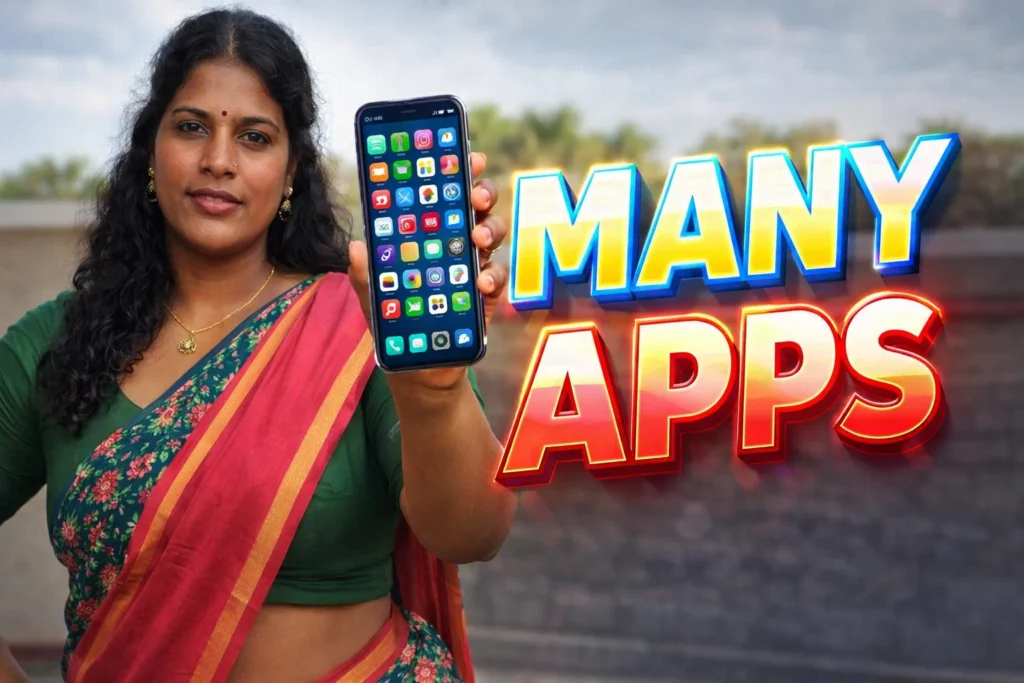
Many Android users want to use the same app with two different accounts. For example, using two WhatsApp numbers, two social media accounts, or separate work and personal logins on the same phone. This is why Multi App Space Android 2026 apps are popular.
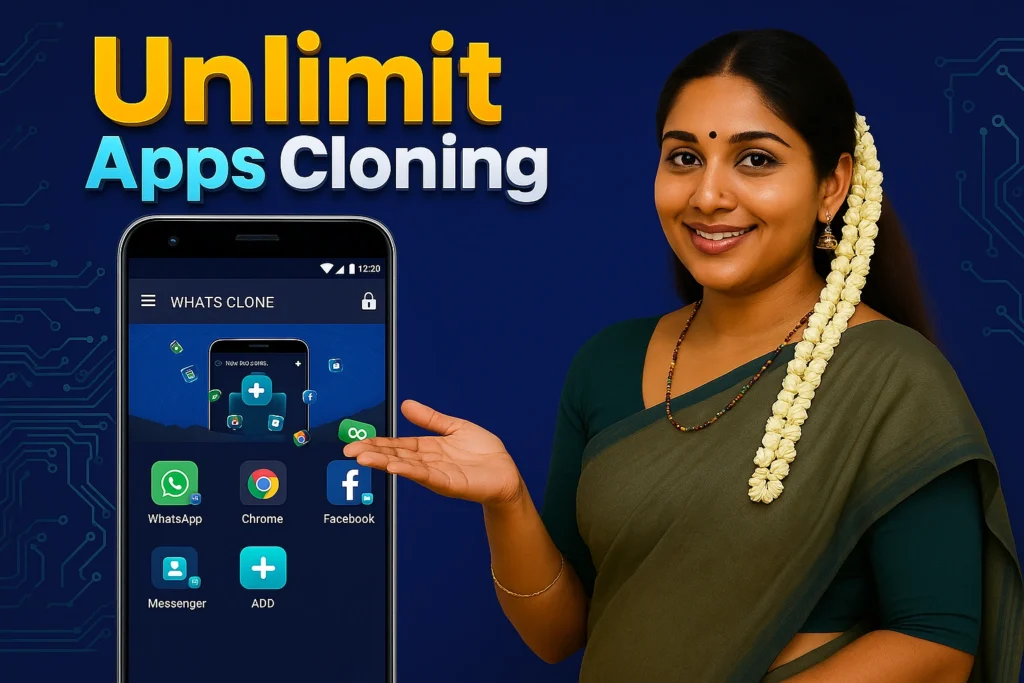
These apps create a separate virtual space inside the phone where the same app can run again without affecting the original one. Instead of installing the app twice from the Play Store, the multi-space app clones it and runs it in a separate environment.
Quick Overview
| Feature | Details |
|---|---|
| Main Purpose | Use multiple accounts in same app |
| Technology | App cloning / virtual space |
| Works With | Social apps, games, tools |
| Internet Needed | Same as original app |
| Root Required | No |
| Security | Separate app storage |
| Suitable For | Dual accounts |
What Multi App Space Apps Are Used For
Multi space apps allow one phone to run the same app more than once.
Users usually install them to:
- use two WhatsApp accounts
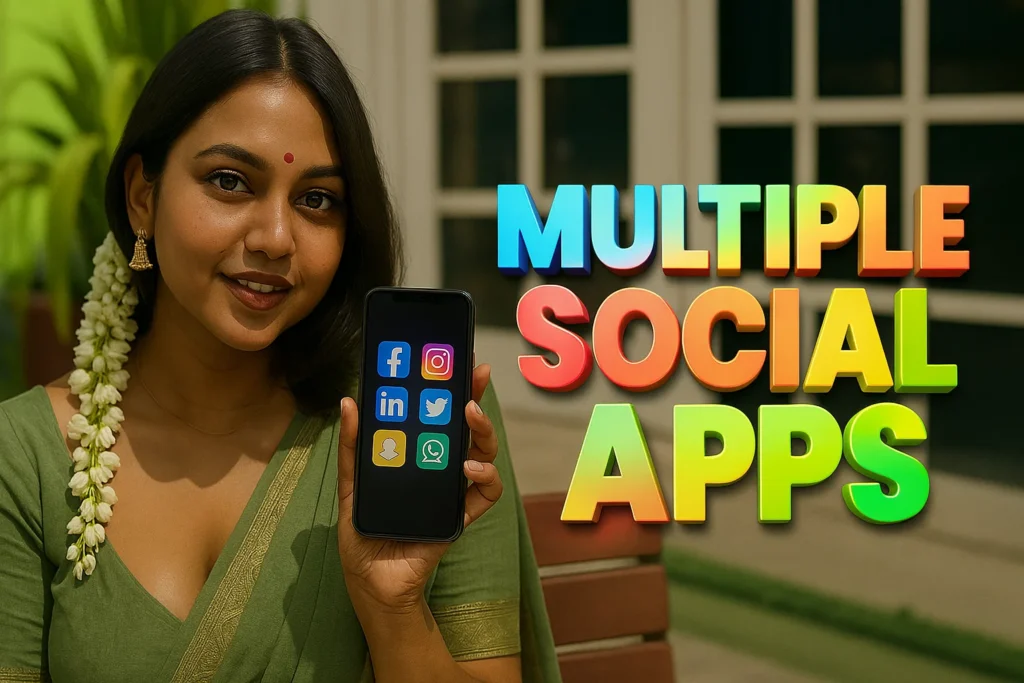
- run two Facebook / Instagram accounts
- separate work and personal apps
- play games with multiple accounts
- keep private apps separate
Instead of switching accounts repeatedly, the app creates a second copy that works independently.
How Multi App Space Works
The working method is simple.
Step 1: Create Virtual Space
After installing the multi space app:
- Open the app
- Choose the app you want to clone
- The app creates a copy inside the virtual space
This copy works like a separate installation.
Step 2: Add Second Account
Inside the cloned app you can:
- log in with another account
- use another phone number
- keep different settings
The original app stays unchanged.
Step 3: Separate Storage
Multi space apps keep data separate.
This means:
- messages stay separate
- login details stay separate
- files stay separate
The phone treats the cloned app as another environment.
Step 4: Run Both Apps at Same Time
You can open:
- original app normally
- cloned app inside multi space
Both can work at the same time.
This is useful for people managing multiple accounts.
Why Multi App Space Apps Are Popular in 2026
1. Many People Use Multiple Accounts
Users often have:
- personal account
- work account
- business account
- gaming account
Multi space apps make switching easier.
2. Some Phones Do Not Support Dual Apps
Some Android phones have built-in dual app feature, but not all devices support it.
Multi space apps work on almost any phone.
3. Useful for Work and Personal Separation
Users can keep:
- office apps in one space
- personal apps in another space
This keeps data organized.
4. No Root Needed
Older cloning methods required root access.
Modern multi space apps work without changing the system.
When Multi App Space Is Useful
These apps are helpful when:
- you need two accounts in one app
- your phone has only one SIM
- your phone has no dual app feature
- you want separate login environments
They are mainly for convenience.
Limitations to Know
- Cloned apps may use more battery
- Some apps do not support cloning
- Notifications may need manual settings
- Too many cloned apps may slow the phone
Using only the needed apps gives better performance.
Who Should Use Multi App Space
Suitable for
- users with two social accounts
- business users
- gamers with multiple IDs
- phones without dual app feature
Not suitable for
- users with low storage
- very old phones
- users needing high performance
Decision / Recommendation Table
| Situation | Recommended? | Reason |
|---|---|---|
| Need two WhatsApp accounts | Yes | Clone works well |
| Work and personal apps separate | Yes | Virtual space helps |
| Phone already has dual apps | Not needed | System feature enough |
| Low storage phone | Not ideal | Cloned apps use space |
| Multiple social accounts | Yes | Easy switching |
Reader Recommendation (Simple Decision)
If you want to run the same app with multiple accounts on one Android phone, you can explore:
Use only the apps you need to avoid slowing down your device.
Final Thoughts
Multi App Space Android 2026 apps help users run multiple accounts of the same app without changing the phone system. By creating a virtual space, these apps allow separate logins, separate data, and easy switching between accounts.
They are useful for people managing personal, work, or business accounts on the same phone, but should be used carefully to avoid performance problems.





✍️ About the Author – M Raj
Every website article I write is for the benefit of users (viewers). I focus on fully meeting the needs of article visitors and ensuring they are satisfied. All articles are created following Google’s article policy (Publisher Center guidelines). To get in touch, email M Raj at mraj@indshorts.com.
🧾 Editorial Standards
For corrections or clarifications, contact M Raj: keyboardtamil17@gmail.com