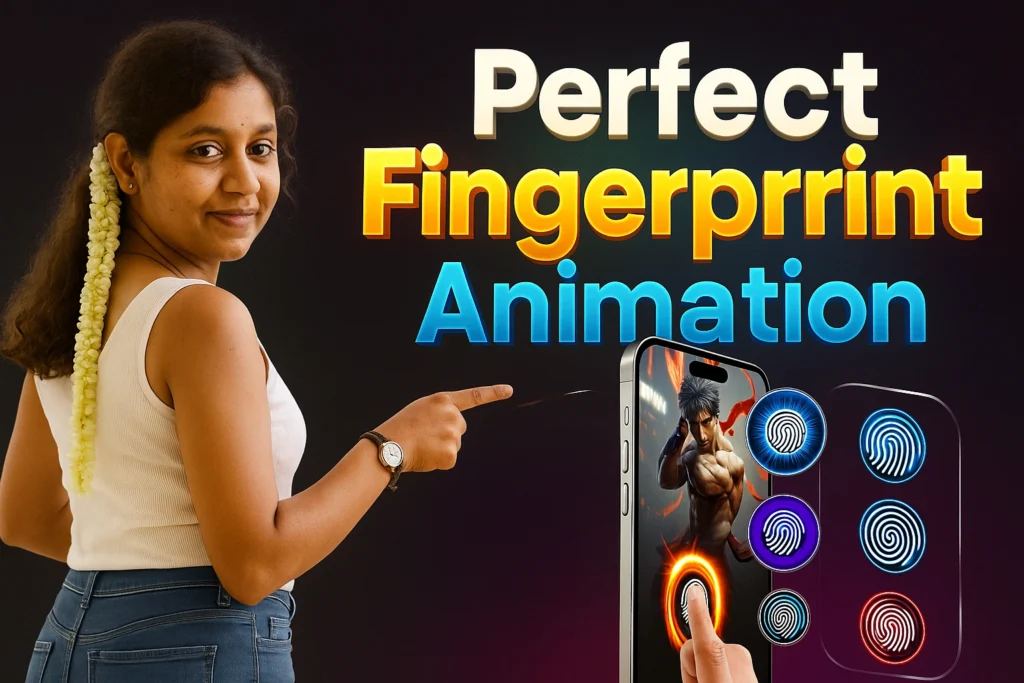
Smartphones are no longer just about functionality—they’ve become an extension of our personality. One of the most creative ways to personalize your device is through live wallpapers. Among these, fingerprint animations stand out as they bring a futuristic, interactive look to your lock screen and home screen.
The Fingerprint Animation app is designed for Android users who want to transform their device with eye-catching fingerprint effects. Whether it’s neon animations, HD wallpapers, or dark themes, this app lets you customize, preview, and set animated wallpapers in just a few taps.

📊 Fingerprint Animation App Details
| Feature | Details |
|---|---|
| App Name | Fingerprint Animation |
| Developer | Vk.soft.Dicapp |
| Rating | ⭐ 3.3 / 5 (819+ reviews) |
| Downloads | 100K+ |
| Released On | May 11, 2023 |
| Compatibility | Android smartphones |
| Privacy Policy | View Policy |
| Support Email | vksoftdicapp@gmail.com |
| Install Link | Install from Play Store |
Why Use Fingerprint Animation?
- 🔥 Stand Out from the Crowd – Give your device a unique lock screen look.
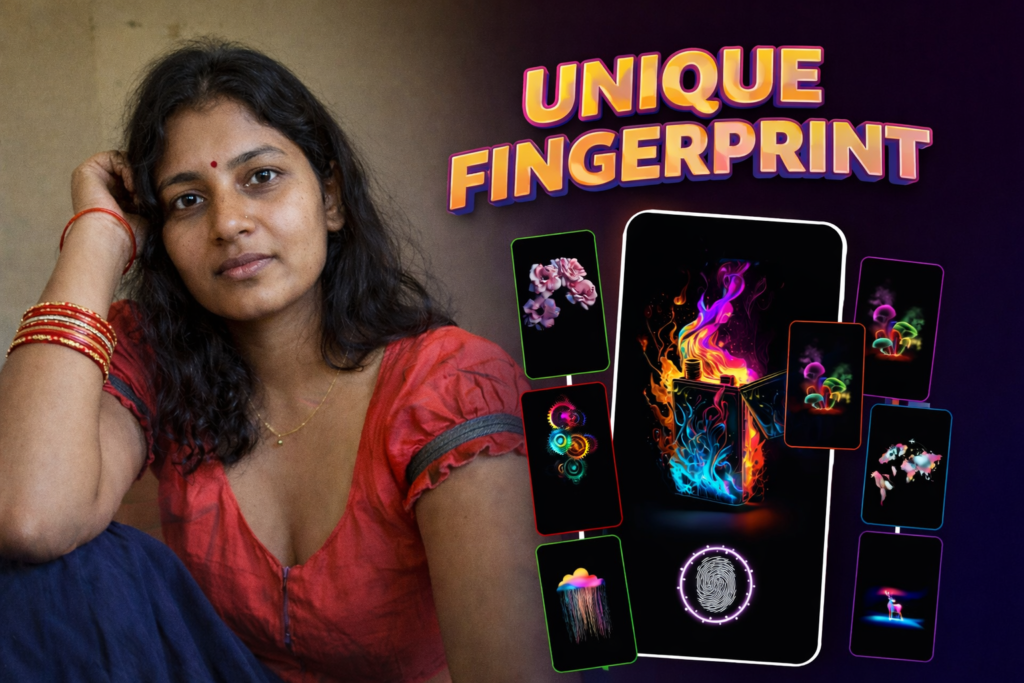
- 🎨 Full Personalization – Choose from neon, dark, HD, 4K wallpapers.
- 📱 Dynamic Experience – Interactivity makes your lock screen feel alive.
- ⚡ Lightweight & Easy – Simple interface for quick customization.
- 🌌 Variety of Themes – Dark, neon, colorful, and abstract options available.
Where Can You Use It?
- 📱 Home Screen – Make your phone’s main screen look futuristic.
- 🔒 Lock Screen – Add fingerprint animations for extra style.
- 🎭 Themed Phone Setup – Combine with other wallpapers for aesthetic layouts.
- 🎁 Personalization Gift – Perfect for gifting a phone setup idea to friends/family.
Benefits of Fingerprint Animation App
- ✅ Large collection of live wallpapers.
- ✅ Ability to set your own wallpaper with fingerprint effect.
- ✅ Home and lock screen customization.
- ✅ Preview feature before applying.
- ✅ Adjust position and scale of fingerprint animation.
- ✅ Regular updates with new fingerprint styles.
- ✅ Works on a wide range of Android devices.
How to Use Fingerprint Animation on Your Device
- Install the App → Download from Play Store.
- Open the App → Browse the collection of live wallpapers.
- Select Your Style → Neon, dark, HD, or custom wallpapers.
- Customize Settings → Change fingerprint position and scale.
- Preview Animation → See how it looks on your device before applying.
- Apply Wallpaper → Set it on home screen, lock screen, or both.
- Enjoy → Your phone now has a live fingerprint animation look!
FAQs About Fingerprint Animation
Q1: Does this app actually add fingerprint security?
No, it’s for visual animation only. Your actual phone lock security remains unchanged.
Q2: Can I use it on both home and lock screen?
Yes, you can apply fingerprint animations to either or both screens.
Q3: Is the app safe to use?
Yes, the app is available on the official Google Play Store and is safe.
Q4: Can I use my own wallpaper with fingerprint effects?
Yes! You can upload your own wallpaper and add live fingerprint animations over it.
Q5: Will this drain my battery?
No, the app is lightweight and optimized for smooth performance.
Final Words
The Fingerprint Animation app is a fun, futuristic way to customize your smartphone. From neon glow effects to dark fingerprint themes, you can personalize your phone in endless ways. It’s simple, interactive, and perfect for anyone who wants their device to stand out.
👉 Download Fingerprint Animation now and bring your phone screen to life with stunning fingerprint wallpapers!
More Articles You May Like





✍️ About the Author – M Raj
Every website article I write is for the benefit of users (viewers). I focus on fully meeting the needs of article visitors and ensuring they are satisfied. All articles are created following Google’s article policy (Publisher Center guidelines). To get in touch, email M Raj at mraj@indshorts.com.
🧾 Editorial Standards
For corrections or clarifications, contact M Raj: keyboardtamil17@gmail.com