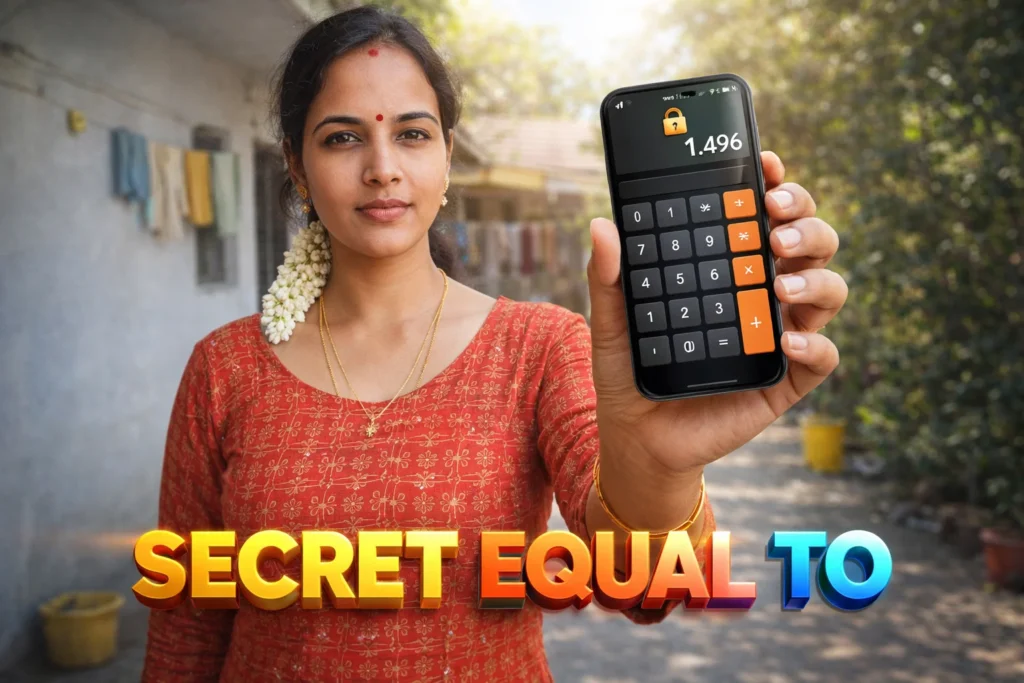
Smartphones today contain vast amounts of private data — photos, videos, messages, files, and apps. Users often want to protect this data not just with a lock screen but with something hidden or disguised. That’s where Calculator Lock apps come in: apps that look like ordinary calculator apps but secretly act as vaults or app locks. In 2026, these apps have evolved with fingerprint integration and advanced privacy options, but their role remains misunderstood by many. This article explains what Calculator Lock apps truly do, how they work, real limitations, their usefulness, and when you should (or should not) use them.
Quick Overview
| Feature | What it Really Does |
|---|---|
| Primary role | Hide private content behind a calculator interface |
| Typical functions | App lock, photo vault, file vault |
| Main benefit | Discreet privacy for casual use |
| Limitations | Not bullet-proof security |
| Skill level | Very easy to use |
What Calculator Lock apps are actually used for
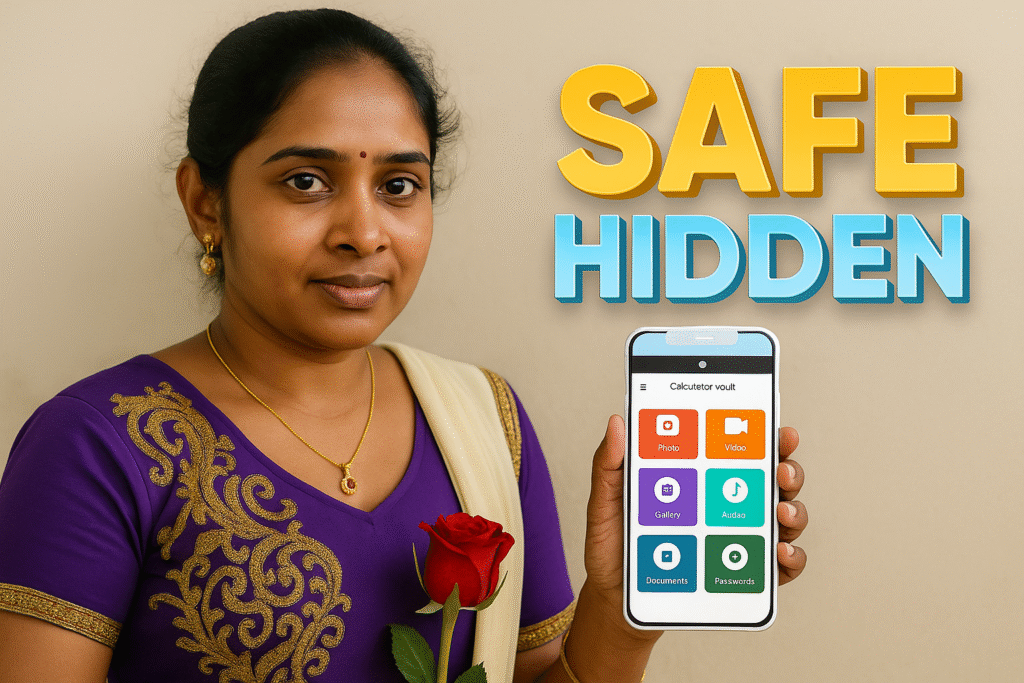
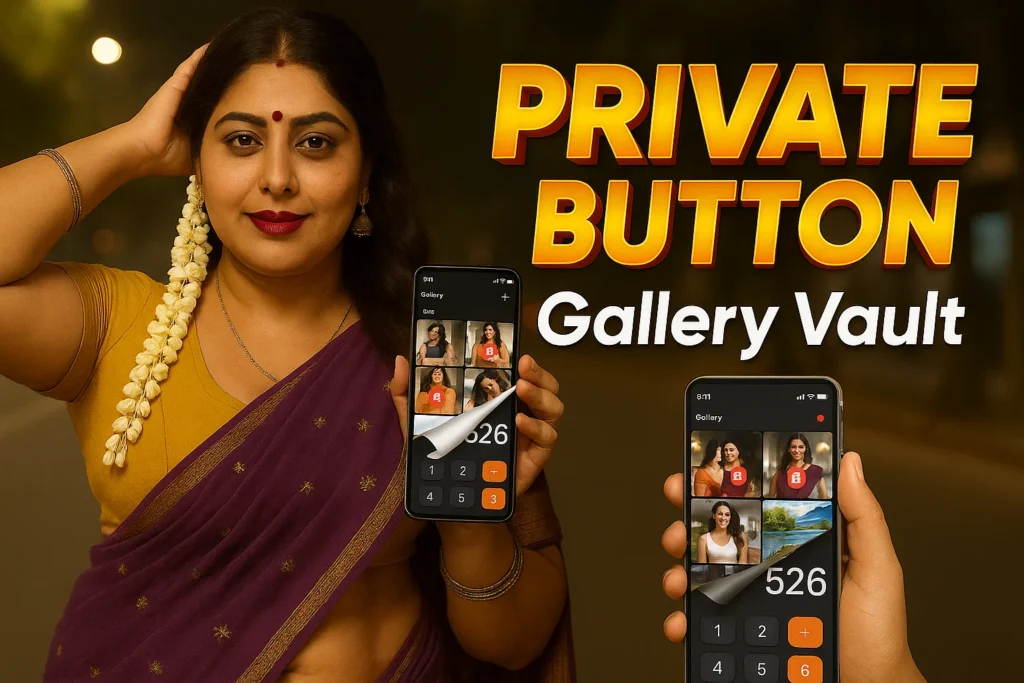
Calculator Lock apps appear and behave like ordinary calculator applications, but they have a secret vault behind them — usually unlocked with a hidden PIN, passcode, or biometric gesture. These apps are used to:
- Hide private photos & videos
- Lock individual apps (messages, gallery, social apps)
- Store sensitive files securely
- Use a disguised entry point to privacy folders
- Avoid drawing attention compared to obvious “Vault” apps
In 2026, many also integrate fingerprint or face unlock for convenience, and some include cloud backup options for stored content.
How these apps work (step-by-step)
1. Normal launch (calculator mode)
When you open the app normally, it looks and behaves like a working calculator.
2. Secret access
To unlock the hidden vault, you enter a specific code sequence on the calculator screen (e.g., 1234= or biometric prompt).
3. Vault functions
Upon correct input, the app reveals a hidden space where you can:
- View private photos or videos
- Open locked apps
- Manage hidden files
- Configure settings
4. Security features
Many modern versions allow:
- Fingerprint or face authentication
- Custom time-outs
- Fake error screens
- Intruder detection (photo on failed attempt)
The disguise makes these apps appear innocuous, which is often the main draw.

Safety, privacy, and permission considerations
Because these apps handle private content and app locking, it’s important to understand security and permissions.
Common permissions
- Storage access (to hide files)
- App usage stats/access (to block other apps)
- Fingerprint or biometric permission
- Internet (optional, for cloud backup or ads)
Privacy insights
- Most apps store hidden content locally (unless cloud backup is enabled)
- Some apps may sync to cloud servers — always check privacy policy
- Avoid apps requesting unrelated permissions (contacts, SMS, mic) unless clearly needed
Security reality
- Calculator Lock apps provide obscurity, not ironclad security
- A determined attacker with access to storage or device can bypass or extract files if device is unlocked
So while they add a privacy layer, they are not substitutes for strong encryption or system-level protections.
Pros and cons (honest evaluation)
Advantages
✔ Discreet entry point — blends with normal apps
✔ Easy to use for casual privacy
✔ Fingerprint/biometric unlock supported
✔ Protects specific apps or files without drawing attention
✔ Good for shared devices
Disadvantages
✘ Not secure against advanced forensic tools
✘ Cloud backup may expose data if credentials are weak
✘ Some apps show ads or require in-app purchases
✘ Misleading marketing claims (strong encryption without evidence)
These apps are privacy tools, not professional security systems.
When you should avoid using them
Calculator Lock apps are not suitable if:
- You store highly sensitive or legally protected data
- You require enterprise-grade security
- Your phone is often shared with technically knowledgeable people
- You depend on encrypted backups ONLY (no fallback)
In these cases, full encryption tools or system-level secure folders are safer.
Who these apps are suitable for / not suitable for
Suitable for
- Personal privacy at home
- Phones shared with family or friends
- Users wanting discreet protection for casual files
- Those who don’t require deep encryption
Not suitable for
- Business or corporate secure data
- High-risk personal data (IDs, documents, banking)
- Users needing legal evidence protection
- Phones used by more than one knowledgeable user
Practical daily-use tips (Android usage in 2026)
- Use biometric unlock for convenience
- Choose a strong secret code, not easy patterns
- Configure cloud backup carefully (if supported)
- Test recovery options in advance
- Combine with system lock screen and encryption
Android 2026 includes stronger native app locking and secure folder features — these should be considered alongside third-party Calculator Lock apps.
Frequently Asked Questions
Can Calculator Lock apps really hide my photos?
Yes — if the app has permission for storage access, it can move selected photos into a hidden folder.
Are these apps secure against hackers?
No. They protect against casual browsing, not professional attacks or forensic extraction.
Do they work on all Android phones?
Most do, but behavior can vary with manufacturer skins like MIUI, One UI, or OxygenOS.
Will my locked apps still get notifications?
Notifications may show depending on how the app is locked — check your notification channels.
Decision / Recommendation Table
| Use Case | Recommendation |
|---|---|
| Casual privacy | Recommended |
| Enterprise-grade security | Not suitable |
| Shared family device | Useful |
| Highly sensitive data | Avoid |
| Reader Recommendation (simple decision) | play.google.com |
Conclusion: a useful but limited privacy layer
Calculator Lock apps for Android in 2026 serve an important privacy role by disguising hidden content behind an innocuous calculator interface. They are excellent for casual privacy needs — hiding photos, locking personal chats, or protecting files from casual eyes. However, they should not be confused with strong encryption tools or secure vaults for highly sensitive data. When used carefully with proper permissions and back-ups, they enhance user privacy — but understanding their limits is key to setting the right expectations.
More Articles You May Like









✍️ About the Author – M Raj
Every website article I write is for the benefit of users (viewers). I focus on fully meeting the needs of article visitors and ensuring they are satisfied. All articles are created following Google’s article policy (Publisher Center guidelines). To get in touch, email M Raj at mraj@indshorts.com.
🧾 Editorial Standards
For corrections or clarifications, contact M Raj: keyboardtamil17@gmail.com