
The privacy is more important than ever. Whether it’s your personal photos, private videos, or sensitive work files, you don’t always want others to see what’s stored on your phone. That’s where the Calculator – Hide Photo, Video App comes in.
Released on August 11, 2025, and recently updated on August 12, 2025, this app by Slowmotion Camera Video disguises itself as a normal calculator, but secretly works as a privacy vault. With a secret PIN, you can unlock your hidden gallery of photos, videos, audio files, and documents. The app has been designed to look simple from the outside while providing powerful security features on the inside.
With built-in tools like intruder selfie capture, trash & recovery options, and calculator disguise, the app ensures that only you have access to your private content. If privacy is your top priority, then this app is one you must know about.
📋 Table of Contents (Key Information)
| Category | Details |
|---|---|
| App Name | Calculator – Hide Photo, Video |
| App Link | Download Here |
| Organization | Slowmotion Camera Video |
| Released On | August 11, 2025 |
| Last Updated | August 12, 2025 |
| App Policy | Privacy Policy |
| Support Contact | slowmotioncameravideo@gmail.com |
🌟 Main Features of Calculator – Hide Photo, Video
📷 Hide Photos & Images
Lock your private images in a secure vault, invisible to anyone without your PIN.
🎥 Hide Videos
Protect videos that you don’t want anyone else to access.
🎵 Hide Audio Files
Store music, recordings, or personal audio safely.
📄 Hide Documents
Keep sensitive files like PDFs, Word docs, and Excel sheets secure inside the vault.
📸 Intruder Selfie
The app secretly takes a selfie of anyone who enters the wrong password, helping you catch snoopers.
🗑 Trash & File Recovery
Accidentally deleted something? Recover it easily from the trash folder.
🔢 Calculator Disguise
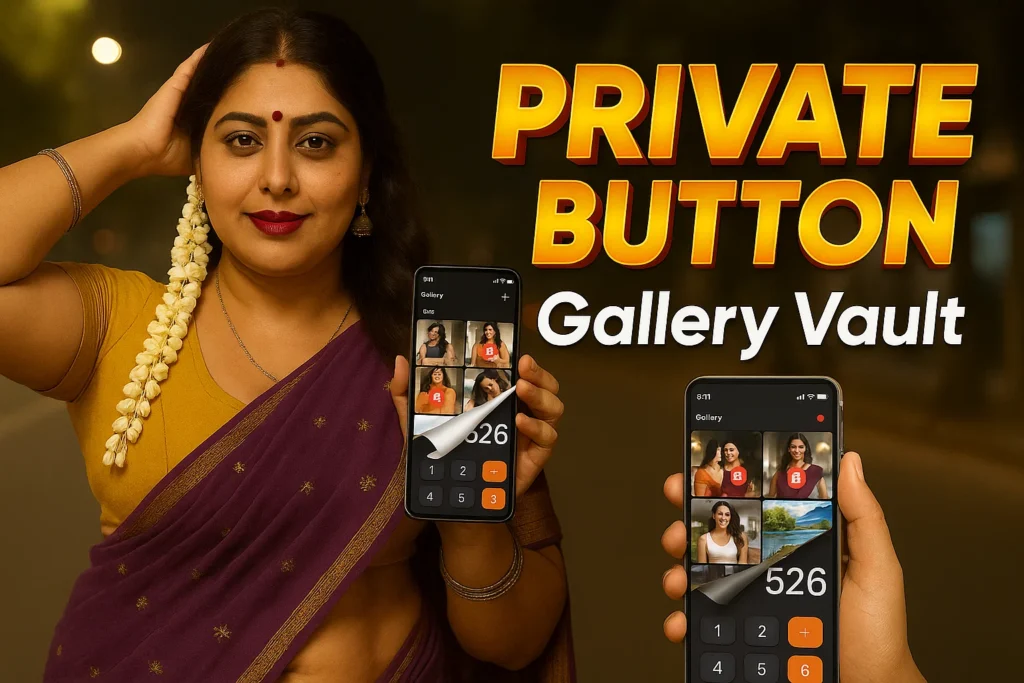
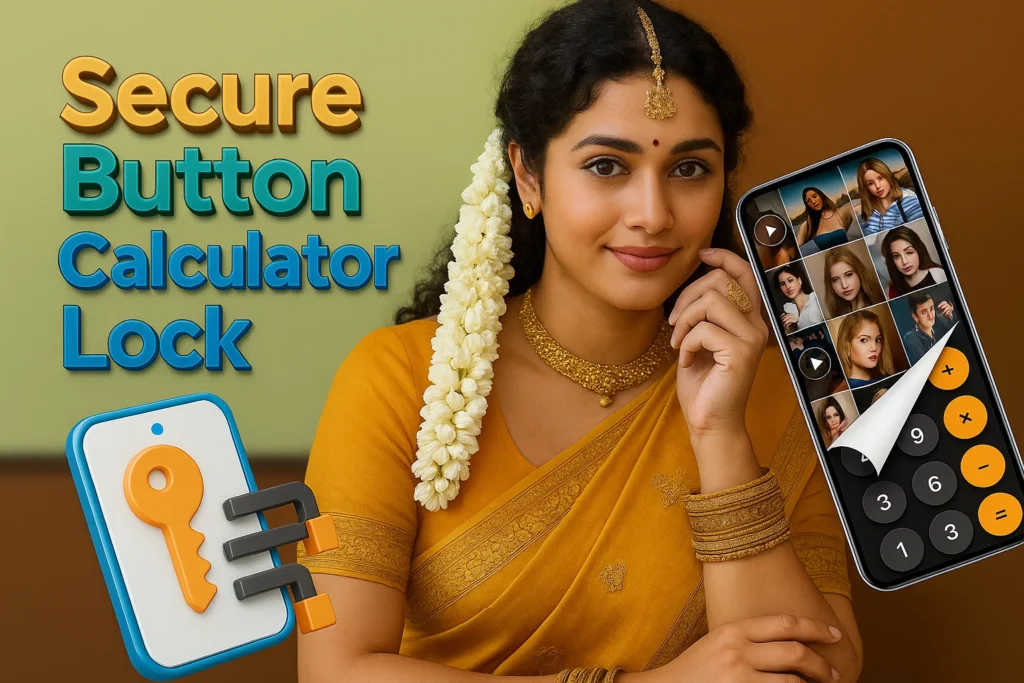
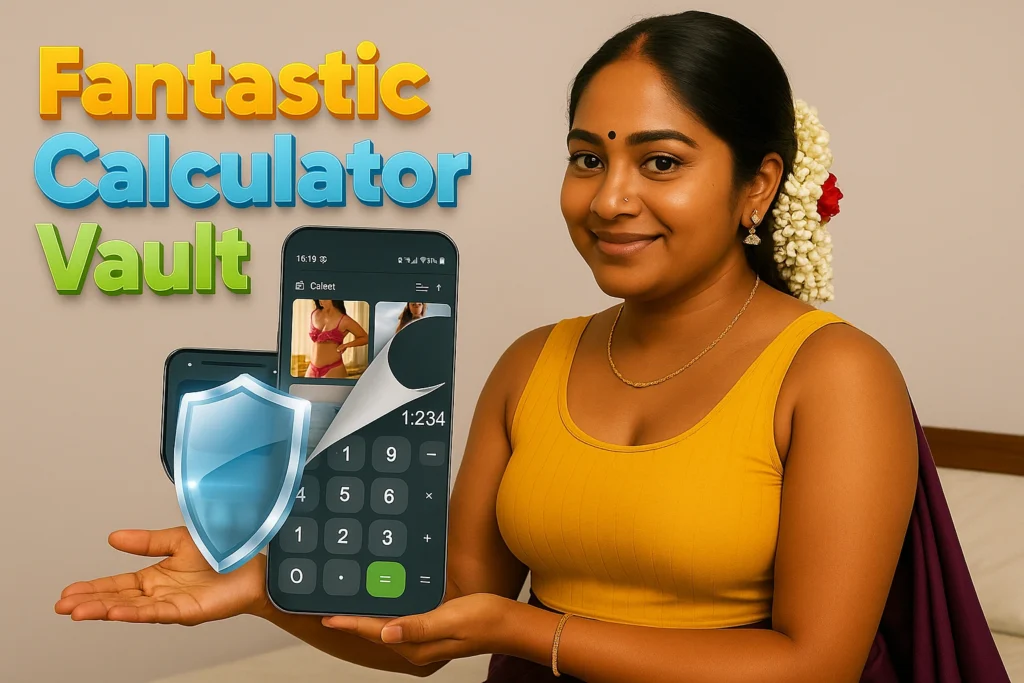
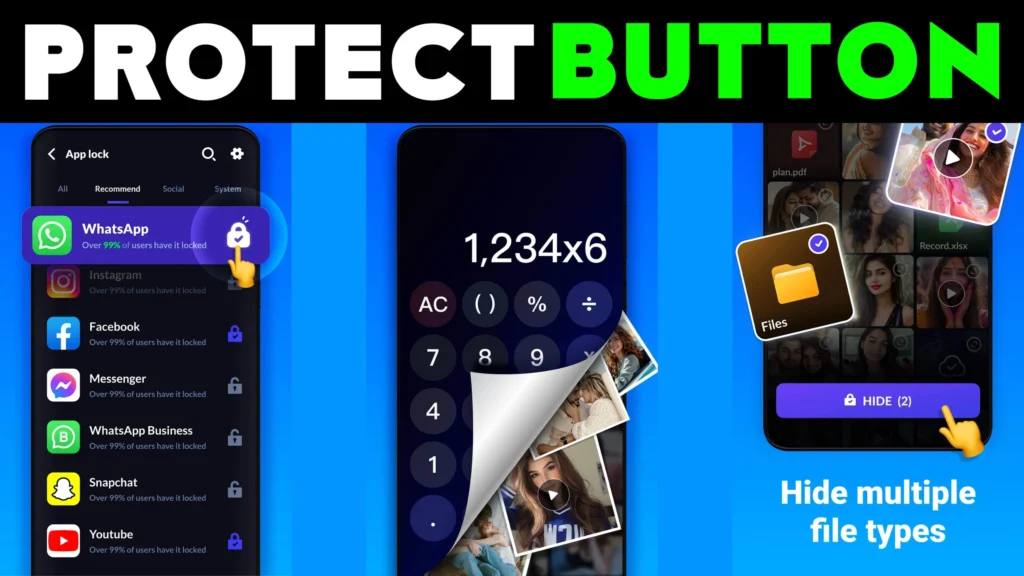
The app looks and functions like a real calculator. Only you know the PIN to unlock the hidden vault.
📥 How to Download and Use
- Download the App – Get it from the Play Store.
- Open the Calculator – The app looks like a normal calculator.
- Enter Your PIN – Type your secret code and press “=”.
- Access Your Vault – Instantly enter your hidden gallery of photos, videos, and files.
- Use Security Features – Enable intruder selfies and trash recovery for added protection.
🧐 Why Choose Calculator – Hide Photo, Video?
- Complete Privacy → Photos, videos, audio, and documents remain hidden.
- Disguised as Calculator → Looks like a normal app, keeping your vault secret.
- User-Friendly → Simple design, easy to set up and use.
- Intruder Protection → Selfies of snoopers trying to break in.
- File Recovery → Restore deleted files easily.
🌍 Where Can You Use This App?
- At Home → Hide personal photos and videos from family or friends.
- At Work → Store confidential documents securely.
- On the Go → Keep your files safe even if someone else borrows your phone.
- For Privacy Lovers → Anyone who wants a vault without making it obvious.
🎯 Benefits of Calculator – Hide Photo, Video
- Peace of Mind – You know your private files are safe.
- Stealth Mode – The calculator disguise avoids suspicion.
- Intruder Tracking – Know who tried to snoop.
- Easy Recovery – Bring back deleted files from trash.
- Multi-File Support – Works for photos, videos, audio, and docs.
❓ FAQs about Calculator – Hide Photo, Video
What is Calculator – Hide Photo, Video?
It’s a privacy vault disguised as a calculator that hides photos, videos, audio, and documents.
How do I access the hidden vault?
Enter your secret PIN inside the calculator and press “=”.
Can I recover deleted files?
Yes. The app has a trash recovery option for restoring deleted content.
Is my data safe in this app?
Yes. Your files are encrypted and accessible only by you.
What is the Intruder Selfie feature?
If someone enters the wrong PIN, the app captures their photo secretly.
Who developed the app?
It is developed by Slowmotion Camera Video.
How can I contact support?
You can email the developer at slowmotioncameravideo@gmail.com.
More Articles You May Like











✍️ About the Author – M Raj
Every website article I write is for the benefit of users (viewers). I focus on fully meeting the needs of article visitors and ensuring they are satisfied. All articles are created following Google’s article policy (Publisher Center guidelines). To get in touch, email M Raj at mraj@indshorts.com.
🧾 Editorial Standards
For corrections or clarifications, contact M Raj: keyboardtamil17@gmail.com