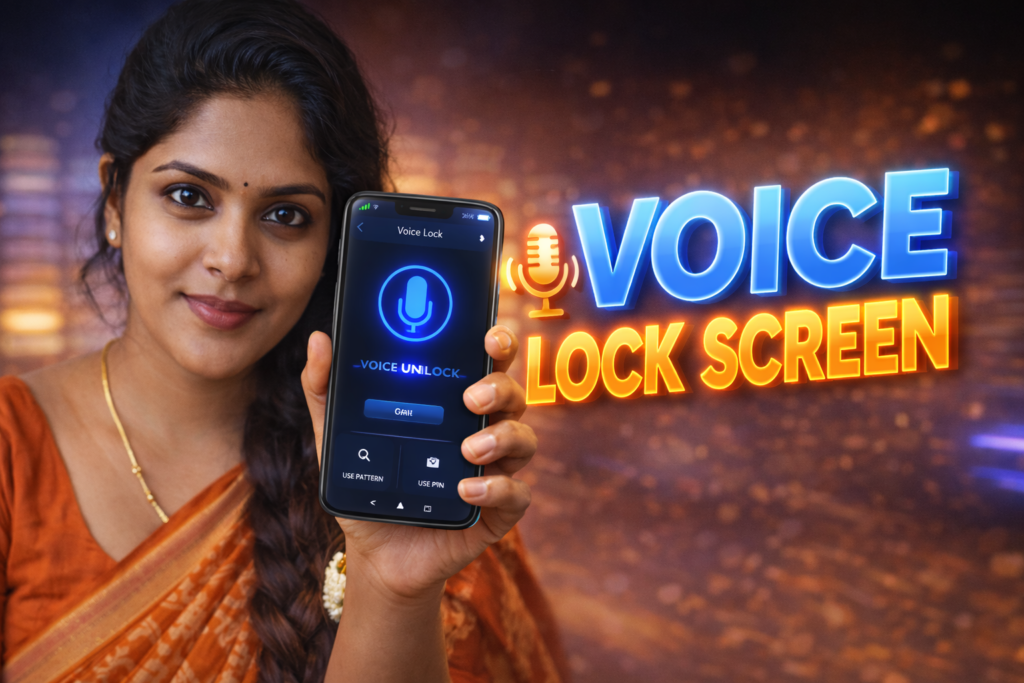
Locking a phone is no longer just about privacy—it is about speed, convenience, and control. Many Android users feel that PINs, patterns, or even fingerprints are inconvenient in certain situations, such as while driving, cooking, wearing gloves, or when the fingerprint sensor fails. This is where Voice Lock Screen for Android solutions come into the picture. These apps allow users to unlock or control access to their phone using a spoken phrase. In 2026, with improved on-device voice processing, voice lock screens are more practical—but they also come with real limitations that users must understand.
Quick Overview
| Aspect | Summary |
|---|---|
| Main purpose | Unlock or protect phone using voice input |
| Works best for | Hands-free or accessibility-focused users |
| Key requirement | Clear, consistent voice recognition |
| Main risk | Lower security than biometrics |
| Skill level | Very easy to use |
What this feature is actually used for
A voice lock screen app allows users to set a custom voice phrase—such as a word or short sentence—that acts as a key to unlock the device or specific apps. Instead of tapping or scanning a fingerprint, the user speaks the phrase aloud.
In real-world use, people rely on voice lock screens to:
- Unlock the phone hands-free
- Add an extra layer of personalization
- Assist users with mobility or vision challenges
- Use as a secondary or novelty lock method
It is important to understand that voice lock screens are usually not replacements for Android’s system-level security. They are an additional or alternative convenience layer.
How it works (step-by-step, simple explanation)
- Voice phrase setup
The user records a chosen voice phrase during setup. - Voice pattern storage
The app saves key voice characteristics (tone, pitch, timing). - Lock activation
The voice lock replaces or overlays the standard lock screen or app lock. - Voice matching
When unlocking, the app compares the spoken phrase with the stored pattern. - Access granted or denied
If the match is close enough, the phone or app unlocks.
In 2026, most voice lock apps rely on on-device processing rather than cloud servers, which improves speed and reduces data exposure.
Safety, privacy, and permission considerations
Voice-based locks require careful permission management.
Common permissions
- Microphone access (mandatory)
- Run over lock screen
- Foreground service (to stay active)
Privacy considerations
- Voice samples may be stored locally or encrypted
- Some apps collect anonymized usage data
- Cloud processing (if used) introduces extra risk
Security reality
- Voice can be recorded or mimicked
- Background noise can interfere with recognition
- Not suitable for high-security protection
Users should treat voice locks as convenience tools, not strong security barriers.
Pros and cons (balanced view)
Advantages
- Hands-free unlocking
- Useful for accessibility needs
- Works when fingerprint or face unlock fails
- Simple and quick to configure
Disadvantages
- Less secure than PIN, fingerprint, or face unlock
- Can fail in noisy environments
- Voice changes (illness, stress) may cause unlock issues
- Microphone must remain active
Voice lock screens prioritize ease of use over maximum protection.
When you should avoid using it
Avoid relying on a voice lock screen if:
- Your phone contains sensitive personal or work data
- You are often in public or noisy places
- Children or others can easily hear your voice phrase
- You already use strong biometric security
In such cases, voice locks should be disabled or used only as a secondary layer.
Who this is suitable for / not suitable for
Suitable for
- Accessibility-focused users
- Hands-free phone usage scenarios
- Casual personal devices
- Users who want a customizable lock experience
Not suitable for
- Business or enterprise phones
- Devices with confidential data
- Users concerned about impersonation risks
- Primary security for banking or payments
Practical daily-use tips (Android usage patterns in 2026)
- Use a unique, uncommon phrase
- Avoid short or common words
- Enable fallback PIN or pattern
- Re-record your voice if recognition drops
- Turn it off during travel or public use
Android updates may affect microphone behavior, so re-test after major OS updates.
FAQ
Is voice lock screen safe to use?
It is safe for basic use but not as secure as biometrics or PINs.
Can someone unlock my phone by copying my voice?
In theory, yes. This is why it should not be used for high-security needs.
Does it work offline?
Most modern apps work offline using on-device voice matching.
Will it drain battery?
Battery impact is minimal but slightly higher due to microphone monitoring.
Decision / Recommendation Table
| Situation | Recommendation |
|---|---|
| Accessibility needs | Good option |
| Hands-free use | Useful |
| Public environments | Avoid |
| Sensitive data | Do not rely on it |
| Reader Recommendation (simple decision) | Play.google.com |
Conclusion: convenience with clear limits
A Voice Lock Screen for Android can be a helpful, modern convenience in 2026, especially for hands-free access or accessibility support. However, it should never be treated as a replacement for strong security methods. Used wisely, alongside a backup PIN or biometric lock, it can enhance usability without creating unnecessary risk.
More Articles You May Like









✍️ About the Author – M Raj
Every website article I write is for the benefit of users (viewers). I focus on fully meeting the needs of article visitors and ensuring they are satisfied. All articles are created following Google’s article policy (Publisher Center guidelines). To get in touch, email M Raj at mraj@indshorts.com.
🧾 Editorial Standards
For corrections or clarifications, contact M Raj: keyboardtamil17@gmail.com