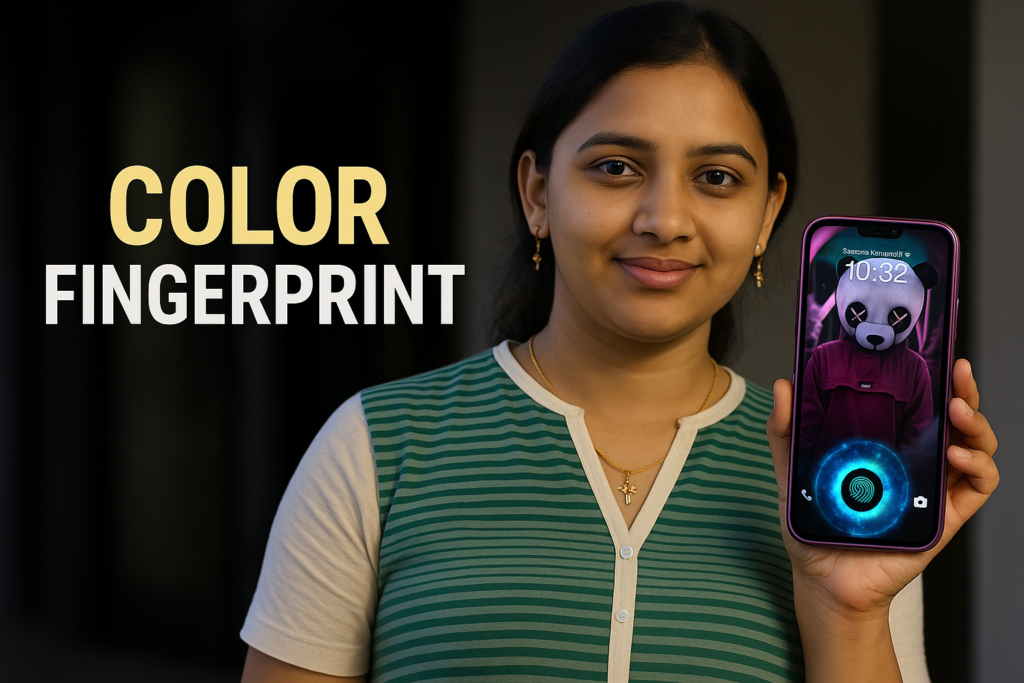
In 2026, in display fingerprint animation has become an important part of Android phone customization. When users unlock their phone using the fingerprint sensor under the screen, the animation they see creates the first impression of speed, style, and smoothness. Many Android users now search for better fingerprint visuals because the default system animation feels plain or limited.
This guide explains what fingerprint animations are, how they work, how Samsung and OnePlus handle them, and how fingerprint animation apps are used safely. Everything is explained in simple English, focusing only on what users really need to know.
Table of Contents
What Is In-Display Fingerprint Animation?
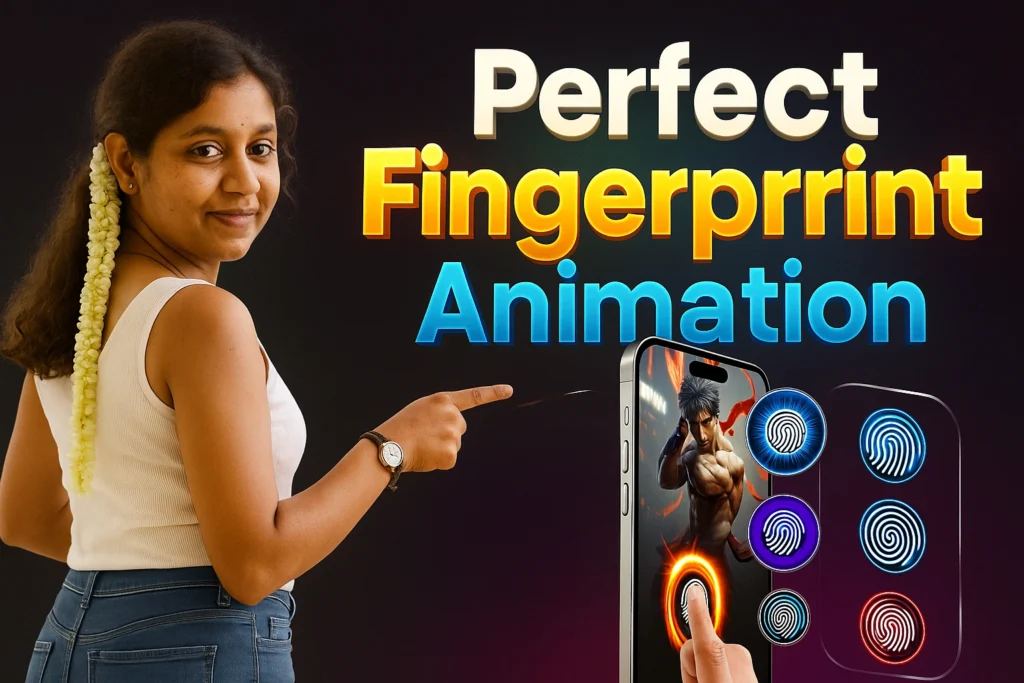
An in-display fingerprint animation is a visual effect shown on the screen when you place your finger on the fingerprint sensor built into the display. Instead of unlocking silently, the phone shows a glowing circle, wave, ring, or motion graphic during the fingerprint scan.
Important to understand:
- The animation is visual only
- It does not change fingerprint security
- It does not store fingerprint data
Why Fingerprint Animations Matter in 2026
Fingerprint animations are popular because:
- Users unlock phones dozens of times daily
- Visual feedback improves user experience
- AMOLED displays show animations beautifully
- Customization feels premium without risk
For many users, fingerprint animation is now as important as wallpapers or lock-screen clocks.
Quick Overview Table: Fingerprint Animation Basics
| Aspect | Details |
|---|---|
| Works with | Phones that have in-display fingerprint sensors |
| Main purpose | Visual feedback during fingerprint unlock |
| Security impact | No change to fingerprint protection |
| Battery usage | Very low |
| Customization | Limited by system, wider via apps |
Samsung Fingerprint Animation in 2026
Samsung phones offer built-in fingerprint animations designed to stay minimal and battery-friendly.
Samsung animations usually include:
- Soft glow circles
- Clean ring effects
- Smooth fade transitions
Samsung focuses more on reliability and efficiency rather than flashy visuals. Customization options are limited, but animations feel stable and consistent across updates.
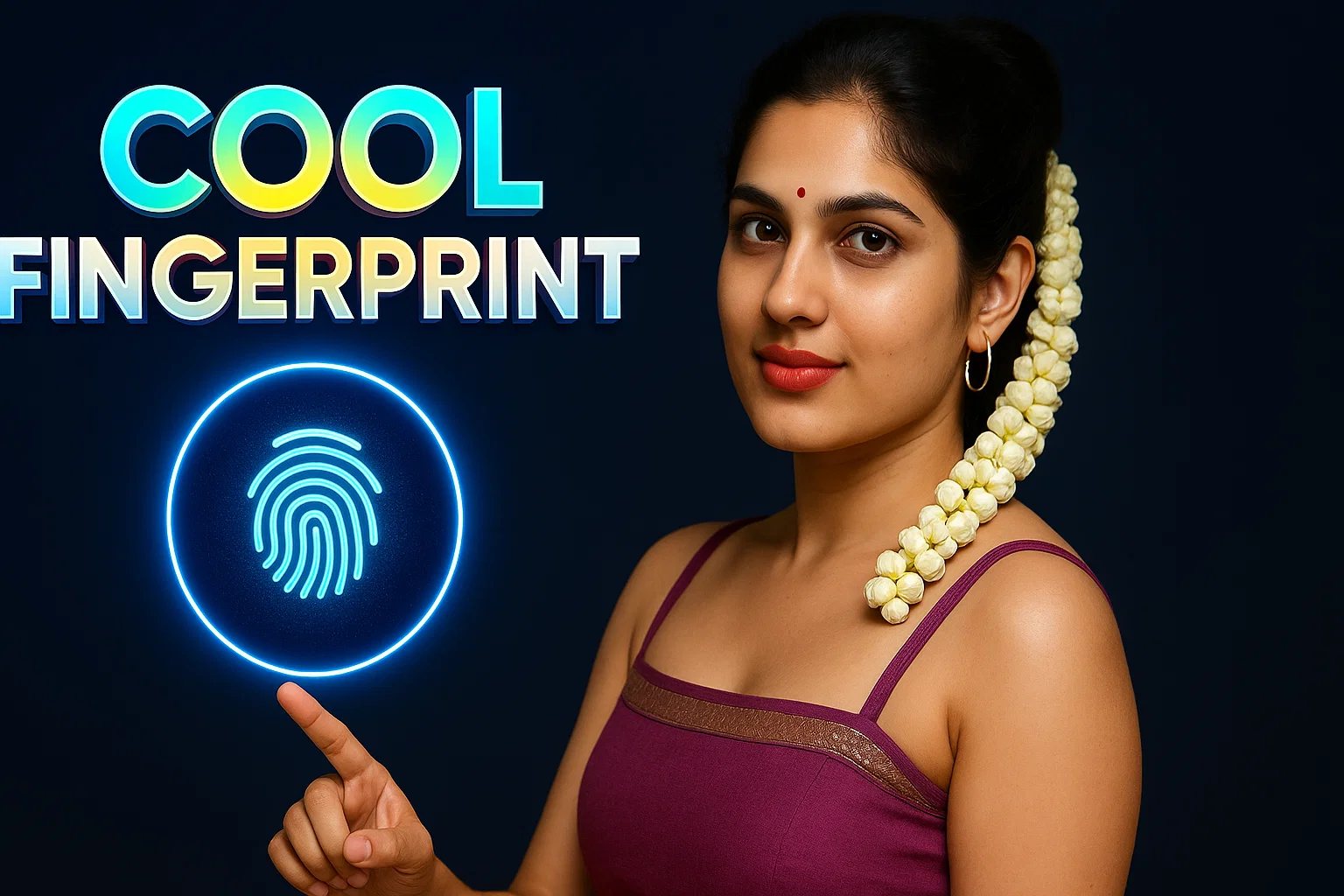
OnePlus Fingerprint Animation in 2026
OnePlus fingerprint animations are more dynamic and visually expressive.
Popular OnePlus styles include:
- Energy rings
- Ripple effects
- Light pulse waves
- Theme-matched animations
Because OnePlus devices use high refresh rate screens, animations appear faster and smoother.
Fingerprint Animation Apps vs System Animations
| Category | System Animation | Fingerprint Animation App |
|---|---|---|
| Customization | Limited | Wide variety |
| Stability | Very high | Depends on app quality |
| Battery impact | Optimized | Low if effects are light |
| Security | Fully system-controlled | Visual layer only |
| Best for | Users who want simplicity | Users who want style |
Bonus App Card: Fingerprint Animation App (Overview)
Fingerprint Live Animation Lock Screen – App Overview
This app adds visual effects only. Fingerprint security, data storage, and verification remain controlled by the phone’s system hardware and Android OS.
What it offers:
- Multiple fingerprint animation styles
- Custom colors and glow effects
- Lock-screen visual enhancement
- Works alongside system fingerprint security
Important note:
This type of app adds visual effects only. Fingerprint data is still handled by the phone’s hardware and system software.
How Fingerprint Animation Apps Work
Fingerprint animation apps:
- Detect when fingerprint unlock starts
- Display an animation overlay
- Close immediately after unlock
- Do not access fingerprint data
They act like visual skins, not security tools.
Is It Safe to Use Fingerprint Animation Apps?
Yes, when used carefully.
Safe usage tips:
- Check app permissions before enabling
- Avoid apps asking for unrelated access
- Keep system fingerprint lock enabled
- Remove app if unlock speed feels slow
System animations remain safest, but well-reviewed apps are generally fine in 2026.
Does Fingerprint Animation Affect Phone Performance?
For most phones:
- No noticeable slowdown
- No major battery drain
- AMOLED screens handle animations efficiently
Older phones may feel slight delay if animations are heavy.
Who Should Use Fingerprint Animations?
Fingerprint animations are best for:
- Users who unlock phone frequently
- AMOLED display owners
- Android customization fans
- Users who prefer visual feedback
My Recommendation for 2026
Use fingerprint animation if:
- Your phone supports in-display sensors
- You prefer subtle, clean animations
- You keep system security enabled
Avoid heavy animations on low-end devices.
More Articles You May Like


✍️ About the Author – M Raj
Every website article I write is for the benefit of users (viewers). I focus on fully meeting the needs of article visitors and ensuring they are satisfied. All articles are created following Google’s article policy (Publisher Center guidelines). To get in touch, email M Raj at mraj@indshorts.com.
🧾 Editorial Standards
For corrections or clarifications, contact M Raj: keyboardtamil17@gmail.com