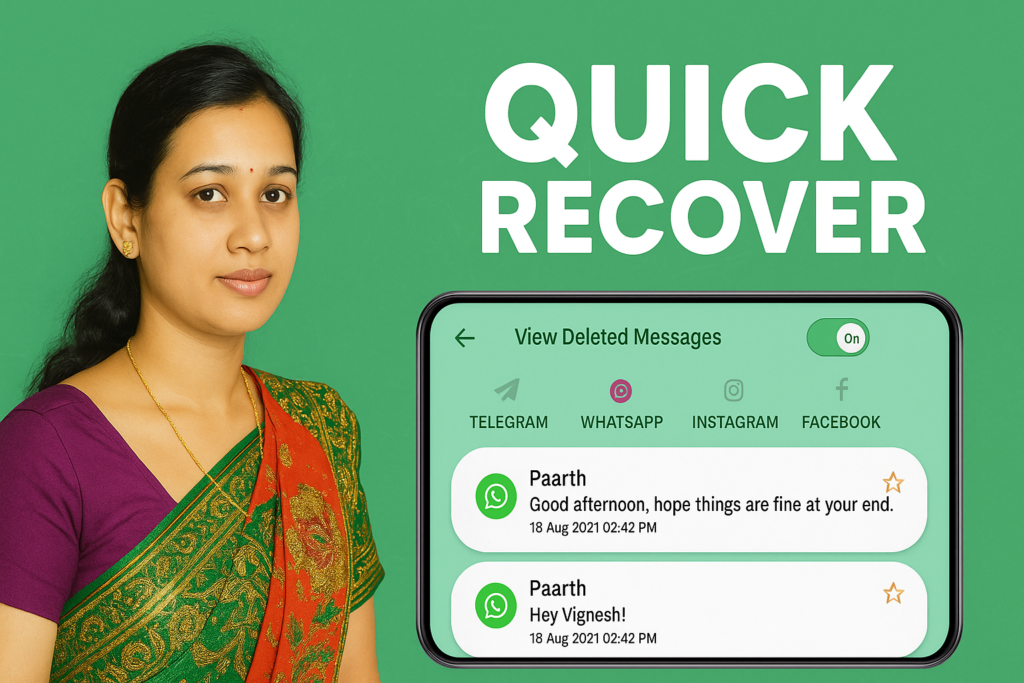
Saving WhatsApp statuses has become a common need for many users in 2026. Friends share travel videos, festival photos, celebration moments, inspirational quotes, and trending reels — but WhatsApp deletes all statuses automatically after 24 hours. Status Saver – Download Status, offered by ElQube Tech, provides a simple and reliable way to save and manage these short-lived photos and videos directly on your phone.
This app has crossed 1 million downloads, with thousands of positive reviews, and continues to be one of the most practical tools for everyday WhatsApp users. This article explains everything in simple, clean English — what the app does, how it works, when to use it, when to avoid it, permissions required, and whether it is helpful for you in 2026.
Status Saver – Quick Overview (2026)
![Status Saver – Download Status Complete 2026 Guide for WhatsApp Status Downloading [QUICK RECOVER]](https://indshorts.com/wp-content/uploads/2025/12/Status-Saver-–-Download-Status-Complete-2026-Guide-for-WhatsApp-Status-Downloading-QUICK-RECOVER.png "Status Saver – Download Status: Complete 2026 Guide for WhatsApp Status Downloading [QUICK RECOVER] 7")
What This App Does in 2026
The main purpose of Status Saver – Download Status is to help you:
- View WhatsApp statuses
- Save photos and videos
- Watch saved statuses offline
- Repost or share content
- Manage WhatsApp media conveniently
The app reads the temporary status folder created by WhatsApp. It does not require account login and works only on your device’s locally stored statuses. This keeps the process simple, private, and fast.
Why People Use Status Saver in 2026
WhatsApp users share everything — birthday clips, engagement photos, travel moments, recipes, memes, and quotes. But these vanish in 24 hours.
People use Status Saver because:
- They want to keep memorable photos/videos
- They want to repost content without asking again
- They want to download trending or informative stories
- They want offline access
- They want to avoid screen recording and manual saving
The app makes this entire workflow easier with a one-tap save button and a clean folder structure.
How the App Works (Simple Explanation)
Step 1 — Watch the Status on WhatsApp
Open WhatsApp → View your friend’s status normally.
WhatsApp stores these files temporarily inside a hidden folder.
Step 2 — Open Status Saver
The app automatically scans the folder where WhatsApp keeps statuses.
You will immediately see:
- All viewed photo statuses
- All viewed video statuses
- GIF and short clips
Step 3 — Save, Repost, or Share
You can:
- Save the photo or video
- Repost it on your own WhatsApp
- Send to Instagram, Facebook, Telegram
- Store it in a custom folder
- Play videos offline with the built-in player
No login, no complications.
Key Features Explained for 2026 Users
1. Free and Easy Status Downloading
Save any WhatsApp image or video in one tap.
Available even without internet.
2. Built-in Offline Video Player
Play saved status videos anytime without opening another app.
3. Repost Without Saving the Number
You can share or repost instantly.
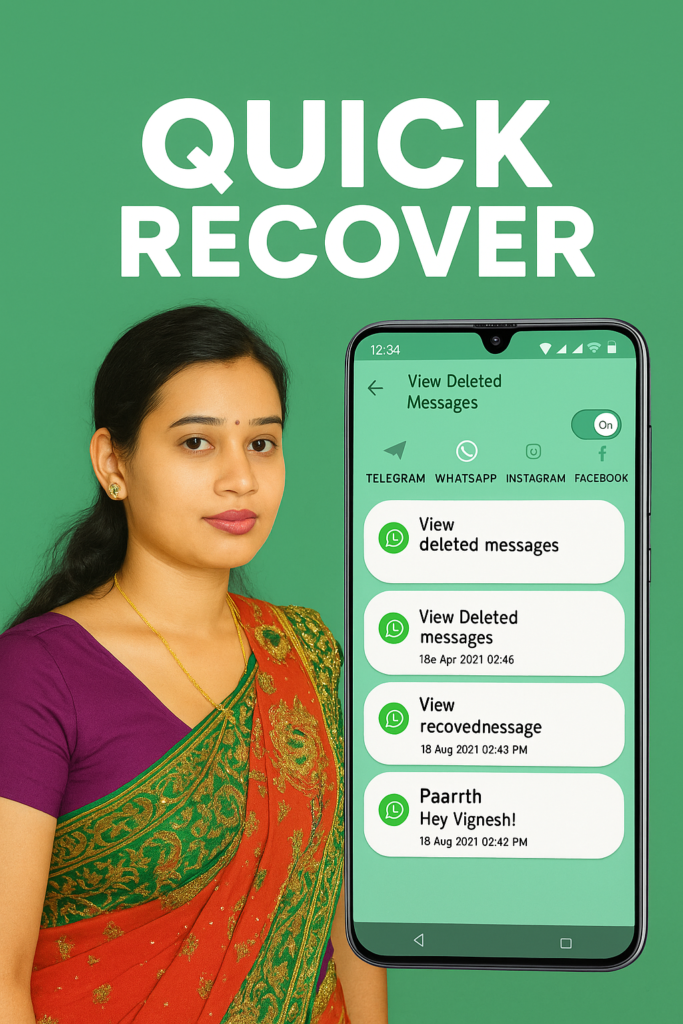
4. Deleted Message Recovery Support
If WhatsApp deletes media files or messages, the app can recover what was saved earlier.
5. Direct Chat to Unsaved Numbers
Send messages to unknown numbers without adding them to contacts.
Useful for quick communication, delivery agents, or temporary chats.
6. Lightweight Storage Management
Organize saved statuses easily.
You can delete old ones or move them to another folder.
Is It Safe to Use?
Yes, the app works only on:
- Your device
- Your local WhatsApp status folder
It does not ask for login or sensitive permissions beyond storage access.
When to Avoid Using It
You should avoid using the app if:
- You do not have permission to save someone’s content
- You want to save private statuses without informing the owner
- You are using unofficial WhatsApp modifications
Always respect the content owner’s choice.
Permissions Required
Storage / Manage All Files
The app needs this to view the hidden WhatsApp status folder.
The app does not read your chats or personal files beyond what you choose.
Does It Replace WhatsApp?
No.
It is only a tool that helps you:
- Save
- View
- Manage
- Repost
WhatsApp statuses.
Who Should Use This App in 2026?
This app is ideal for:
- Students saving notes or quotes
- Creators reposting messages or trends
- People who like status updates
- Those who want pressure-free offline access
- Anyone who manages WhatsApp content regularly
Final Thoughts
In 2026, Status Saver – Download Status remains one of the simplest and cleanest ways to save WhatsApp statuses. With one-tap saving, offline support, built-in video playback, and easy sharing, it solves a real daily problem for millions of users.
As long as you use it responsibly and respect privacy, it is a helpful companion app for WhatsApp users who want more control over their daily media.
More Articles You May Like












✍️ About the Author – M Raj
Every website article I write is for the benefit of users (viewers). I focus on fully meeting the needs of article visitors and ensuring they are satisfied. All articles are created following Google’s article policy (Publisher Center guidelines). To get in touch, email M Raj at mraj@indshorts.com.
🧾 Editorial Standards
For corrections or clarifications, contact M Raj: keyboardtamil17@gmail.com